

Adaptateur USB-C vers double HDMI 2.0 4K 60 Hz
About this item
Se marie bien avec
EXPÉDITION LE JOUR MÊME commandez avant 11 h (HNE)
Livraison gratuite pour les commandes de plus de 50 $
Support technique
Retour sous 30 jours
Garantie d'un an
Adaptateur USB-C vers double HDMI 2.0 4K 60 Hz
Détails du produit
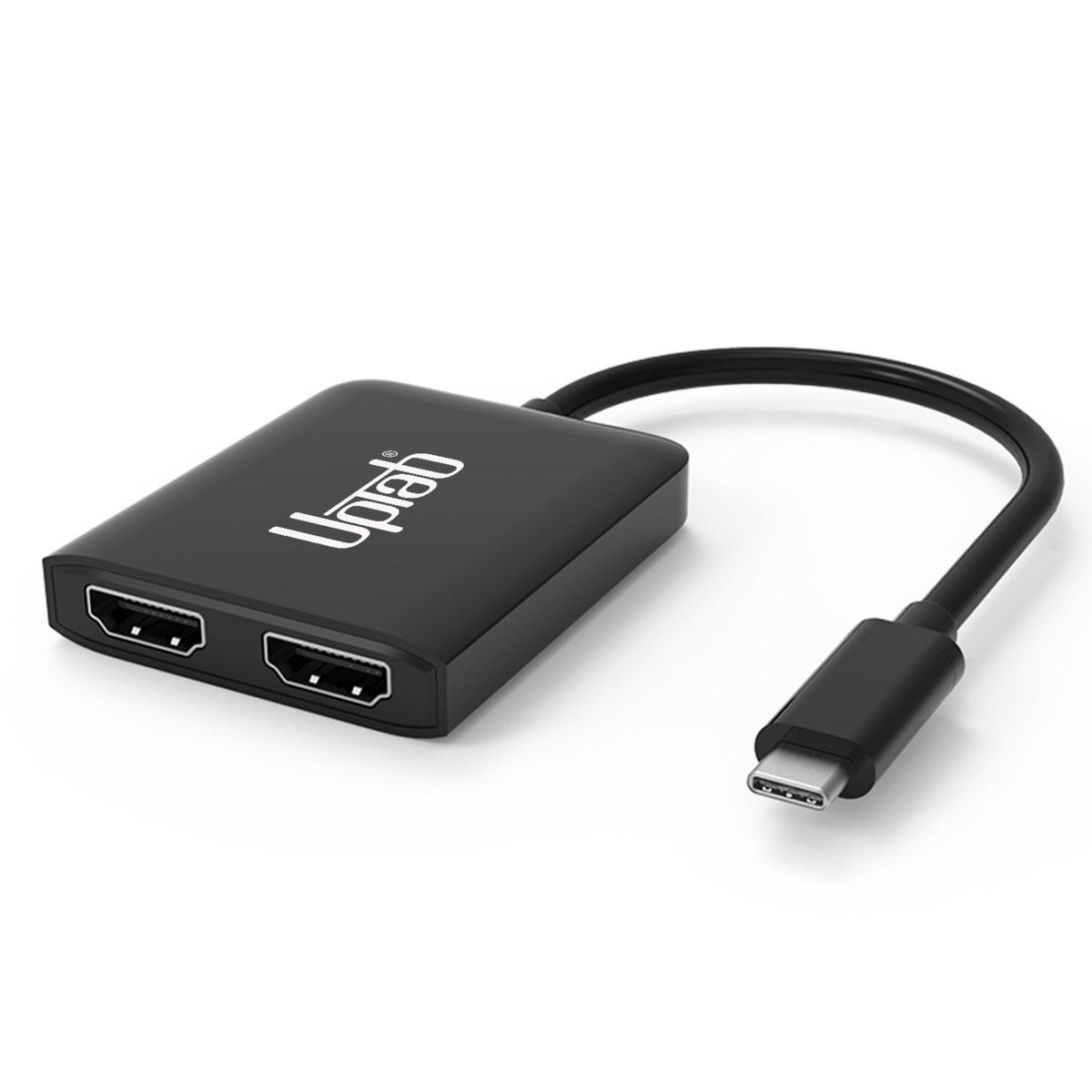
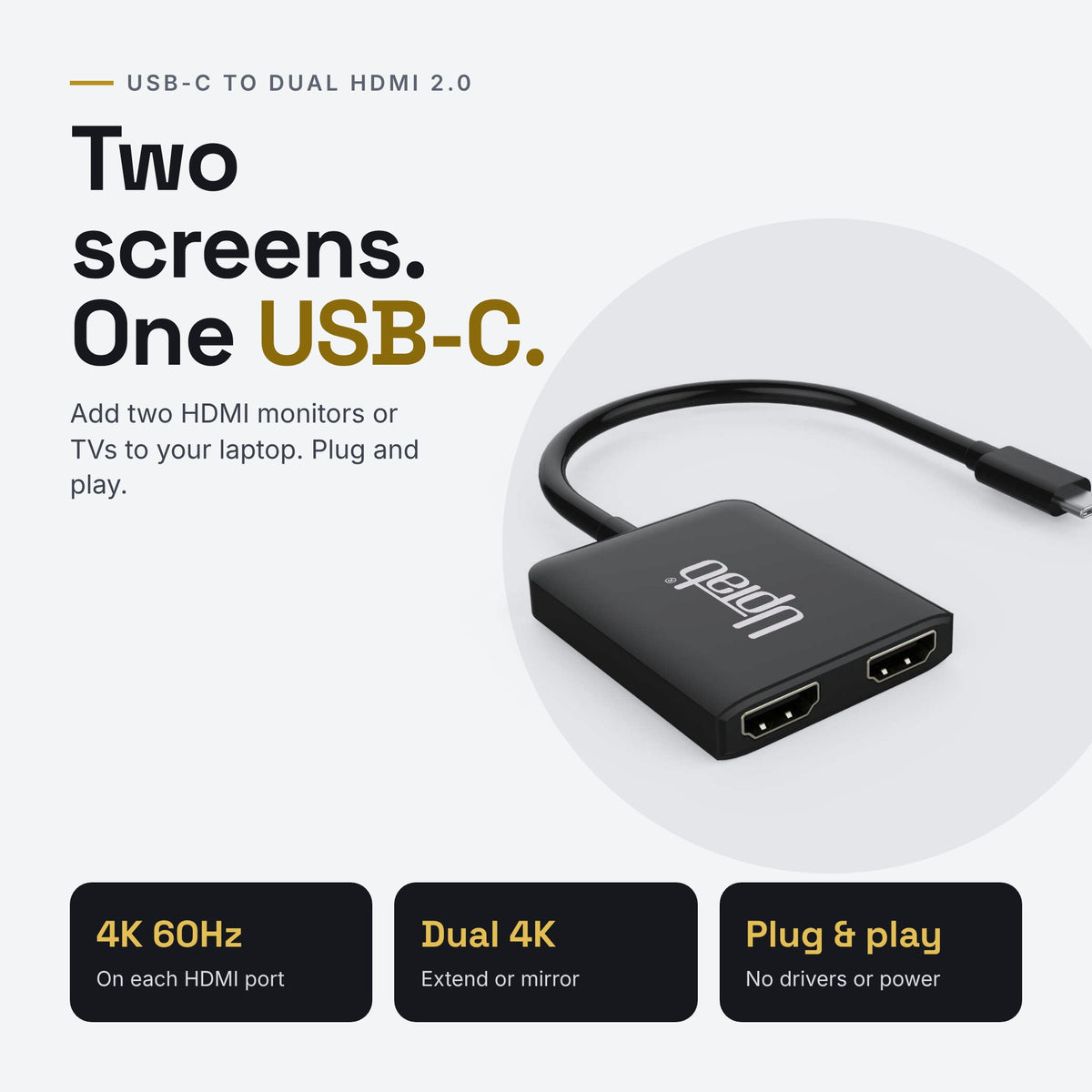
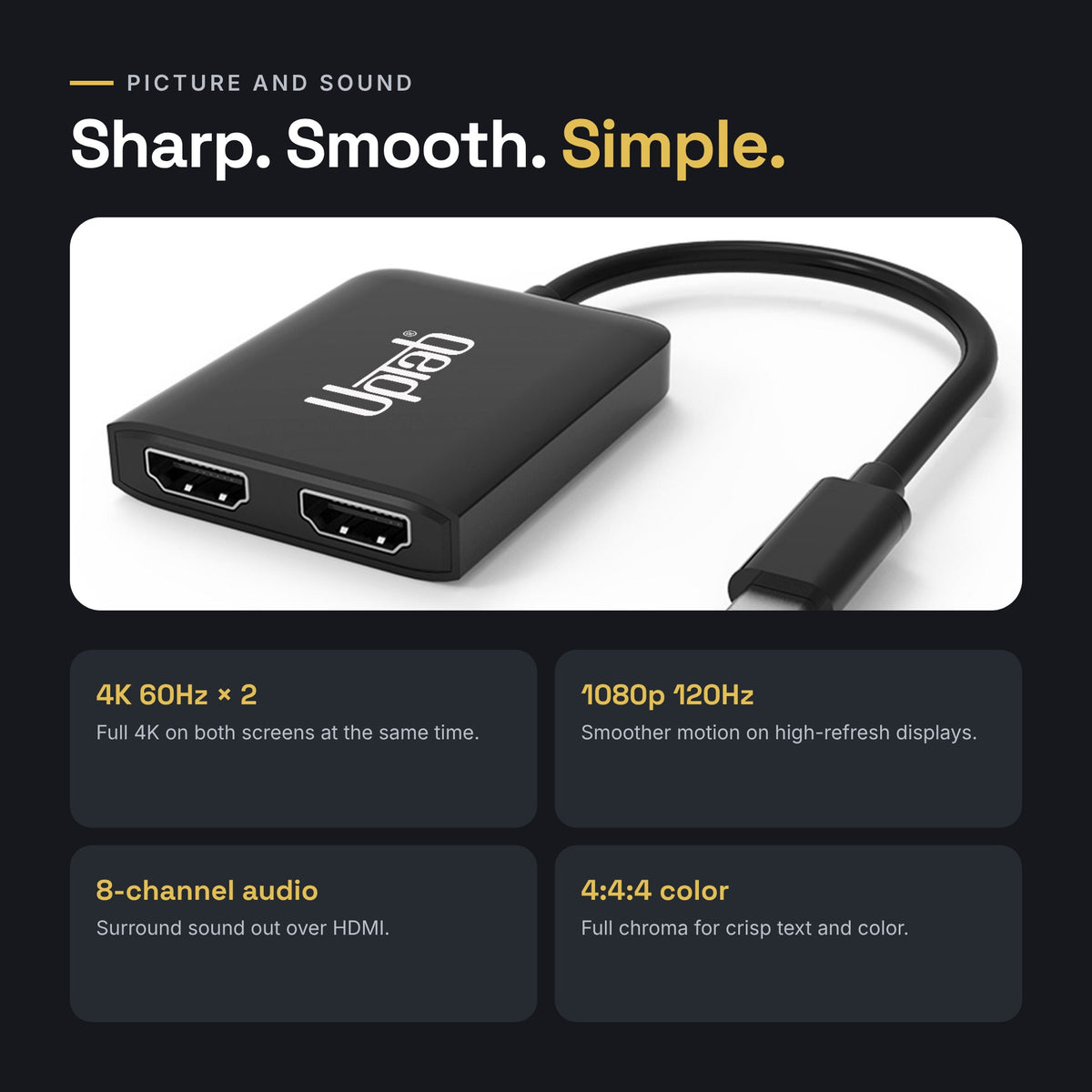
L'adaptateur UPTab USB-C (Type-C) vers double HDMI 2. 0 4K à 60 Hz permet de connecter un ordinateur à un écran HDMI Ultra HD. Cet adaptateur est idéal pour les utilisateurs exigeants en matière d'informatique, de jeux vidéo et de graphisme, car il offre des performances optimales.
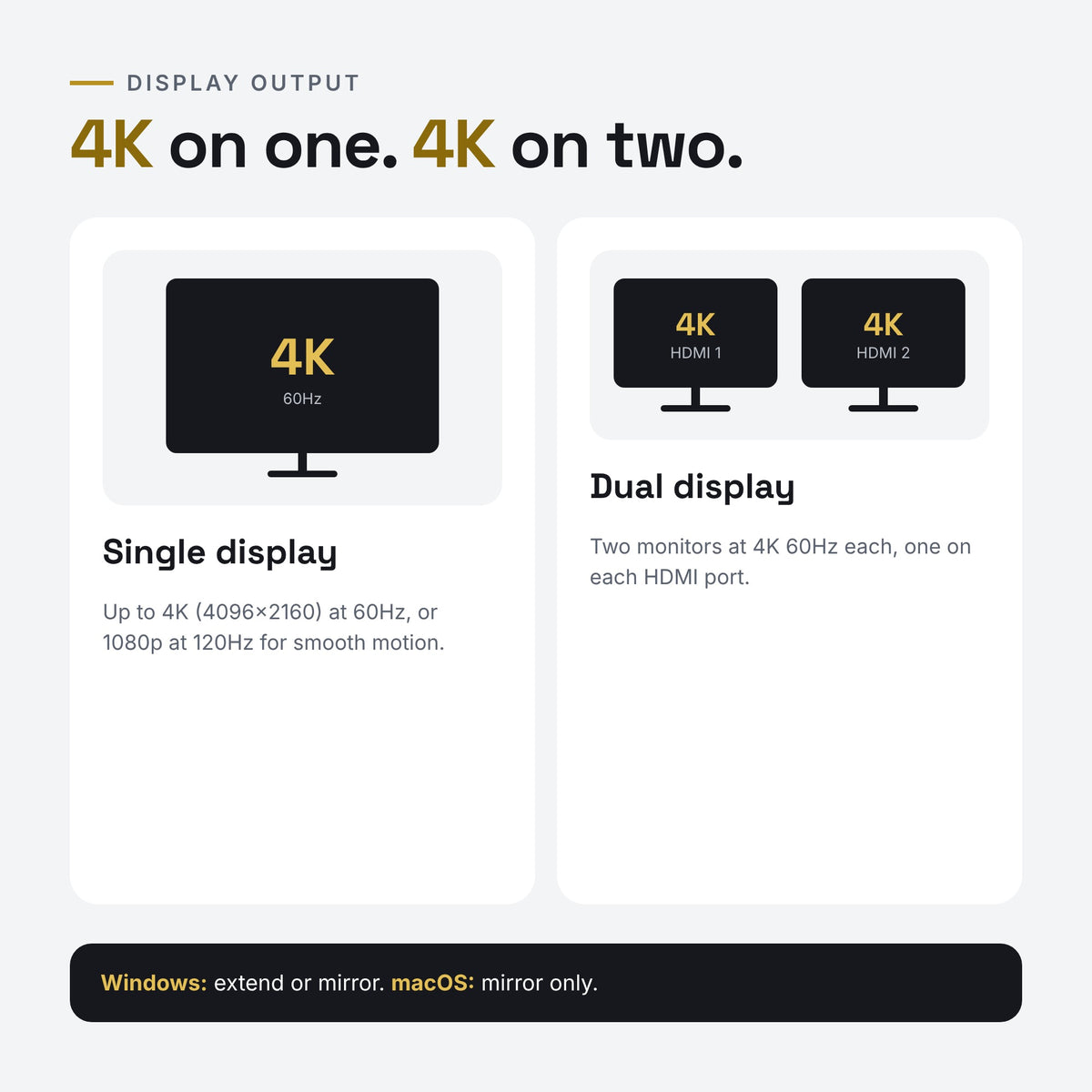
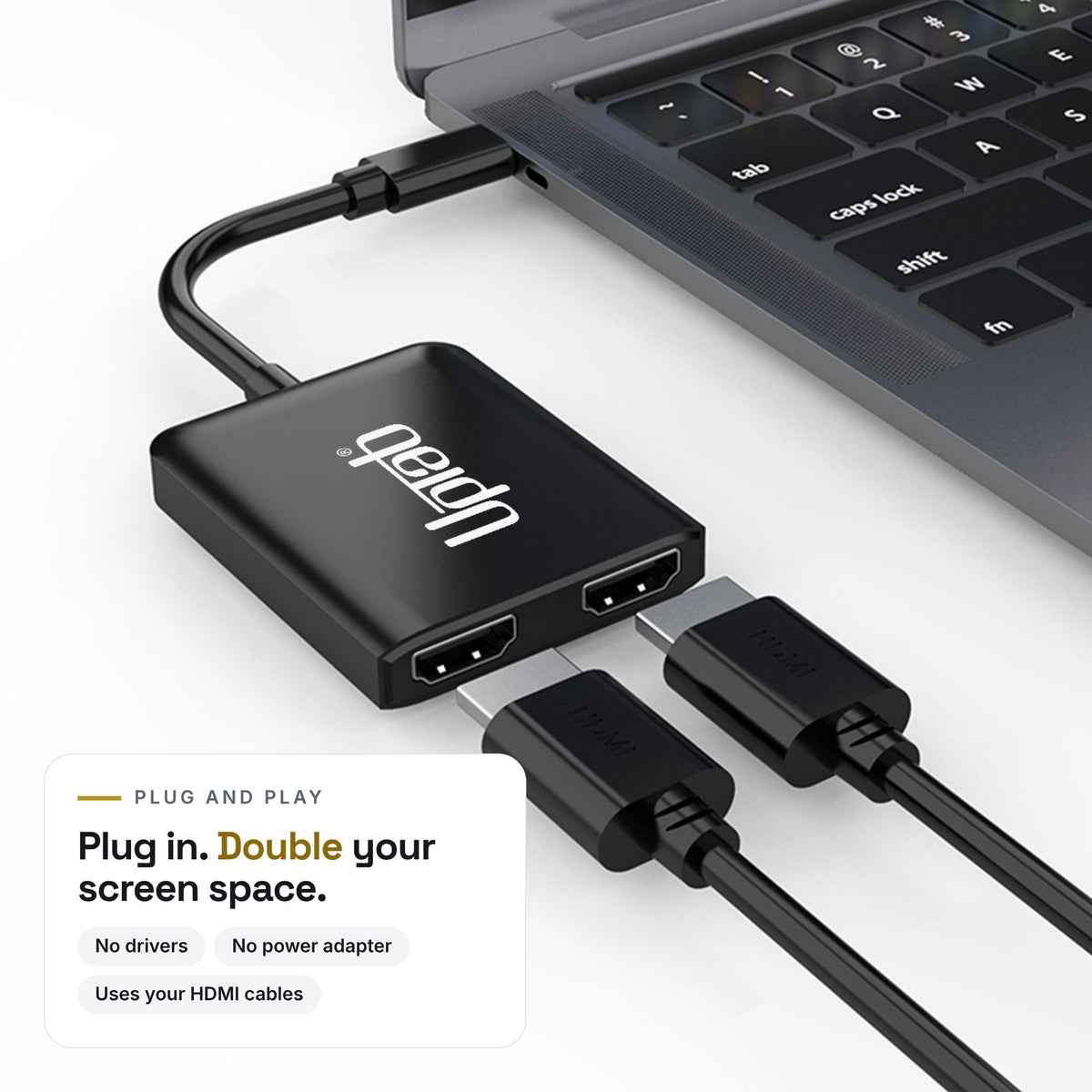
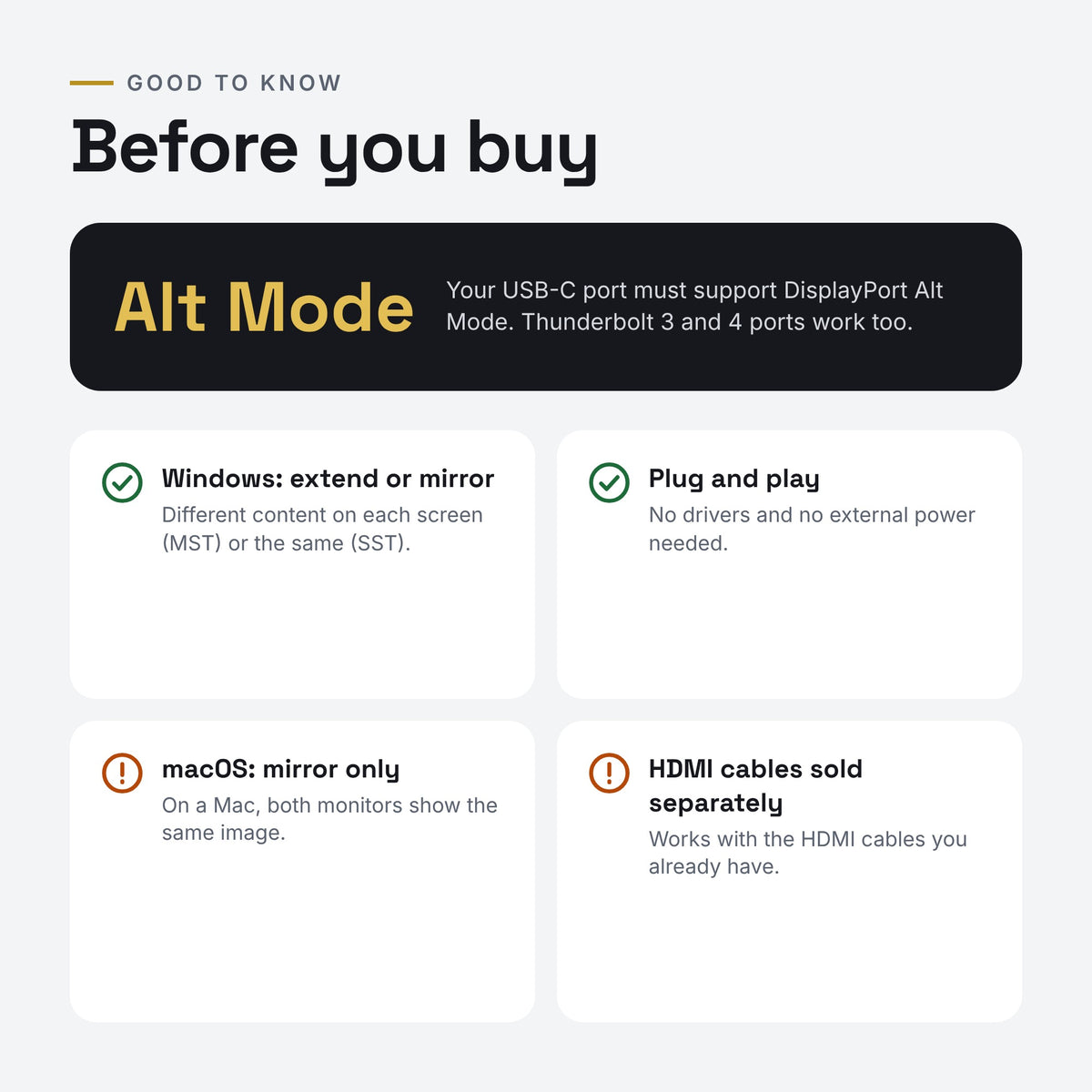
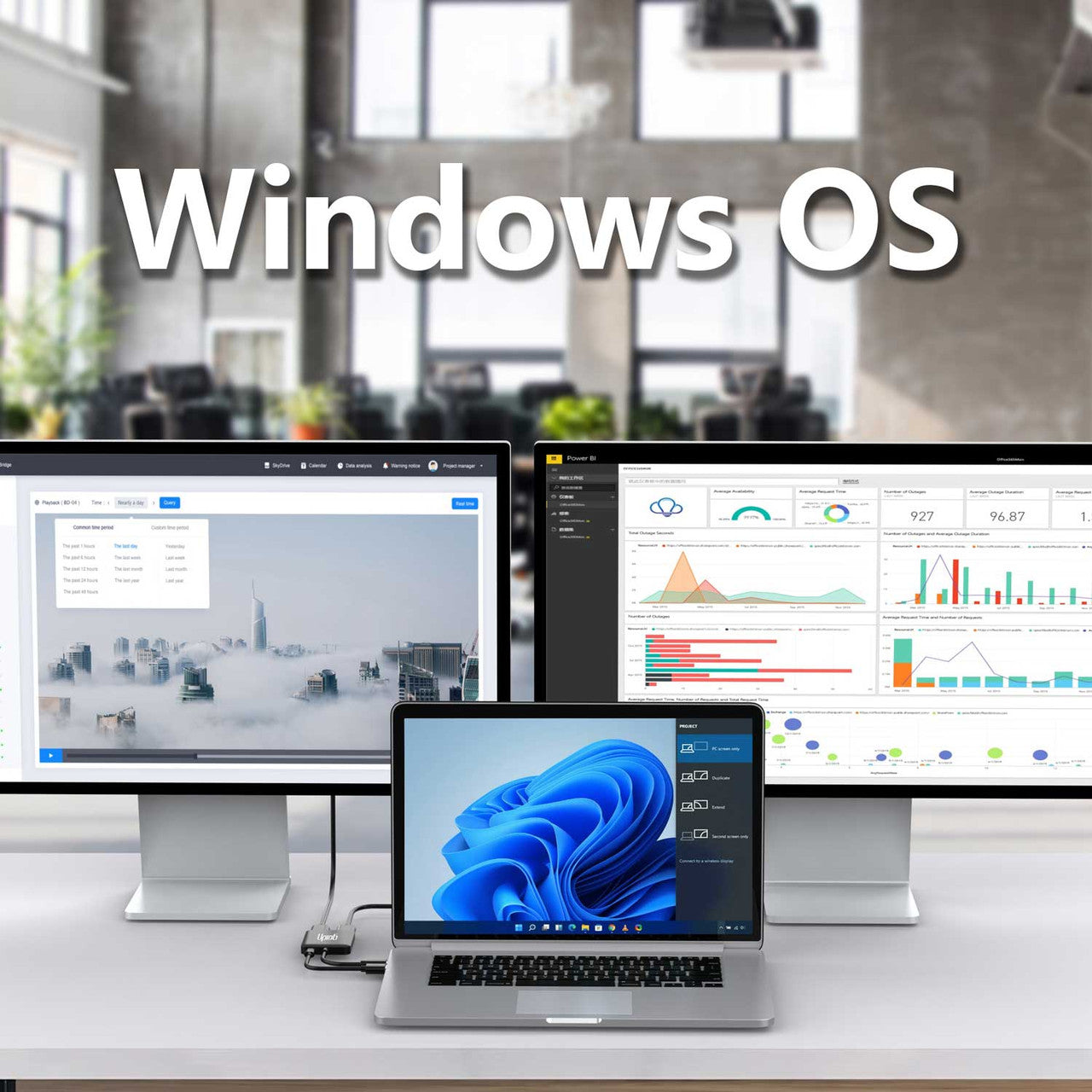
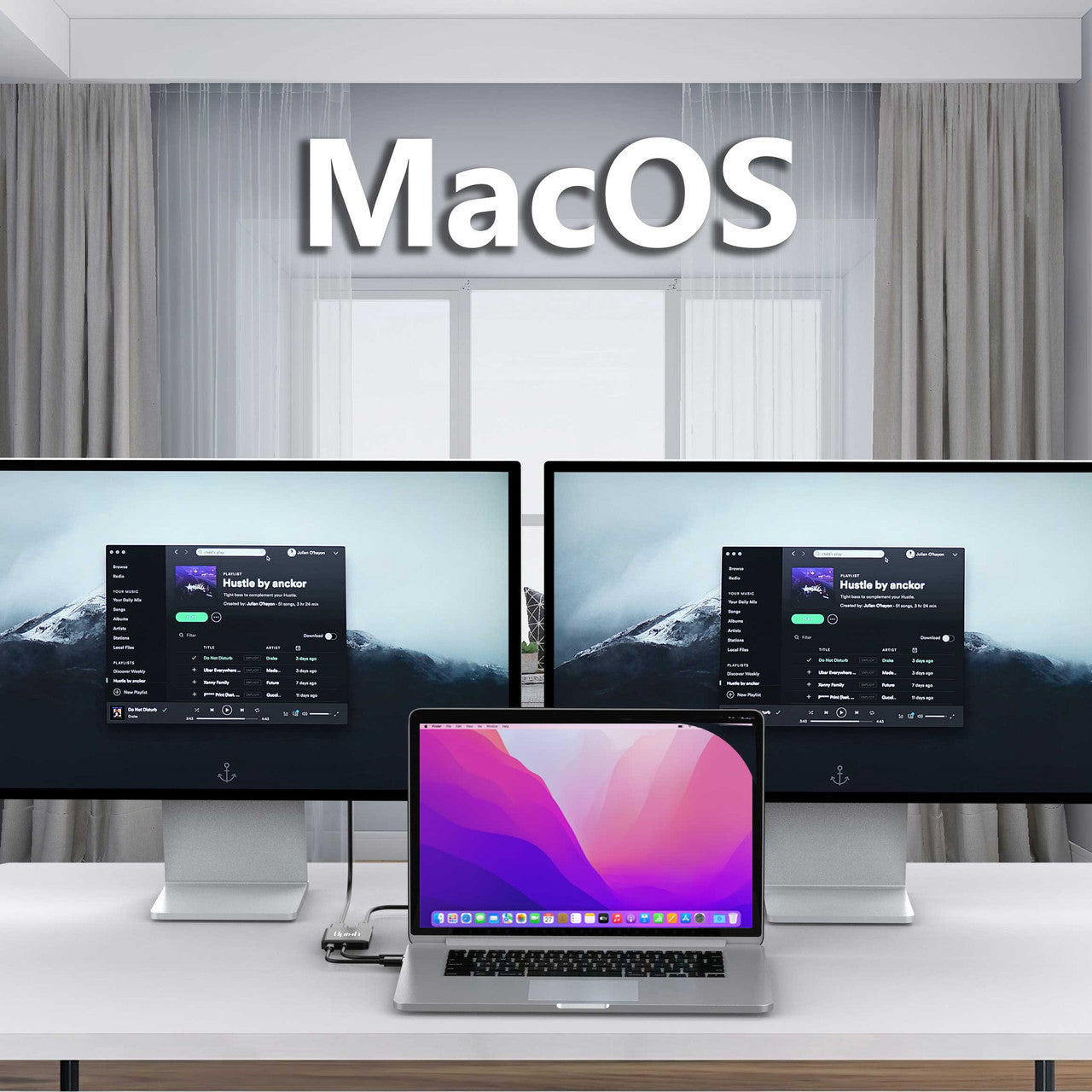
Connectez l'extrémité USB-C du connecteur à votre ordinateur et branchez votre câble HDMI existant de l'écran à l'adaptateur. Ce dernier convertit simultanément le signal vidéo USB-C en un signal HDMI jusqu'à une résolution UHD 4K (4096 x 2160) à 60 Hz. Grâce à la prise en charge du format de couleur 4 : 4 : 4, l'adaptateur offre un rendu RGB fidèle, sans la dégradation visuelle des couleurs que l'on observe avec d'autres formats utilisant le sous-échantillonnage. Pour une expérience audio immersive, l'adaptateur USB-C transmet également jusqu'à 8 canaux audio. La vidéo peut être transmise via deux sorties HDMI, une seule ou simultanément. Le mode d'affichage étendu est compatible uniquement avec Windows 10, 8 et 7. Il n'est pas pris en charge par macOS.
Caractéristiques :
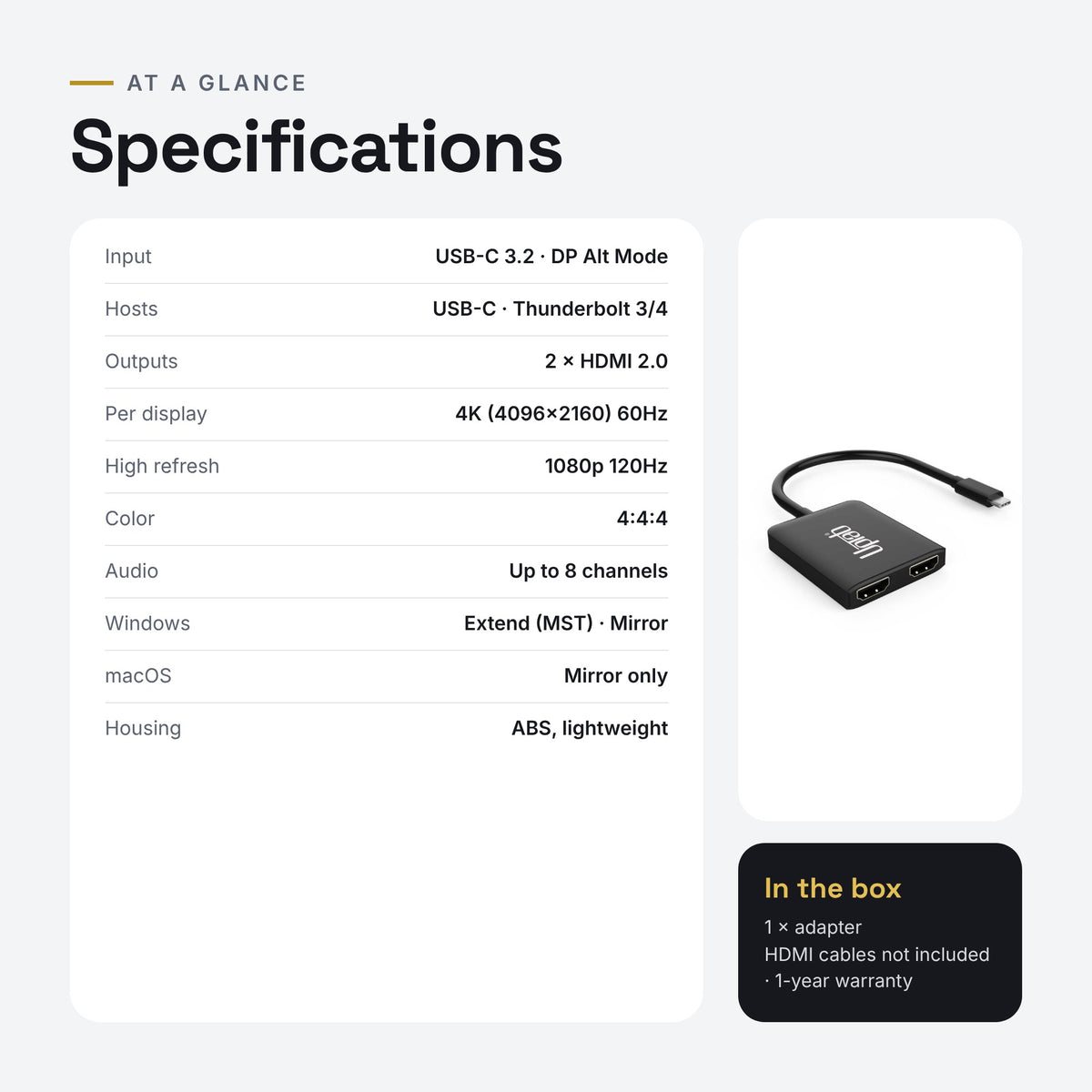
- Entrée : USB-C 3. 2 (mode DP alternatif)
- Terminal de sortie : 2 ports HDMI 2. 0 compatibles avec HDMI 1. 4 ou 1. 2
- Signal HDMI jusqu'à UHD 4K 4096x2160 à 60 Hz ou 1080p à 120 Hz
- Avec prise en charge du format de couleur 4 : 4 : 4.
- Transmettez jusqu'à 8 canaux audio pour une expérience audio et vidéo immersive.
- Prise en charge des modes d'affichage étendu et miroir de Windows (MST et SST)
- Prise en charge du mode miroir SST de macOS.
Dans la boîte :
- 1x Adaptateur UPTab USB-C (Type-C) vers HDMI 2 ports.
Pour toute question, n'hésitez pas à nous contacter. Nous vous répondrons dans les plus brefs délais, sous 24 heures en semaine.
-
Informations d'expédition
Nous traitons et expédions la plupart des commandes le jour même. Les délais de livraison varient selon le mode de livraison sélectionné lors du paiement. Veuillez vérifier l'exactitude de votre adresse de livraison pour éviter tout retard.
-
Assistance clientèle
Notre équipe est là pour vous aider ! Pour toute question ou assistance, contactez-nous par e-mail ou via notre formulaire de contact. Nous vous répondrons dans les plus brefs délais.
-
FAQ
Quand ma commande sera-t-elle expédiée ?
La plupart des commandes sont traitées et expédiées le jour même. Le délai de livraison dépend de l'option de livraison sélectionnée lors du paiement.
Quelle est votre politique de retour ?
Les articles peuvent être retournés dans les 30 jours dans leur emballage d'origine avec tous les accessoires inclus. -
Contactez-nous
Vous avez des questions ou besoin d'aide ? Nous sommes là pour vous.
Service client disponible du lundi au vendredi, de 9h à 17h (EST)
Courriel : cs@uptab.com
Téléphone : 1 (877) 333-1505
Ou utilisez notre formulaire de contact , nous vous répondrons rapidement.
Livraison gratuite à partir de 50 $
Expédition le jour même pour la plupart des commandes