

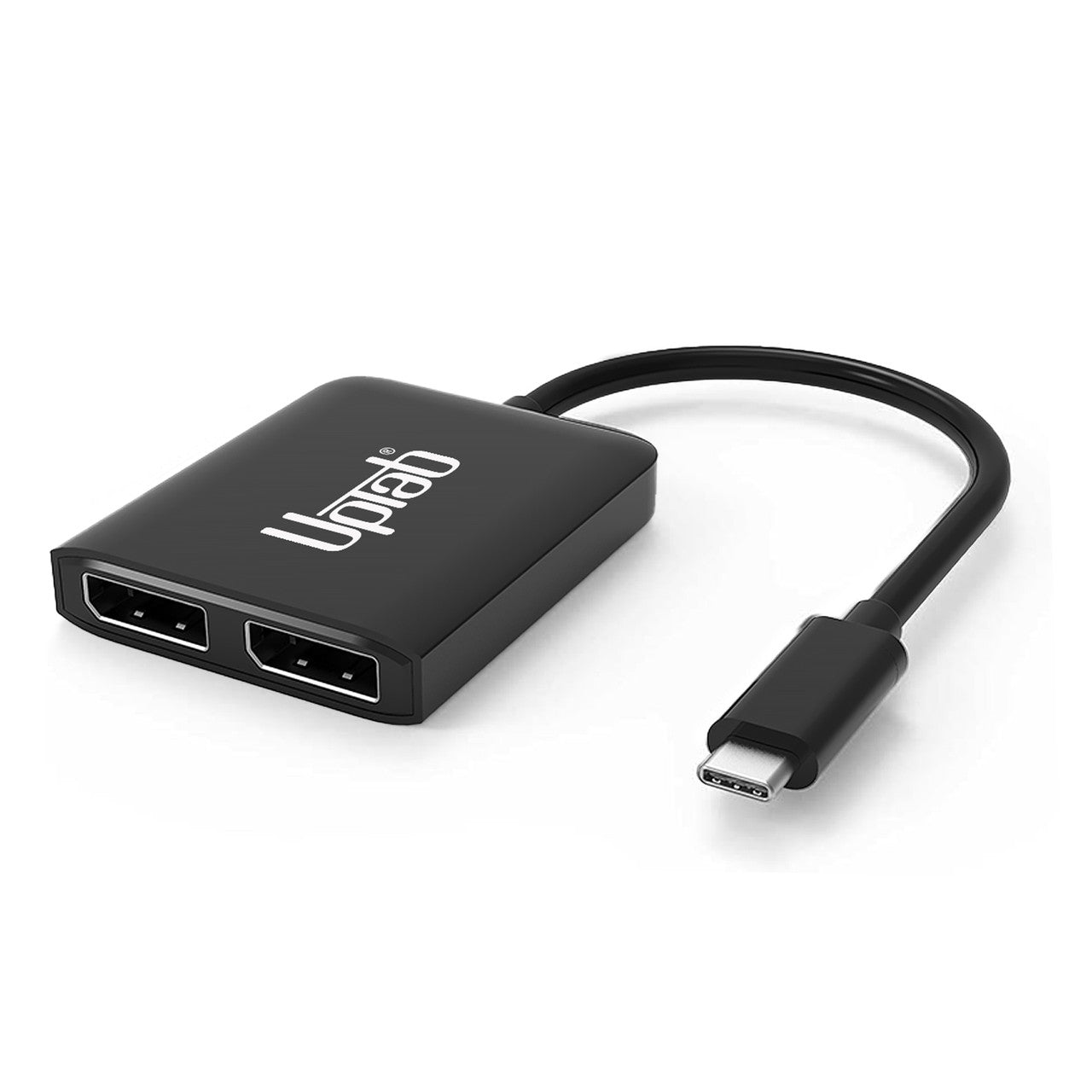
Adaptateur USB C vers Dual DisplayPort 8K MST
About this item
Se marie bien avec
EXPÉDITION LE JOUR MÊME commandez avant 11 h (HNE)
Livraison gratuite pour les commandes de plus de 50 $
Support technique
Retour sous 30 jours
Garantie d'un an
Adaptateur USB C vers Dual DisplayPort 8K MST
Détails du produit
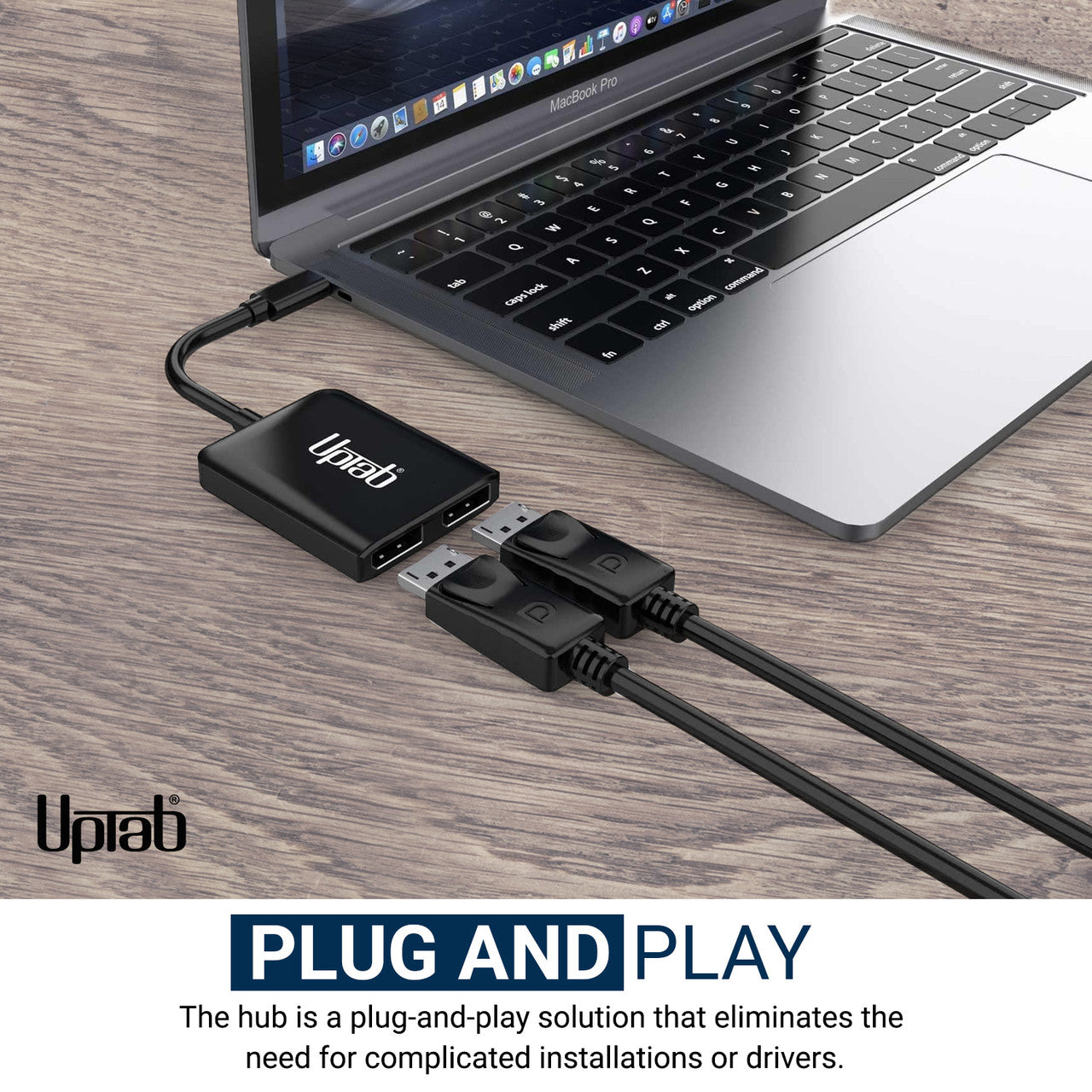
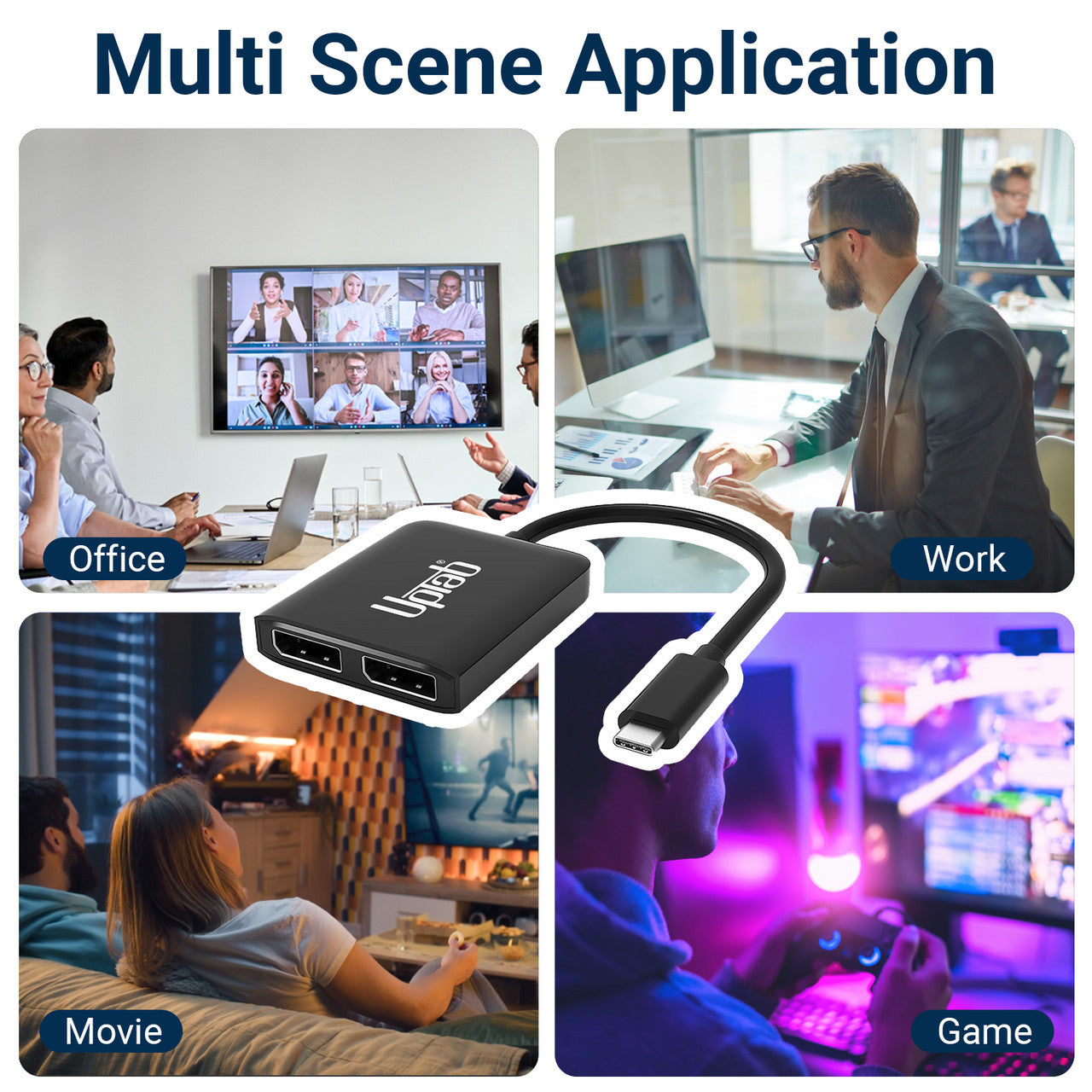
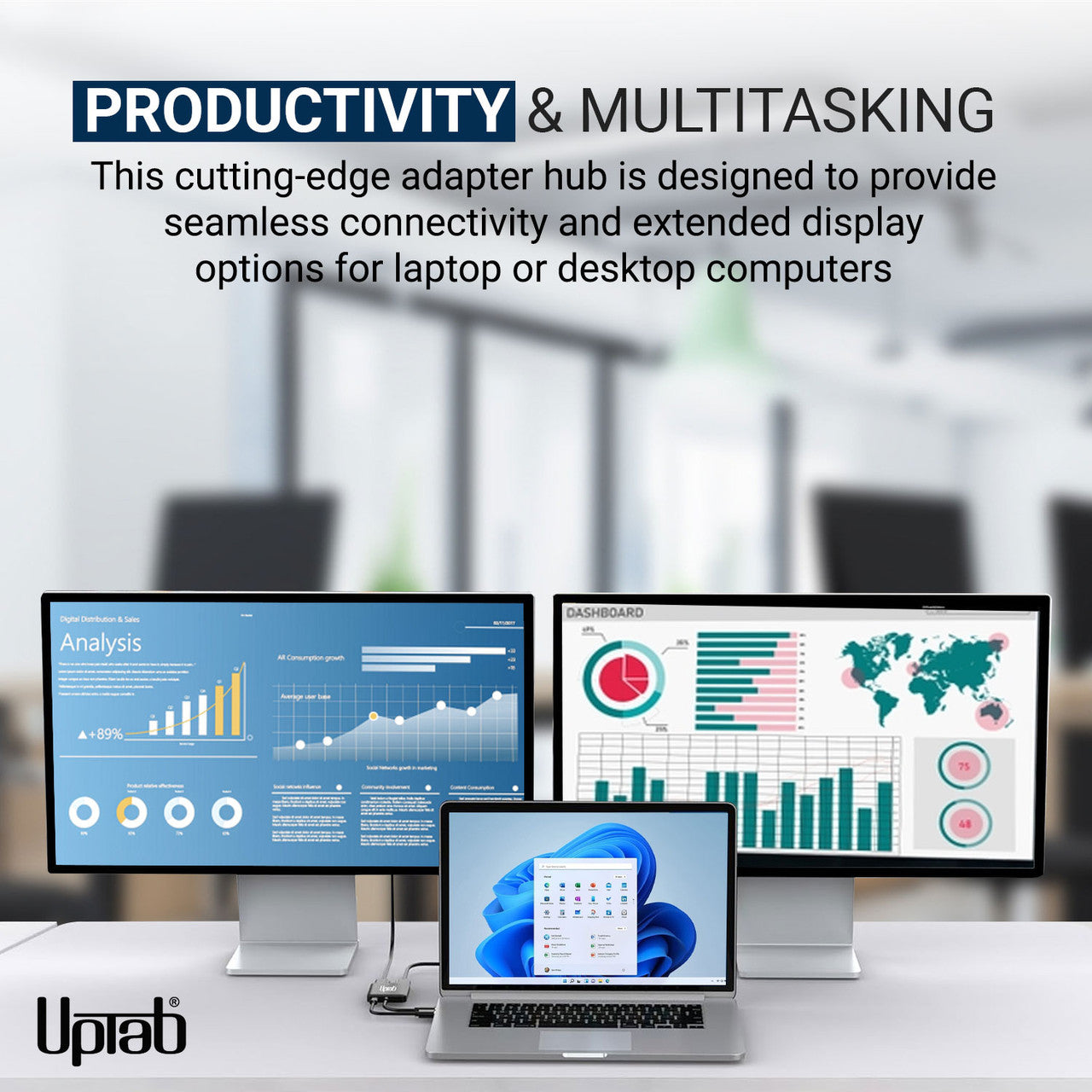
Si vous utilisez fréquemment l'informatique de haut niveau, notamment pour les jeux vidéo, l'adaptateur USB-C vers DisplayPort 2 ports (double 8K 7680x3840 à 30 Hz ou double 4K 3840x2160 à 60 Hz) pourrait vous intéresser. Il permet de connecter un ordinateur à des écrans Ultra HD, offrant des performances exceptionnelles et un divertissement optimal. Simple d'utilisation, sans installation ni configuration logicielle, il suffit de connecter une extrémité à votre ordinateur et l'autre à un câble DisplayPort (vendu séparément) . L'adaptateur convertit alors le signal vidéo USB-C en un signal DisplayPort jusqu'à la résolution UHD 4K. De plus, grâce au format de couleur 4 : 4 : 4 pris en charge, vous bénéficiez de couleurs RGB fidèles, sans dégradation. Côté audio, l'adaptateur USB-C transmet également un son jusqu'à 8 canaux. Vous profitez ainsi d'une expérience audiovisuelle immersive incomparable.
Caractéristiques :
- Idéal pour les joueurs et autres besoins informatiques de haut niveau
- Prend en charge le format de couleur 4 : 4 : 4 avec des couleurs RVB nettes.
- Audio jusqu'à 8 canaux
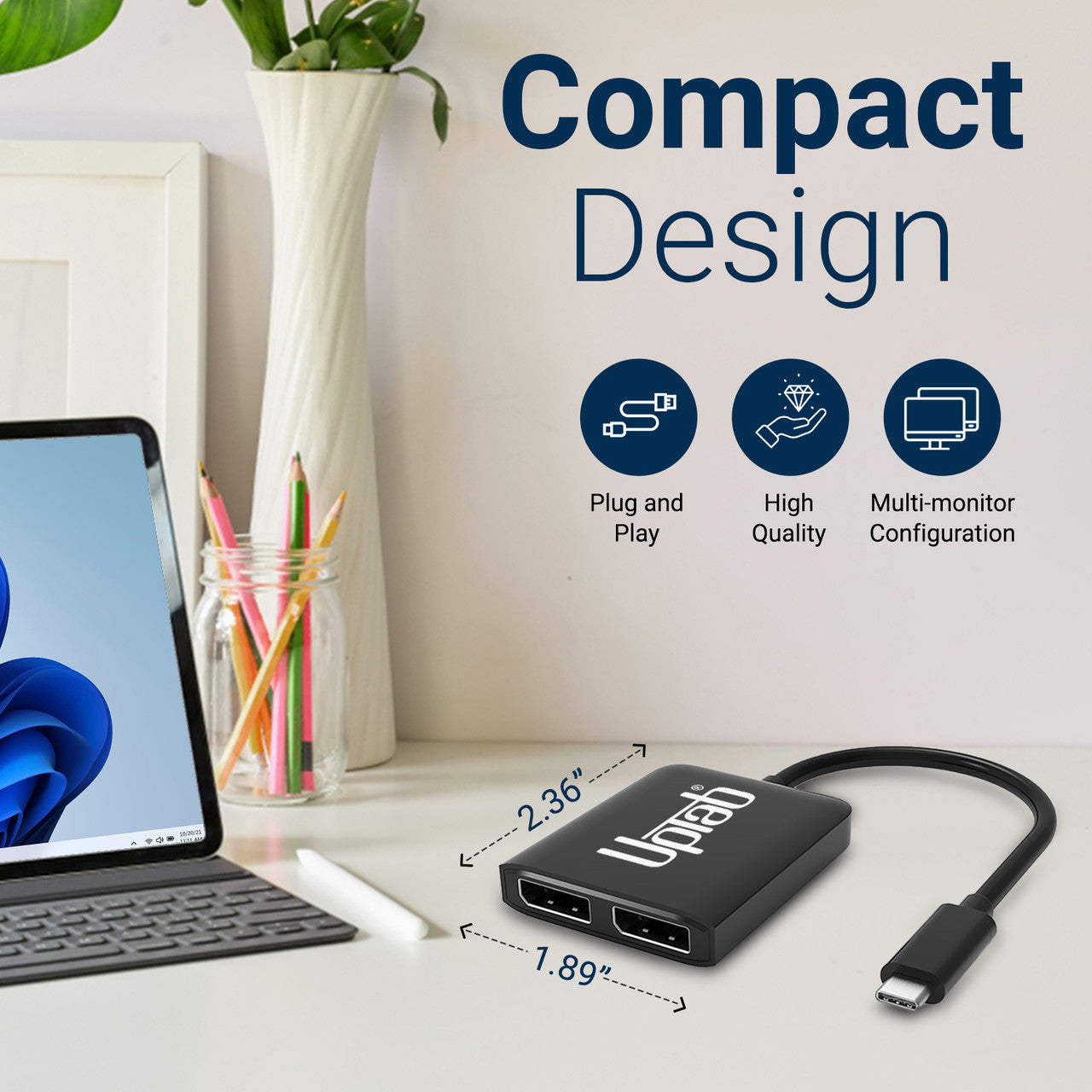
- Conception compacte et portable
- Conception autonome ne nécessitant aucune alimentation externe
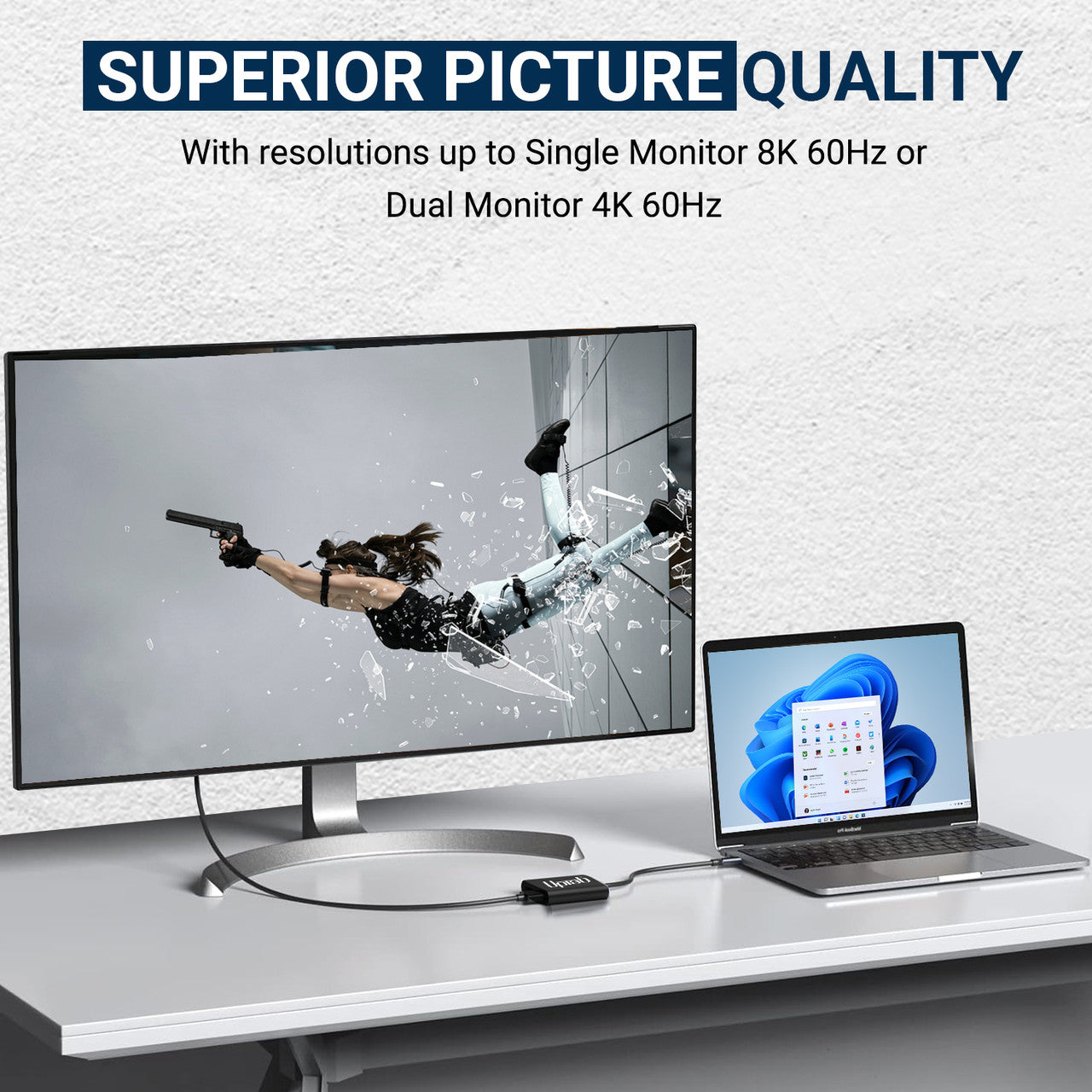
- Convertit le signal vidéo DisplayPort jusqu'à la résolution UHD 8K (7680 x 3840 à 60 Hz) et 4K (4096 x 2160 à 60 Hz) .

Caractéristiques :
- Saisir : USB-C 3. 2 (L'hôte doit prendre en charge le mode alternatif DisplayPort 1. 4)
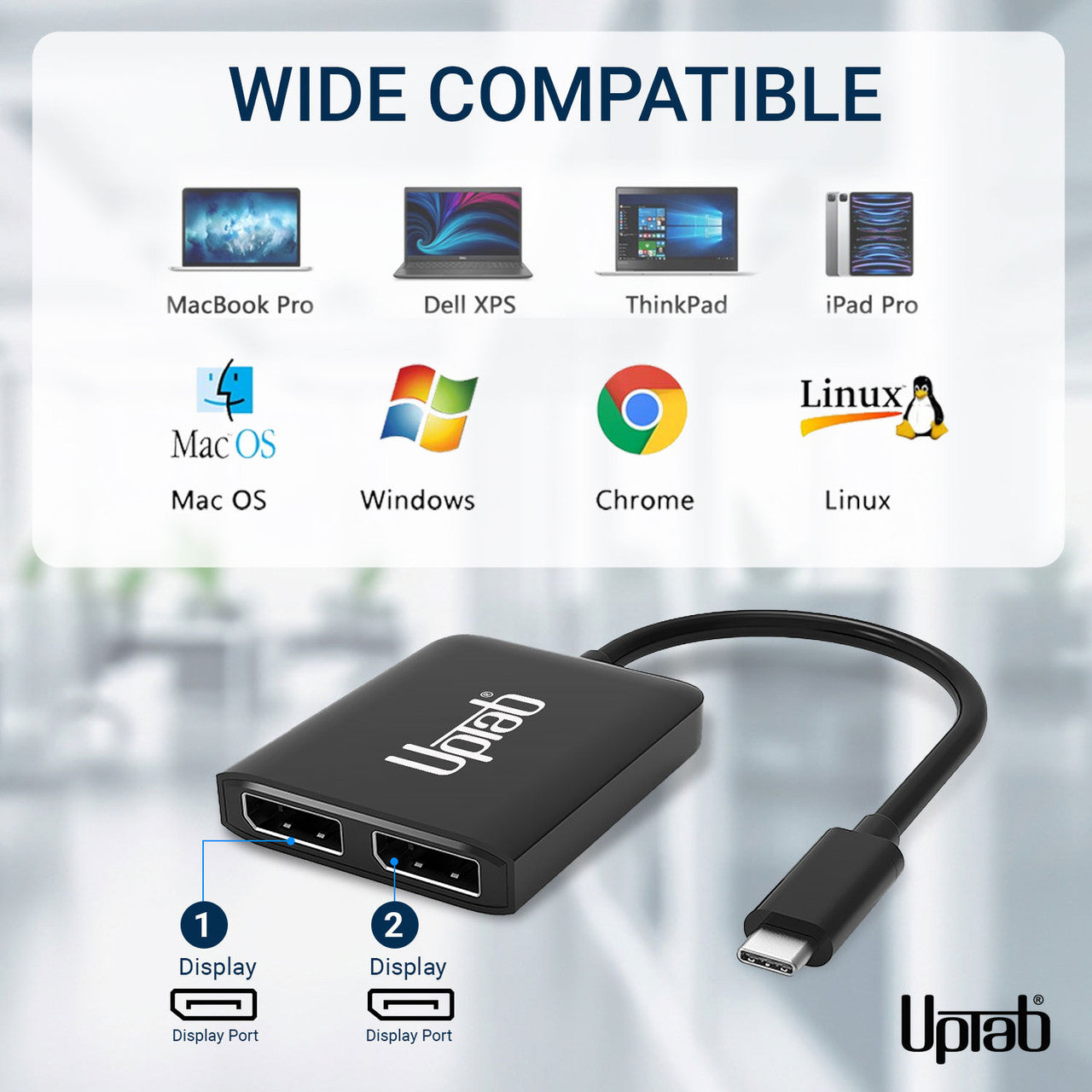
- Sortir : 2 ports DisplayPort™ 1. 4
- Signal DisplayPort™ 1. 4 jusqu'à UHD 8K 7680x4320@60Hz et 1080p/144Hz.
- Deux moniteurs DisplayPort prenaient en charge une résolution maximale de 4096 x 2160 à 60 Hz.
- Sans DSC : DP1. 4++ : (7680x3840@30Hz, HDCP2. 2, HDR10, 7. 1CH)
- Avec DSC : DP1. 4++ : (7680x3840@60Hz, HDCP2. 2, HDR10, 7. 1CH)
- Un moniteur DisplayPort prend en charge une résolution jusqu'à 7680 x 3840 à 60 Hz.
- MST sans DSC : max 2 × 3840 × 2160 à 60 Hz
- SST sans DSC : max 2 x 7680 x 3840 à 30 Hz
- Avec prise en charge du format de couleur 4 : 4 : 4.
- Transmettez jusqu'à 8 canaux audio pour une expérience audio et vidéo immersive.
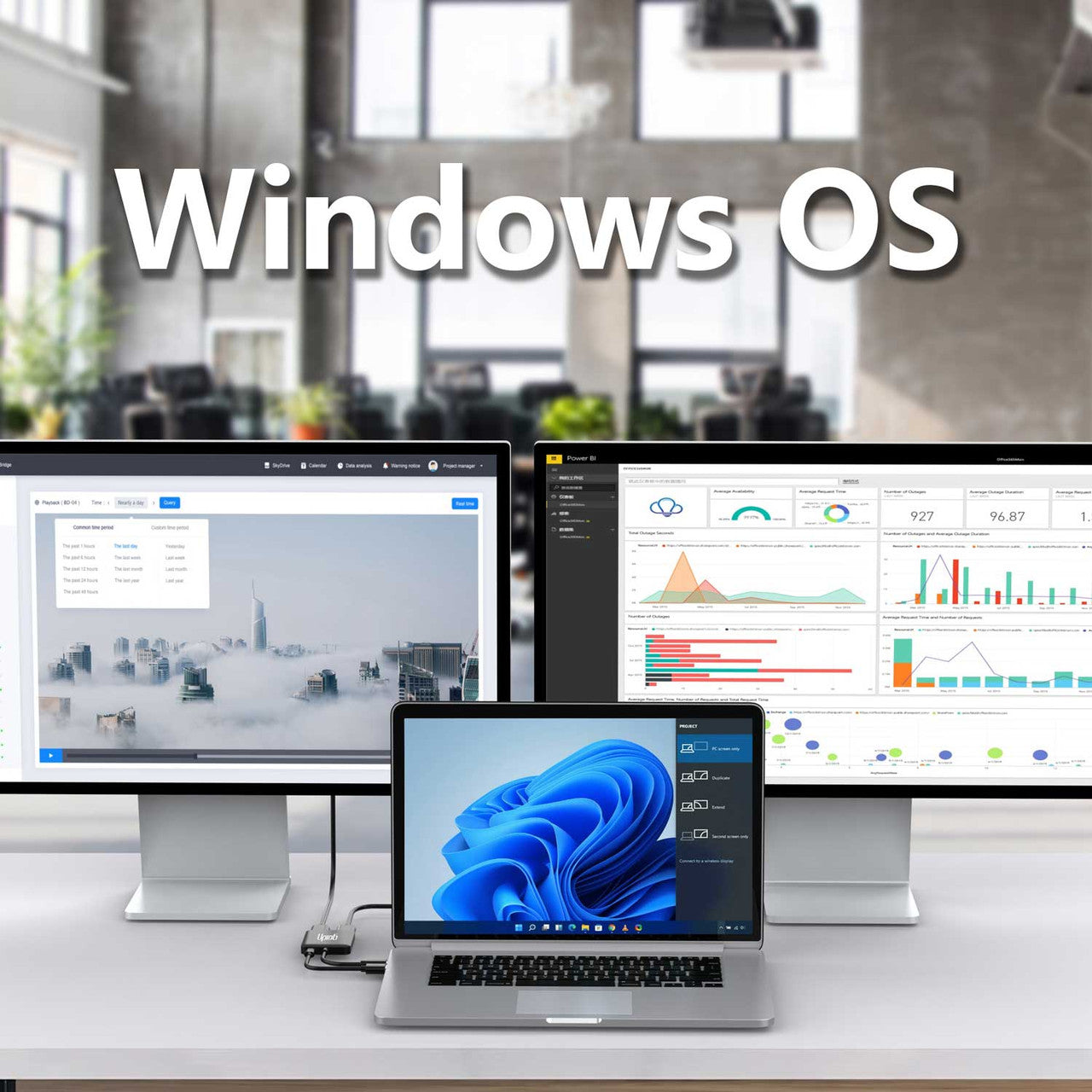
- Prise en charge des modes d'affichage étendu et miroir de Windows (MST et SST)
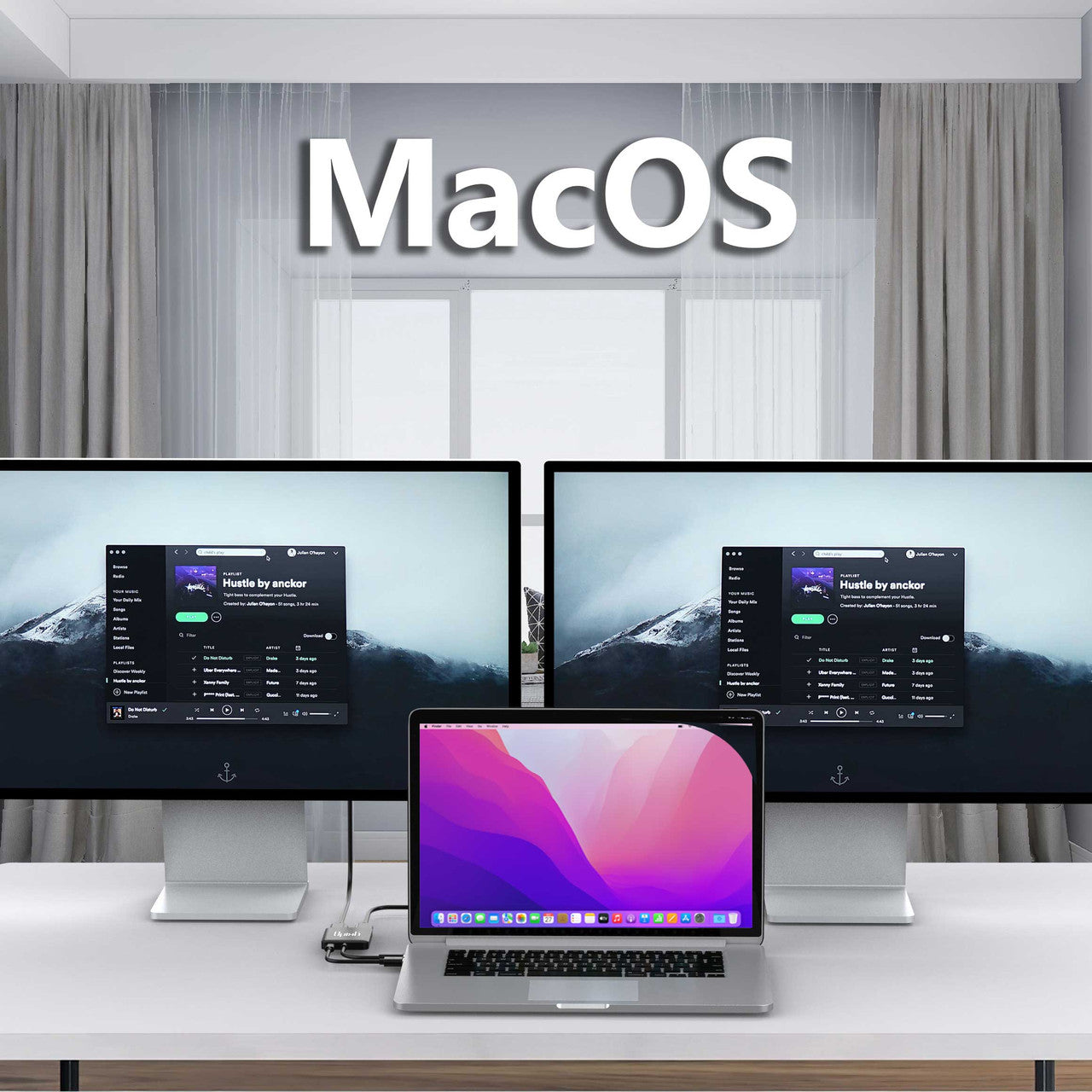
- Prise en charge du mode miroir macOS (SST)
- Compatible Thunderbolt 3/4
Dans la boîte :
- 1x Adaptateur UPTab USB-C (Type-C) vers DisplayPort 8K à 2 ports.
Télécharger la liste des appareils compatibles au format PDF : Ici
NON, pour transmettre de la vidéo, votre port USB-C doit être compatible. Mode alternatif DisplayPortLe mode alternatif DP permet aux ports USB-C de transférer des données et de la vidéo via plusieurs interfaces, dont l'interface vidéo DisplayPort. Les ports USB-C capables de transmettre des signaux DisplayPort sont appelés ports USB-C DisplayPort ou ports DP en mode alternatif. La confusion autour de l'USB-C DisplayPort provient du fait que tous les ports USB-C ne prennent pas en charge cette fonctionnalité. Par conséquent, de nombreux utilisateurs d'appareils dotés de ports USB-C ignorent si ces ports prennent en charge le DisplayPort via USB-C. Il est donc essentiel pour eux de savoir comment identifier la compatibilité de leur appareil USB-C avec le DisplayPort via USB-C.
- Si le port USB-C est orné d'un éclair (Thunderbolt 3) , vous pouvez l'utiliser pour charger votre appareil et transmettre un signal vidéo. Autrement dit, vous pouvez y connecter un moniteur. Ce port est compatible avec le mode alternatif DisplayPort.
- Si le port D (DisplayPort) se trouve à côté du port USB-C, vous pouvez l'utiliser pour transmettre un signal vidéo et donc connecter un moniteur. Ce port est compatible avec le modèle alternatif DisplayPort.
- Y a-t-il un symbole de batterie à côté du port USB-C ? Si oui, vous pouvez utiliser ce port pour recharger votre ordinateur portable. Ce port ne prend pas en charge le mode alternatif DisplayPort.
Thunderbolt 3 a été l'un des premiers à adopter le nouveau format USB-C grâce à son connecteur plus petit et réversible, facilitant ainsi le branchement. Les câbles USB-C peuvent transporter une puissance nettement supérieure et permettent donc de recharger des appareils plus volumineux comme les ordinateurs portables.
Pour toute question, n'hésitez pas à nous contacter. Nous vous répondrons dans les plus brefs délais, sous 24 heures en semaine.
-
Informations d'expédition
Nous traitons et expédions la plupart des commandes le jour même. Les délais de livraison varient selon le mode de livraison sélectionné lors du paiement. Veuillez vérifier l'exactitude de votre adresse de livraison pour éviter tout retard.
-
Assistance clientèle
Notre équipe est là pour vous aider ! Pour toute question ou assistance, contactez-nous par e-mail ou via notre formulaire de contact. Nous vous répondrons dans les plus brefs délais.
-
FAQ
Quand ma commande sera-t-elle expédiée ?
La plupart des commandes sont traitées et expédiées le jour même. Le délai de livraison dépend de l'option de livraison sélectionnée lors du paiement.
Quelle est votre politique de retour ?
Les articles peuvent être retournés dans les 30 jours dans leur emballage d'origine avec tous les accessoires inclus. -
Contactez-nous
Vous avez des questions ou besoin d'aide ? Nous sommes là pour vous.
Service client disponible du lundi au vendredi, de 9h à 17h (EST)
Courriel : cs@uptab.com
Téléphone : 1 (877) 333-1505
Ou utilisez notre formulaire de contact , nous vous répondrons rapidement.
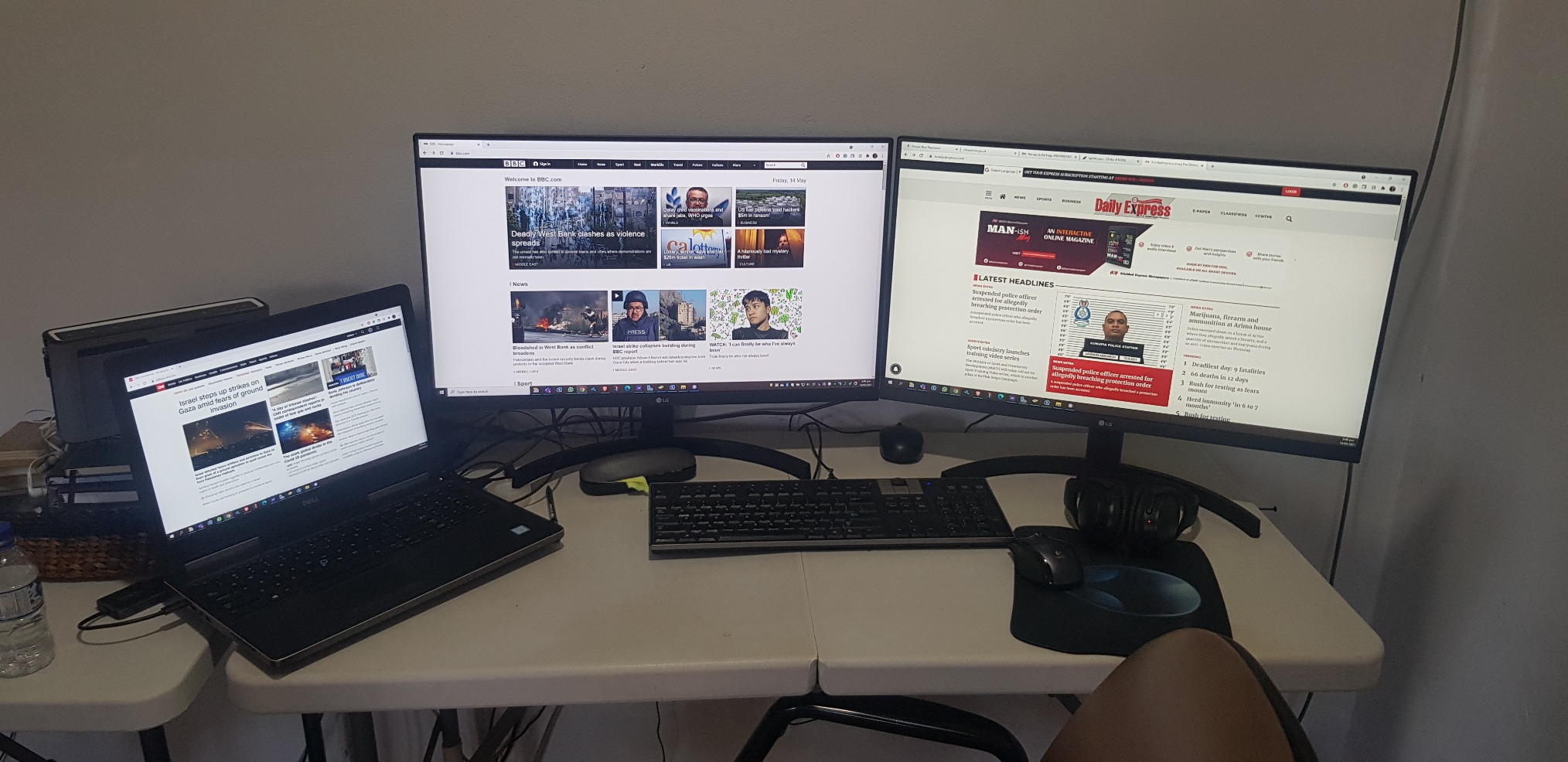
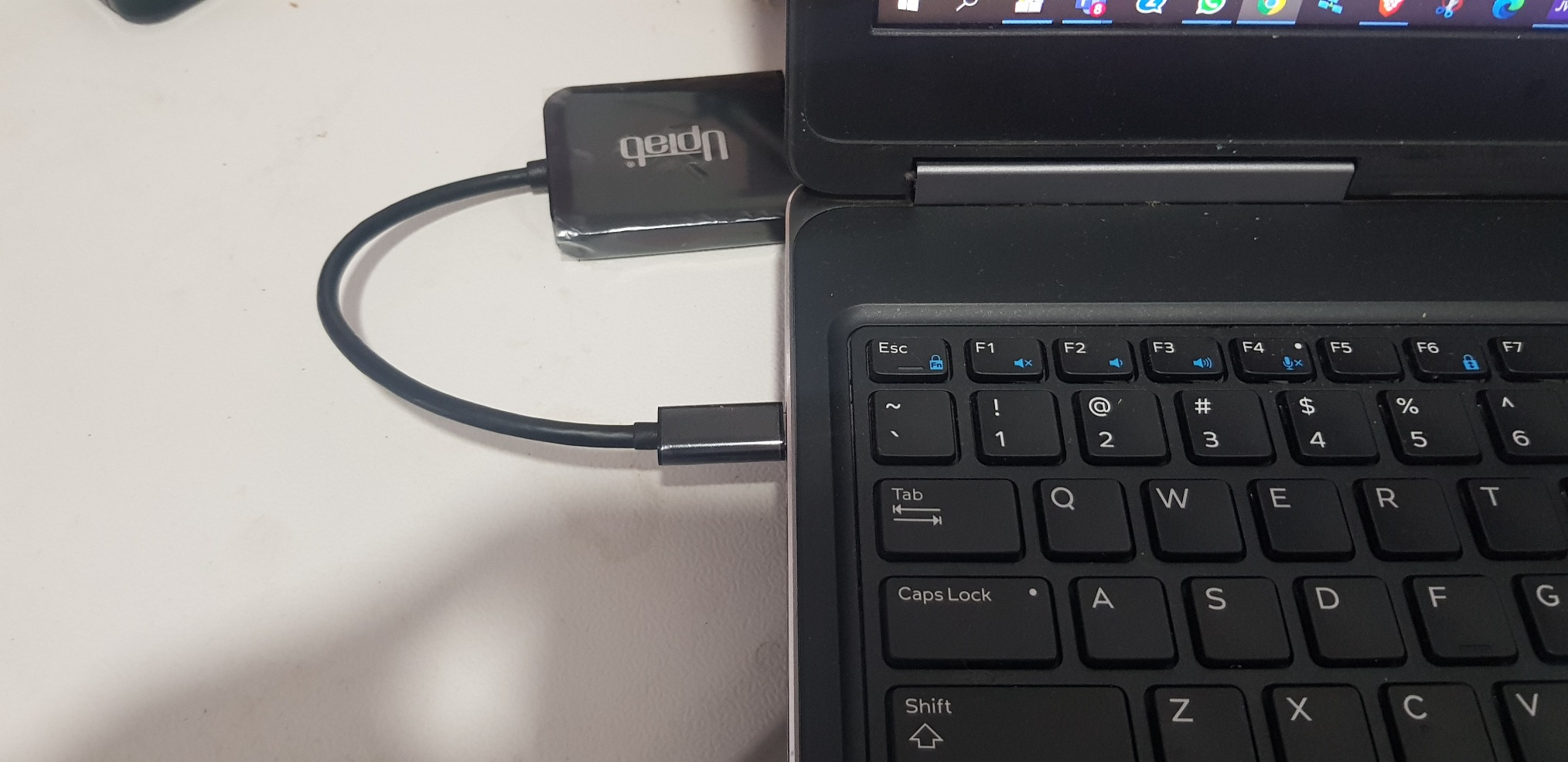
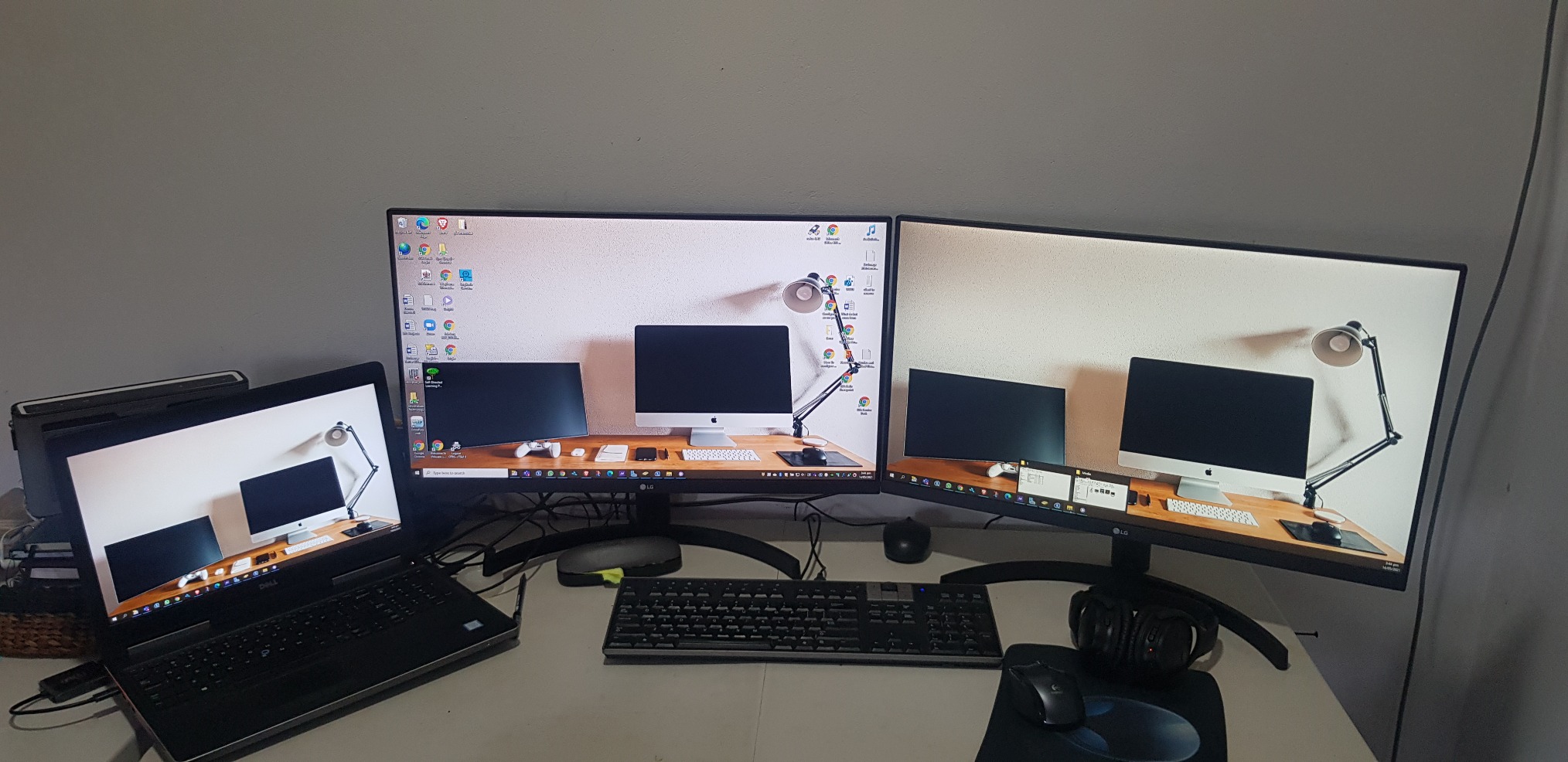
Bought two LG monitor and anted a simple effective way to connect both. UPtab did the job effectively so I did not need the bulky docking station. Will buy or recommend that other buys also. PS NO drivers needed
It works with two 5k monitor

As title says
Almost perfect. Used with Win10 on a Dell Latitude 3510, dual QHD (2560x1440@60Hz) displays for an extended desktop. The Latitude supports DisplayPort Alt-mode over its USB-3.2 type C connector, which is exactly what you require for this device.Laptop mostly used in clamshell mode, device is barely warm pushing 7 Mpixels 8+ hours a day. No problems driving all three displays as extended (9 Mpixels) either. USB tail is a little short though (~18cm).Very cost effective alternative to upgrading to TB3/MST (and saves you the mental trauma of working outwhich feature/port/cable/monitor does what).One rare problem is that Win10 can swap the monitors around, this has only happened once on resume from sleep. The other odd problem is an intermittent event (plus system sound) that originates in the Intel OED sound driver, possibly trying to access (non-existent) audio in the monitors.I'm overdue some driver/firmware updates which might fix these. Or perhaps they are entirely unrelated and just the opaque machinations of the Fine Operating System...
I was worried about capability and quality but it was worked great. I use this to go from a Surface Studio 2 to two external monitors and it works flawlessly.
It is good and doing the job.
Good value and easy to use.
product works as advertised, hooked up two monitors with Display Ports
I went through a whole bunch of these types of adapters to find one that will work with the Intel NUCs.Intel advertises that the NUCs (generations 8 and newer) can support three displays, but gives very little information on how to make that happen. This UPTab USB C to DisplayPort adapter DOES WORK! I now have three displays connected to my 8th generation NUC.If you need to connect to a device using HDMI, you can do that with this adapter too, but you have to use ACTIVE cables, not the simple passive cables that you typically find when searching for DisplayPort to HDMI adapters. Make sure the name contains the word ACTIVE and it should work.
I am using this with a 2020 Macbook Air, an external keyboard, and a 1440p monitor, which is connected to my computer with a USB C to DisplayPort cable.If I have the monitor and the keyboard attached to the splitter, and the power adapter in the other port, the display doesn't work.What fixed the issue was moving the *power* to the USB C input of the splitter, and having the monitor take the other USB C slot.Not a huge deal, but if you run into this issue, that's how I solved it.
Works as advertised.
Screens kept on flickering and then lost signals.
As described.
"DO NOT BUY" Screen flickers..frequent monitor blanks out. Do not waste your money.
Great value!
The adapter would not support higher than 640x480 resolution when connected. Amazon support tried to help but couldn't resolve.I tried Contacting Manufacturer, no response email or phone.
I wish I could return this item. It is somehow not compatible with my Dell. Customer Support has been wildly unhelpful.
I plugged it, tried to download drivers and all sort of items.I know my way around computers and the like - this is a poor device
Did not work with 2 Dell 25" 4K monitors kept flickering back-and-forth, monitors would blank out and screen would lose signal from laptop got very hot was absolute garbage. Maybe i got a bad one???
Did not work - returned.
This was simple to use and word great!
Worked well, then my employed got us docking stations.
Watch out with this product if you are running MacOS. It will not work as you expect and will only mirror both external displays.They'll even charge you a restocking fee for missing the small bullet point about this problem with MacOS. How great is that?
Used it in my car radio to play movies
Cheapest way so far to split two screens off of my USB-C port on my Alienware 17 R3. No issues.
Works perfectly on 3 laptops.
Plug-in and got able to extend to 2 additional monitors.
Nice compact device
It works.
Works as expected.
This is all I get when I attempt to use the Device from a new HP Laptop with i7 Processor connecting to Dell 22 inch Monitors. I have removed all USB drivers and reinstalled. I have also followed many troubleshooting YouTubes. This is not working at all.
This device allowed me to set up a three monitor (laptop screen + 2x Dell 24") workspace. No configuration issues. Two minutes to set up.
Livraison gratuite à partir de 50 $
Expédition le jour même pour la plupart des commandes