

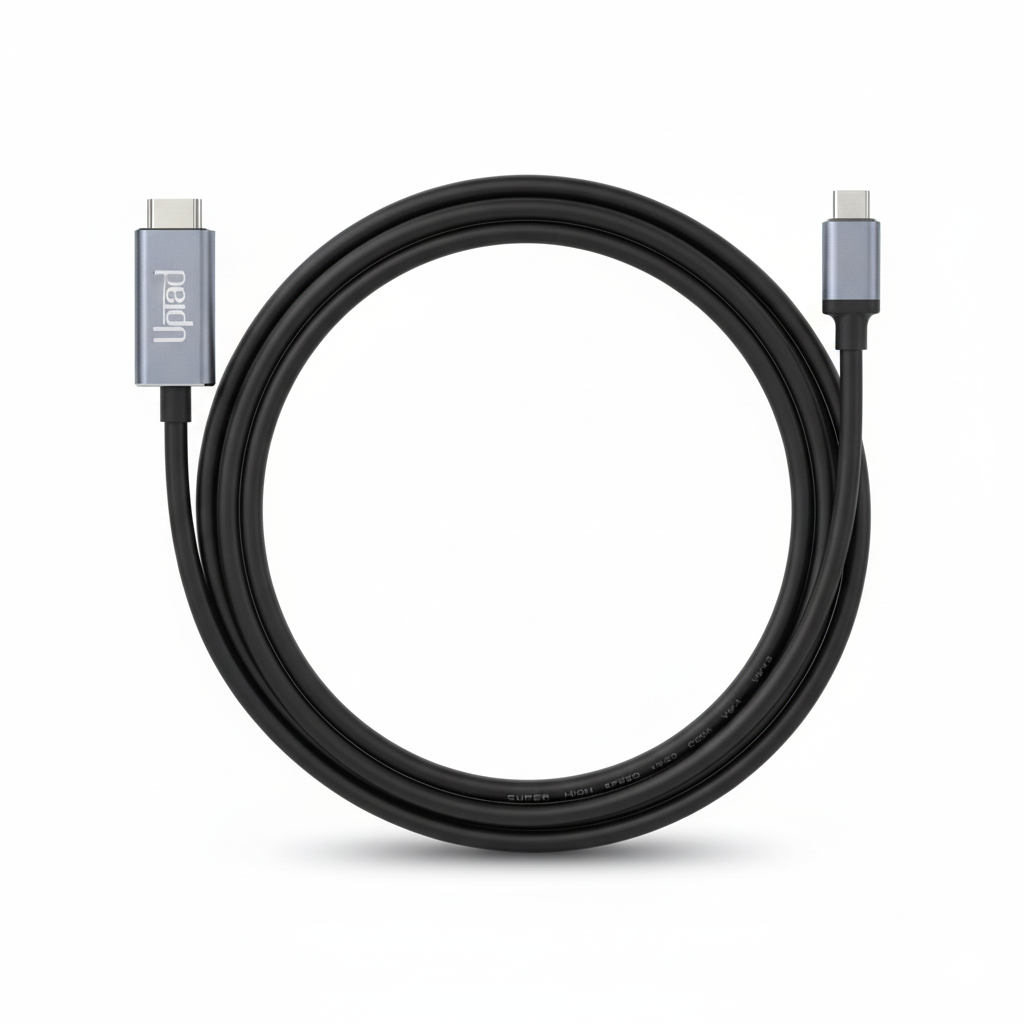
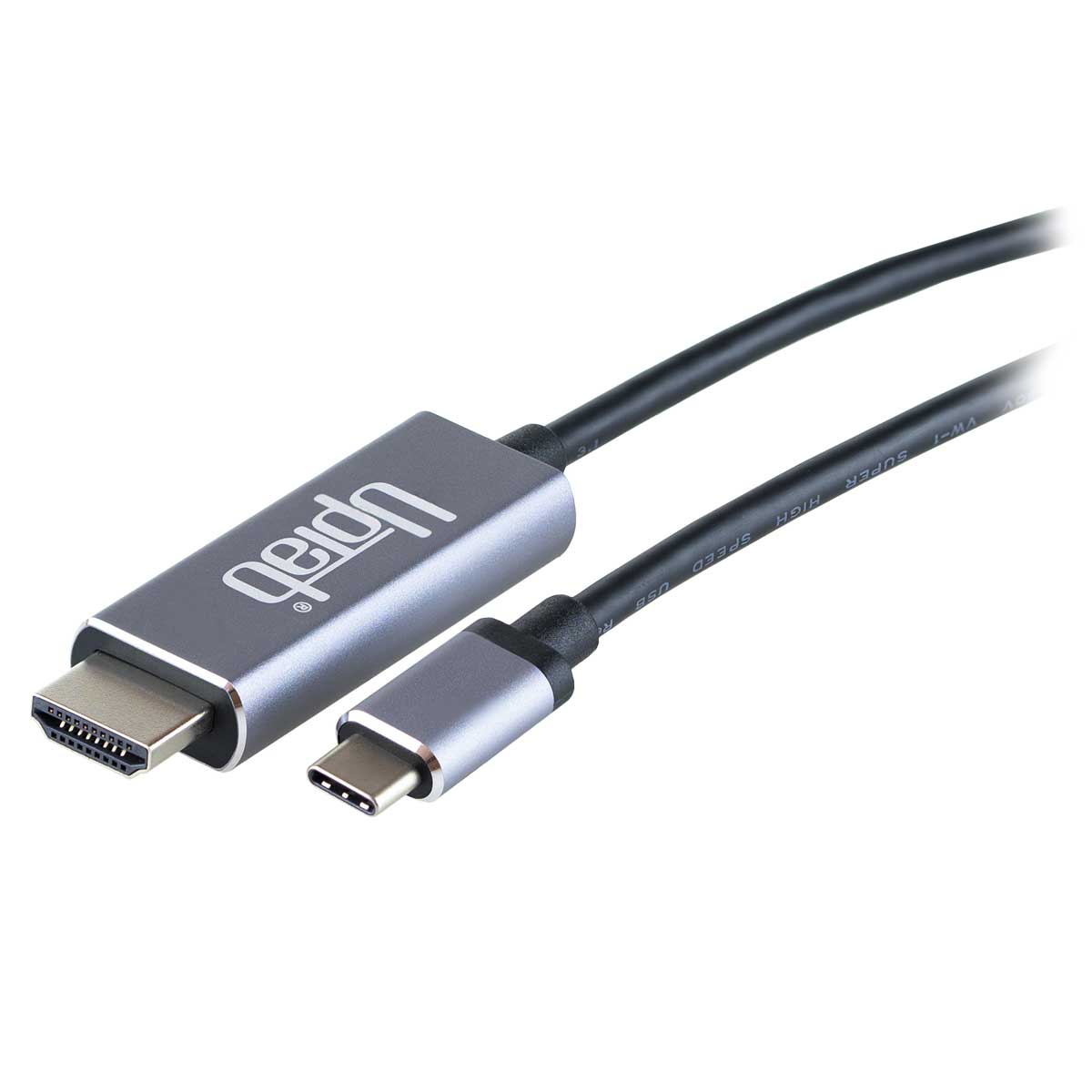
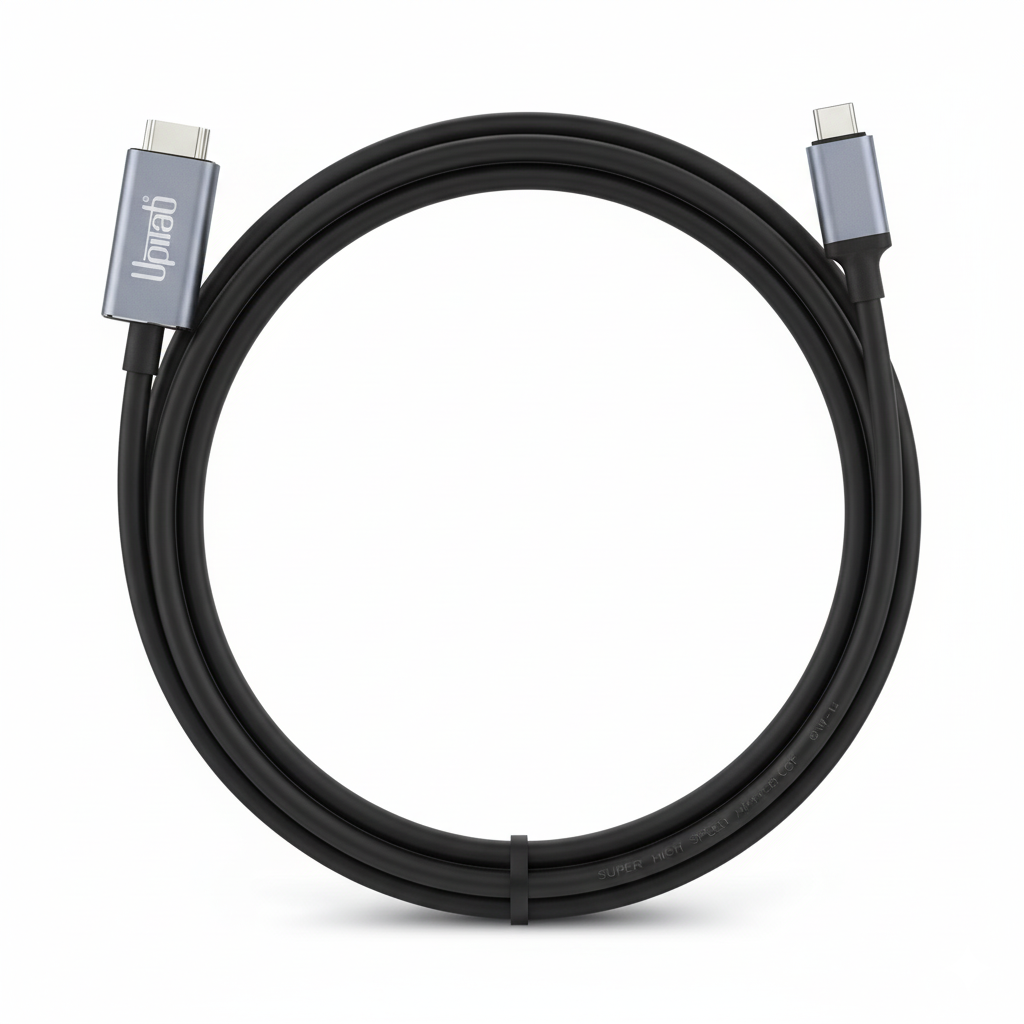
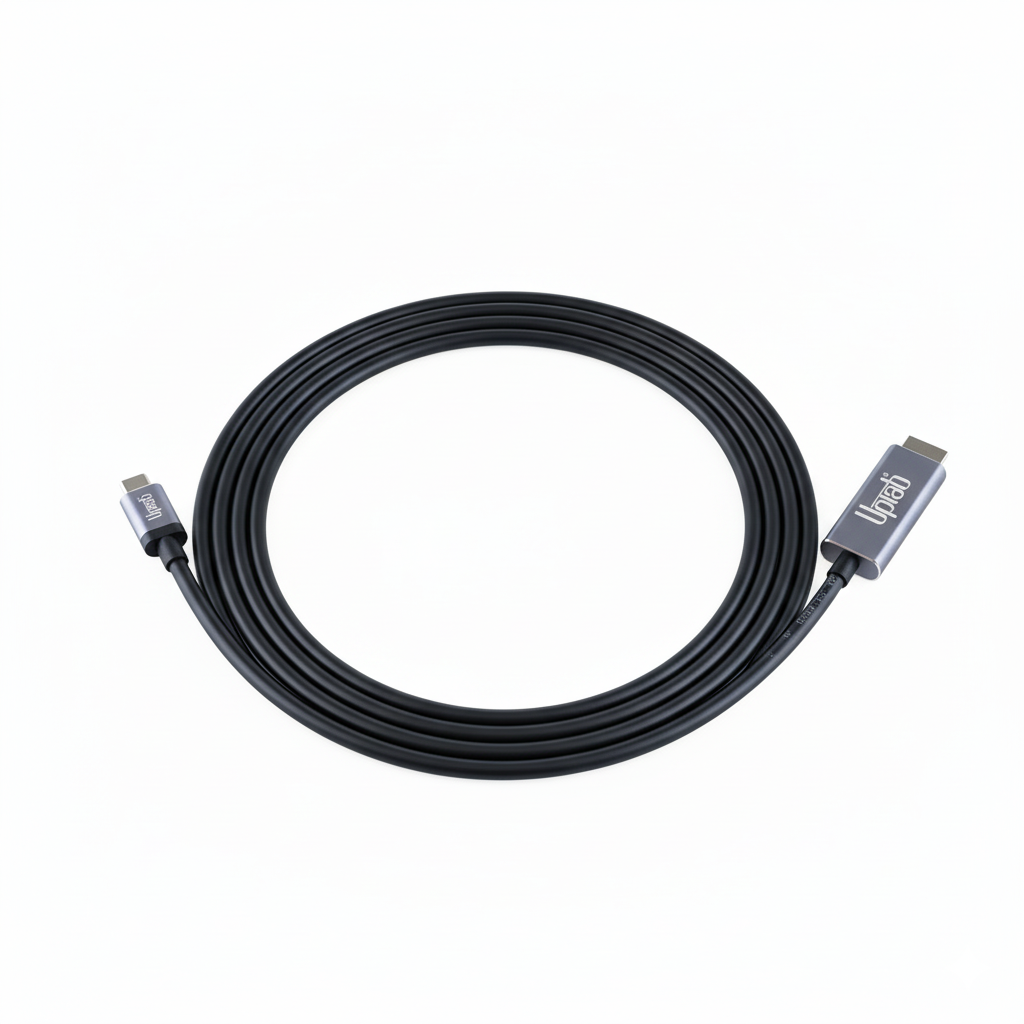
Câble USB C vers HDMI 2. 0b 4K avec HDR 2M/6, 56 pi
About this item
Se marie bien avec
EXPÉDITION LE JOUR MÊME commandez avant 11 h (HNE)
Livraison gratuite pour les commandes de plus de 50 $
Support technique
Retour sous 30 jours
Garantie d'un an
Câble USB C vers HDMI 2. 0b 4K avec HDR 2M/6, 56 pi
Détails du produit
Aperçu:
Le câble UPTab USB-C 3.2 vers HDMI 2.0b permet de connecter un ordinateur à un écran HDMI UltraHD, même sans port HDMI. Cet adaptateur est idéal pour les utilisateurs de haute performance, de jeux vidéo ou de graphismes, offrant les meilleures performances disponibles.
Connectez l'extrémité USB-C (Type-C) du connecteur à votre ordinateur et branchez le câble HDMI 2.0 de votre écran ou téléviseur à l'adaptateur. L'adaptateur convertit le signal vidéo USB-C en signal HDMI jusqu'à UHD 4K 4096 x 2160 à 60 Hz avec plage dynamique élevée (HDR).
Le câble adaptateur permet d'obtenir de véritables couleurs RVB sans la dégradation visuelle des couleurs propre aux autres formats utilisant le sous-échantillonnage. Si vous souhaitez diffuser de l'audio, l'adaptateur DisplayPort transmet également jusqu'à 8 canaux audio pour une expérience audio et vidéo immersive.
Compatible avec :
- Apple MacBook, MacBook Pro, nouveau MacBook Air, iMac, Mac Mini, iPad Pro, Samsung S10, Lenovo Yoga, Surface Book 2 et plus.
- Entrée : USB C (Type-C) 3.2 ou Thunderbolt 3
- Terminal de sortie : HDMI 2.0b
- Signal HDMI jusqu'à UHD 4K 4096x2160@60Hz
- HDR10, HDR10+ et Dolby Vision HDR à plage dynamique élevée
- Transmettez jusqu'à 8 canaux audio pour une expérience audio et vidéo immersive
- Longueur 2 mètres / 6,56 pieds
- Garantie d'un an
- 1x Câble UPTab USB C (Type C) vers HDMI 2.0b HDR 4K
Remarques : fonctionne uniquement sur le port USB-C prenant en charge le mode DP Alt.
Pour toute question, n'hésitez pas à nous contacter. Nous vous répondrons dans les plus brefs délais, sous 24 heures en semaine.
-
Informations d'expédition
Nous traitons et expédions la plupart des commandes le jour même. Les délais de livraison varient selon le mode de livraison sélectionné lors du paiement. Veuillez vérifier l'exactitude de votre adresse de livraison pour éviter tout retard.
-
Assistance clientèle
Notre équipe est là pour vous aider ! Pour toute question ou assistance, contactez-nous par e-mail ou via notre formulaire de contact. Nous vous répondrons dans les plus brefs délais.
-
FAQ
Quand ma commande sera-t-elle expédiée ?
La plupart des commandes sont traitées et expédiées le jour même. Le délai de livraison dépend de l'option de livraison sélectionnée lors du paiement.
Quelle est votre politique de retour ?
Les articles peuvent être retournés dans les 30 jours dans leur emballage d'origine avec tous les accessoires inclus. -
Contactez-nous
Vous avez des questions ou besoin d'aide ? Nous sommes là pour vous.
Service client disponible du lundi au vendredi, de 9h à 17h (EST)
Courriel : cs@uptab.com
Téléphone : 1 (877) 333-1505
Ou utilisez notre formulaire de contact , nous vous répondrons rapidement.
Bought many other options but they all failed the claims of HDR compatibility. The product (cable and ends) are of superb quality, packaging has plenty of information in PERFECT ENGLISH. Most importantly, it enabled HDR on a MacBook Air M1 with CalDigit Element Hub running MacOSX Monterey, and did so on a Thinkpad X270 running Windows 10 Pro. Price of 2 cables was less than 1/3rd of what I paid for a single cable that failed to solve my problem.Curious and would like to pay for and try other products from this manufacturer.


This cable worked perfectly for what I needed, to drive a 4K 60Hz 10-bit monitor/TV (TCL 43S525 with HDMI version 2.0a I think) with a MacBook Pro 13 Retina (2017). I also tried it with my Samsung S10e phone to run DeX on the same TCL monitor, but the screen flashes black every few seconds. I think it's a problem between the phone and TCL TV, though, not the cable.I did have a problem with the first cable flashing black on everything I tried, but UPTab customer service was excellent and they sent out a new cable immediately!
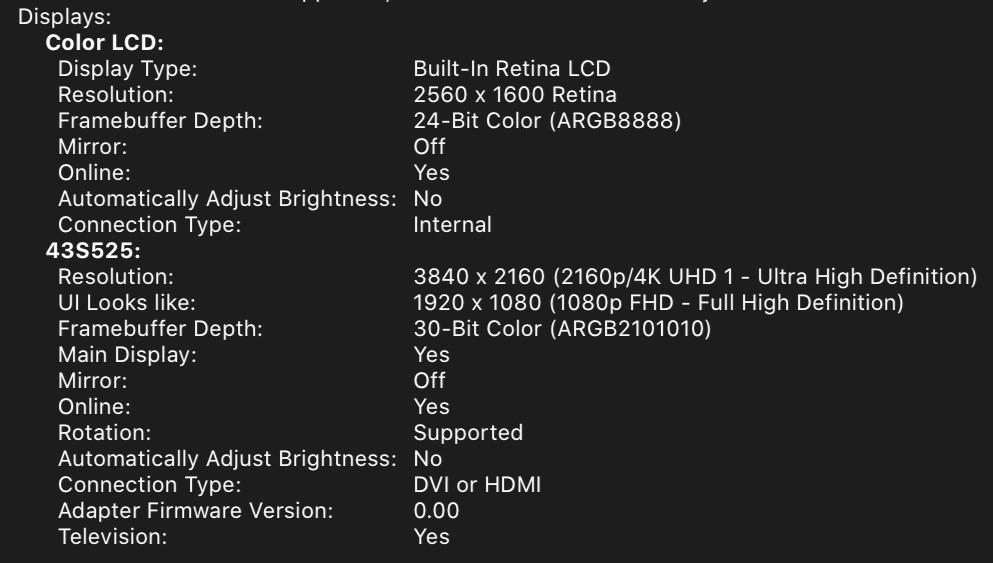
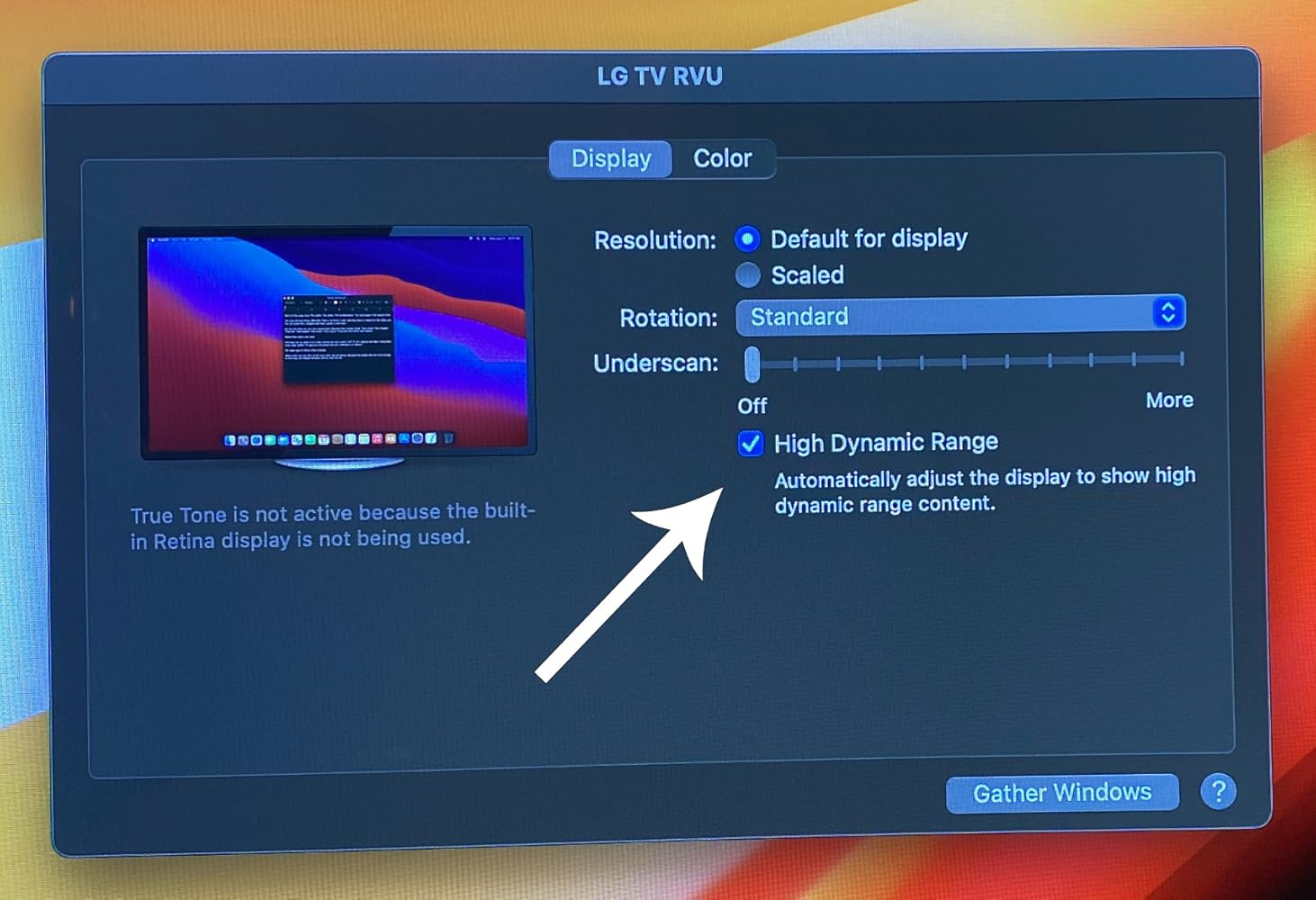
First cable I found that actually supports MacBookPro 16" (BigSur OS) natively with the LG OLED TV . Tested 2018 and 2020 OLED TVs. Perfect for Video editing where you need a quick way to view 4K HDR output . Tested in Premiere Pro 2021 v15.2. - macOS BigSur v11.4 and Windows 10 DirectX12 now support HDR directly making this super easy. Applications like Adobe Premiere Pro also use this OS level HDR support . Just set Premiere Pro's preference for Extended Range.
Buy this product, not other cheap products.
Works as intended
Very good cable.
None
This made connecting a 2nd monitor to my laptop super easy!
Used this cable to connect my 4k Dell monitor to my mac book pro 2017 laptop. Worked as expected, good quality.
Works great! Finally I can play 4k HDR contents on my Macbook Pro by simply connecting it to a TV.
Great value, compact, versatile device for leveraging mobile enjoyment of HD programming. Works as advertised. Be aware device display quality May have to be adjusted Depending on source media and source device. For example, Netflix HD output from my Dell XPS13-9370 Looks HD on a hotel LG HDTV from the get-go, but my Samsung Galaxy S9+ displayed dark and had to be corrected through TV display adjustments - an Easy Fix.
I can connect my surface pro to my tv with no problem. There is no lag and the picture quality is great.
Livraison gratuite à partir de 50 $
Expédition le jour même pour la plupart des commandes