

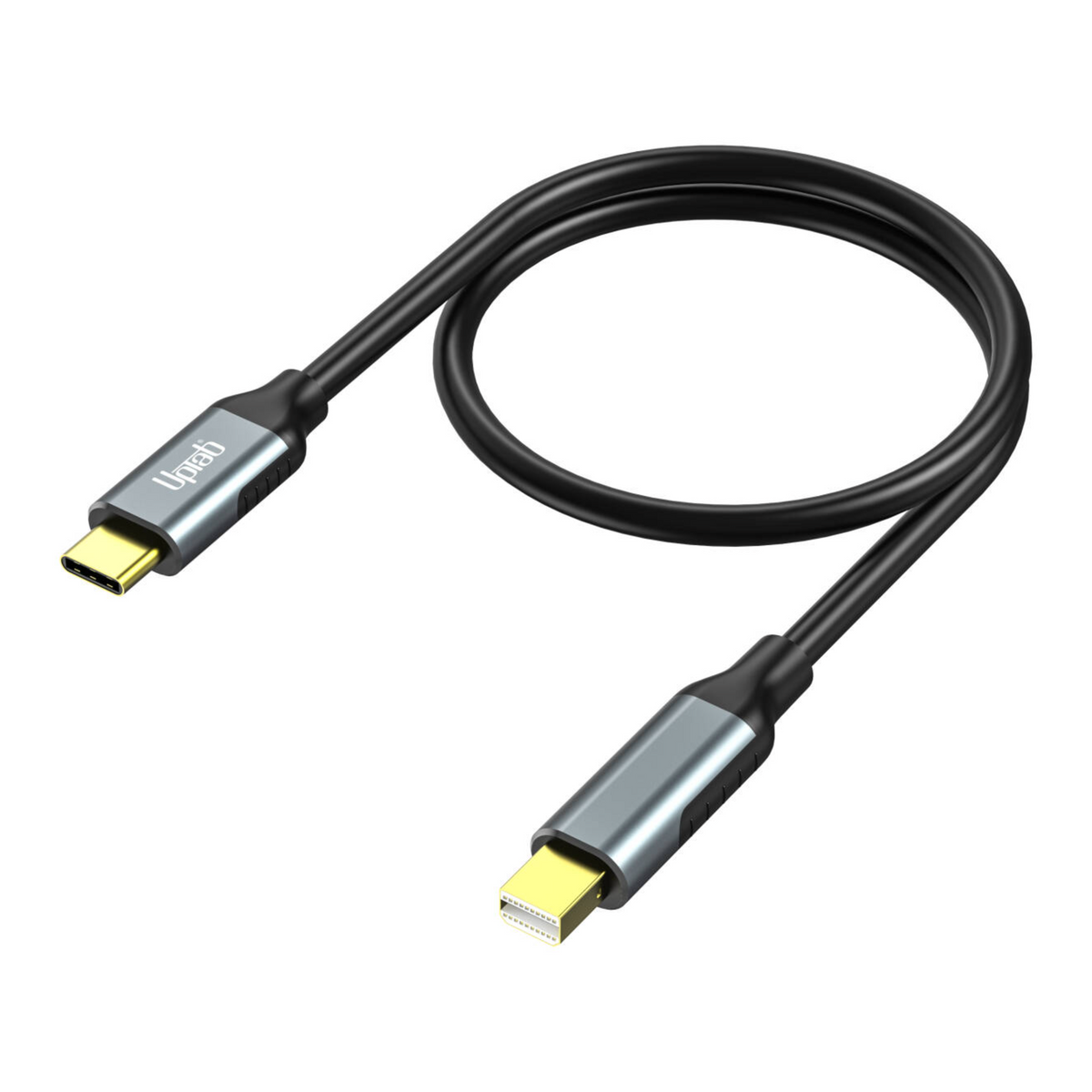
Adaptateur USB-C vers Mini DisplayPort 4K à 60 Hz - Graphite
About this item
Se marie bien avec
EXPÉDITION LE JOUR MÊME commandez avant 11 h (HNE)
Livraison gratuite pour les commandes de plus de 50 $
Support technique
Retour sous 30 jours
Garantie d'un an
Adaptateur USB-C vers Mini DisplayPort 4K à 60 Hz - Graphite
Détails du produit
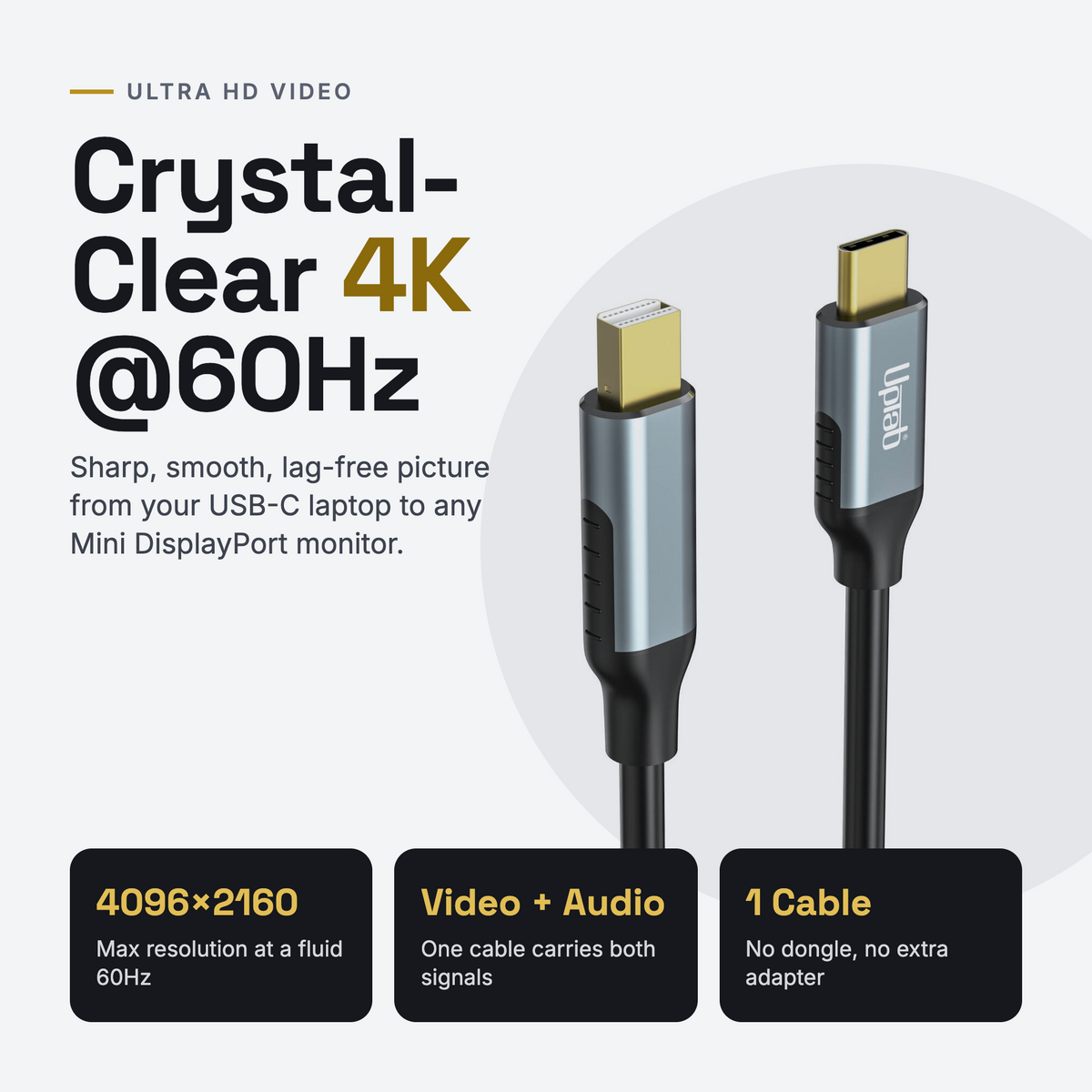
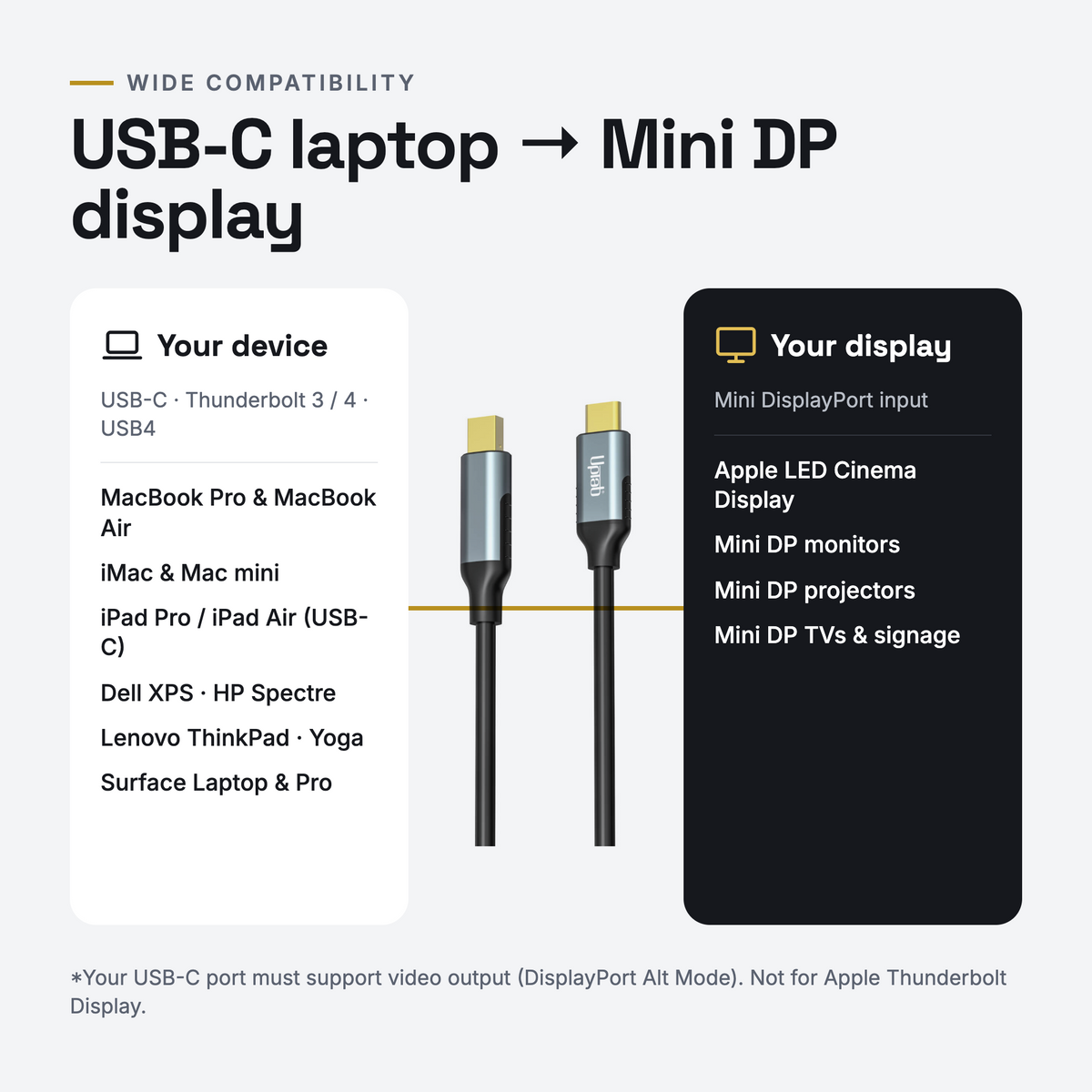
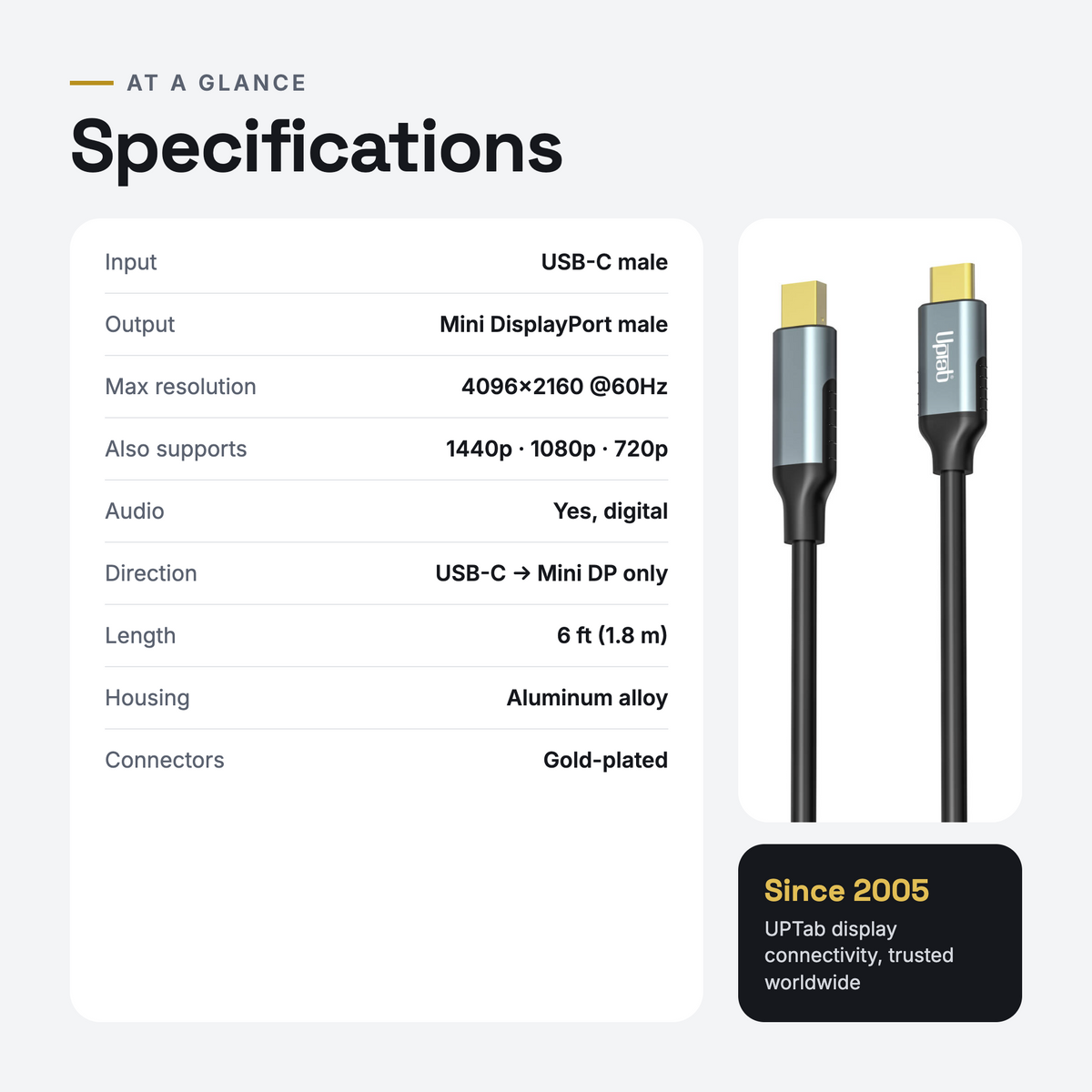
L'adaptateur USB-C vers Mini DisplayPort est un excellent compagnon technologique pour les appareils tels que Apple MacBook Pro/Air M4, iPad Pros (2018+), Google Chromebook Pixel, Lenovo Yoga et bien d'autres, avec sa fantastique résolution Ultra HD 4K 60 Hz et sa conception de prise en charge audio à 8 canaux.
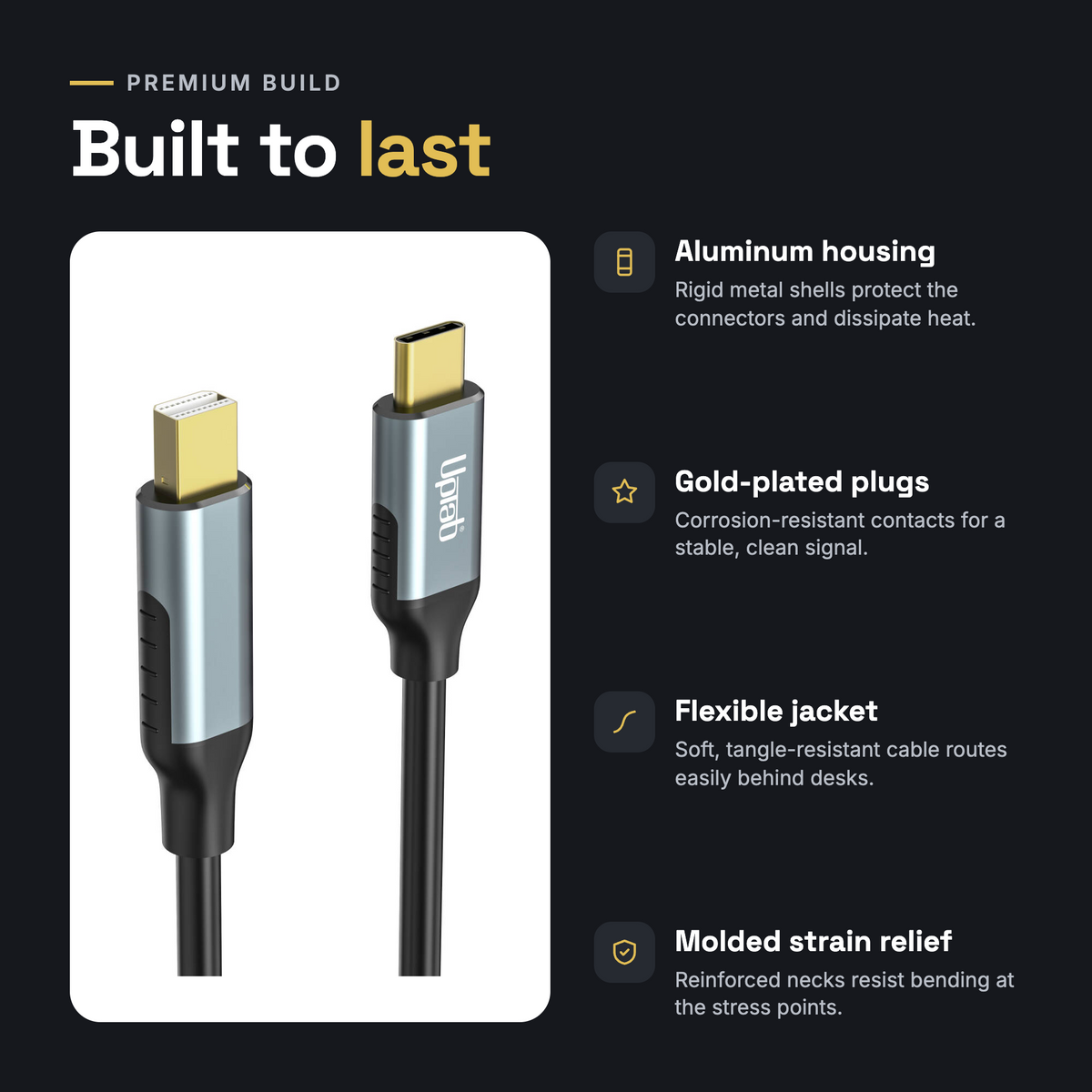
Grâce à son port d'alimentation USB-C, vous pouvez alimenter facilement votre Apple MacBook 2016+ et MacBook Pro 2016+ avec Touch Bar et utiliser simultanément le Mini DisplayPort. Sa coque en aluminium robuste assure une meilleure dissipation de la chaleur et prévient la surchauffe, tandis que son format compact le rend particulièrement pratique à transporter.
Auto-alimenté, élégant et moderne, l'adaptateur USB-C vers Mini DisplayPort est un accessoire technologique indispensable pour ceux qui ont besoin de connecter des sources vidéo à leur appareil d'affichage sans tracas.
Points forts:
- Conception petite et compacte
- Couleur argent élégante
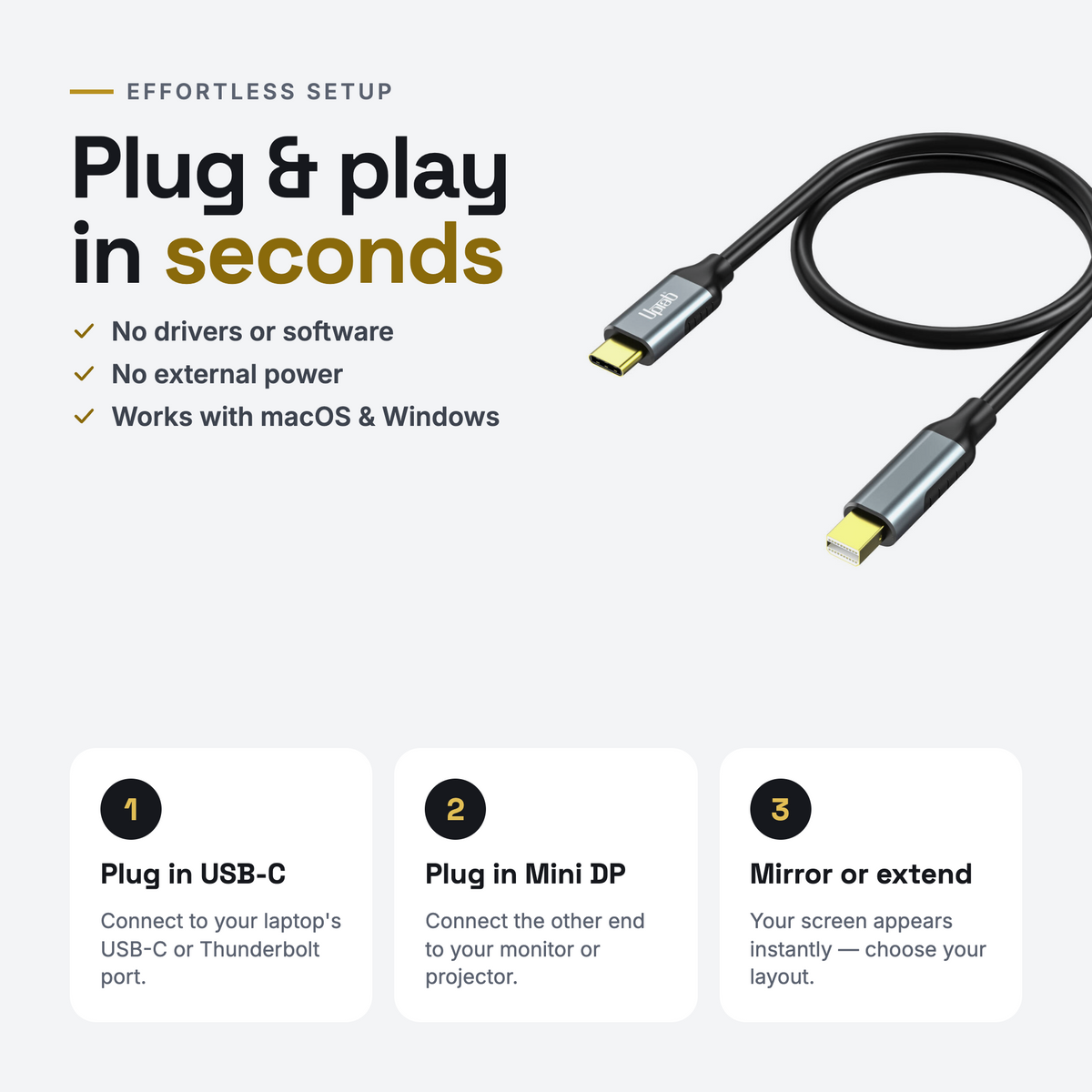
- Auto-alimenté - aucune alimentation externe requise
- Se connecte au Mini DisplayPort
- Coque en aluminium - excellente dissipation de la chaleur
- Transmission d'énergie pour la charge
- Prend en charge l'Ultra HD 4K à une résolution de 60 Hz
- Compatible avec Apple MacBook, Google Chromebook Pixel et plus
- Comprend un microprocesseur sur puce avec ROM SPI interne
- Prend en charge les formats de protection de contenu HDCP 1.4 et HDCP 2.2
- Fonction répéteur HDCP 1.4 et HDCP 2.2 avec clés intégrées
- Prend en charge le brouillage TMDS pour la réduction des interférences EMI/RFI
- Prend en charge SCDC (Status and Control Data Channel)
- Prise en charge audio jusqu'à 8 canaux LPCM
Appareils compatibles :
- Apple MacBook Pro 2016/M1 et versions ultérieures, y compris les nouveaux M4 Pro et M4 Max 14/16"
- Apple MacBook Air 2018 et versions ultérieures
- Apple iPad Pro 2018 et versions ultérieures
- Apple iMac 2017 et versions ultérieures
- Apple Mac Mini 2018 et versions ultérieures
- Apple Mac Pro 2019
- Smartphones et tablettes Android avec USB-C
- Google Pixel
- Chromebooks Google avec USB-C
- Ordinateurs portables Lenovo avec USB-C
- Ordinateurs portables HP avec USB-C
- Tout ordinateur avec Thunderbolt 3
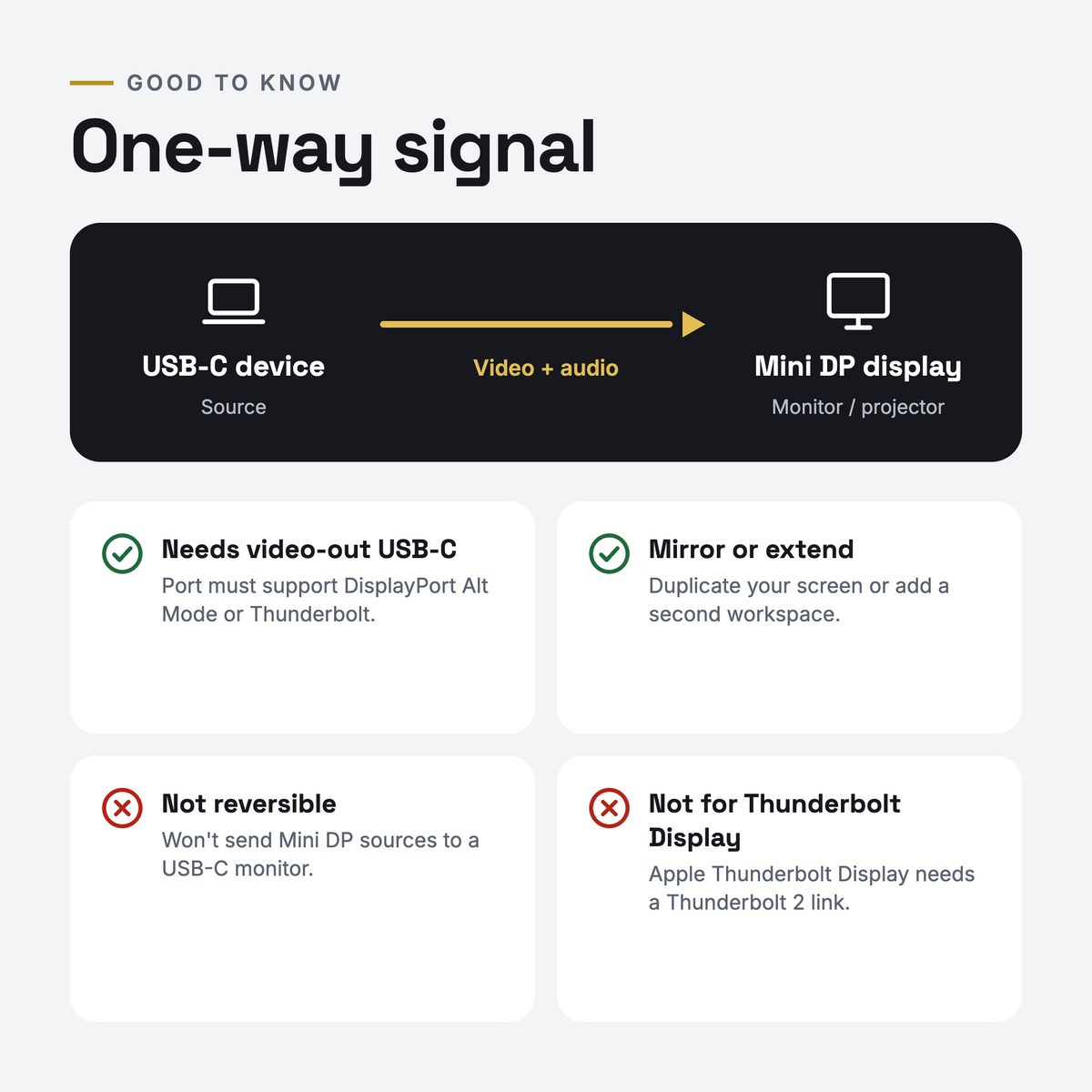
Convertit uniquement le signal USB-C (Type-C) en Mini DisplayPort. Cet adaptateur n'est pas bidirectionnel et n'est PAS compatible avec Intel Thunderbolt 2. Avant d'acheter cet adaptateur, assurez-vous que votre appareil (ordinateur, tablette ou smartphone) prend en charge le mode HDMI/DisplayPort alternatif sur USB Type-C.
Pour toute question, n'hésitez pas à nous contacter. Nous vous répondrons dans les plus brefs délais, sous 24 heures en semaine.
-
Informations d'expédition
Nous traitons et expédions la plupart des commandes le jour même. Les délais de livraison varient selon le mode de livraison sélectionné lors du paiement. Veuillez vérifier l'exactitude de votre adresse de livraison pour éviter tout retard.
-
Assistance clientèle
Notre équipe est là pour vous aider ! Pour toute question ou assistance, contactez-nous par e-mail ou via notre formulaire de contact. Nous vous répondrons dans les plus brefs délais.
-
FAQ
Quand ma commande sera-t-elle expédiée ?
La plupart des commandes sont traitées et expédiées le jour même. Le délai de livraison dépend de l'option de livraison sélectionnée lors du paiement.
Quelle est votre politique de retour ?
Les articles peuvent être retournés dans les 30 jours dans leur emballage d'origine avec tous les accessoires inclus. -
Contactez-nous
Vous avez des questions ou besoin d'aide ? Nous sommes là pour vous.
Service client disponible du lundi au vendredi, de 9h à 17h (EST)
Courriel : cs@uptab.com
Téléphone : 1 (877) 333-1505
Ou utilisez notre formulaire de contact , nous vous répondrons rapidement.
Hi,I have used UPTab USB-C to Mini Display Port Adapter with my old Mac Cinema Display. It works fine but I have no sounds in Cinema Display speakers.:-(SynReginaldo
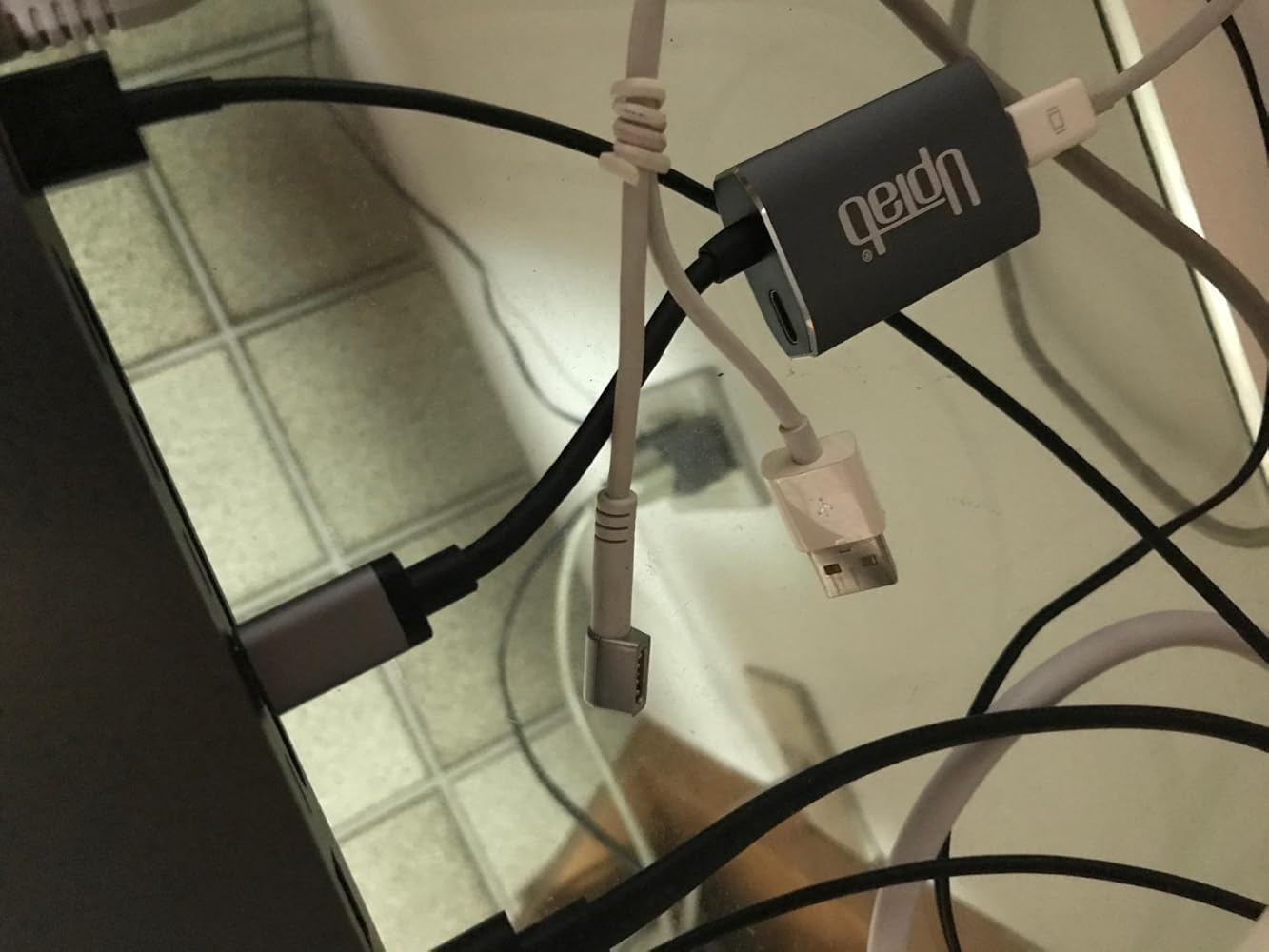
Let me first say that I'm using a 2017 Macbook Pro (thunderbolt 3) with a 2011 27-inch Cinema Display (mini displayport). These specifically are mentioned as being compatible with this adapter, and it works as advertised - see the picture (running Boot Camp / Windows 10).The description of this adapter very clearly states (and shows!) that it will work with the exact equipment I have - and it does. If you're using HDMI, DVI, 4K, LG, Dell, etc....I really have no idea about that, so good luck!
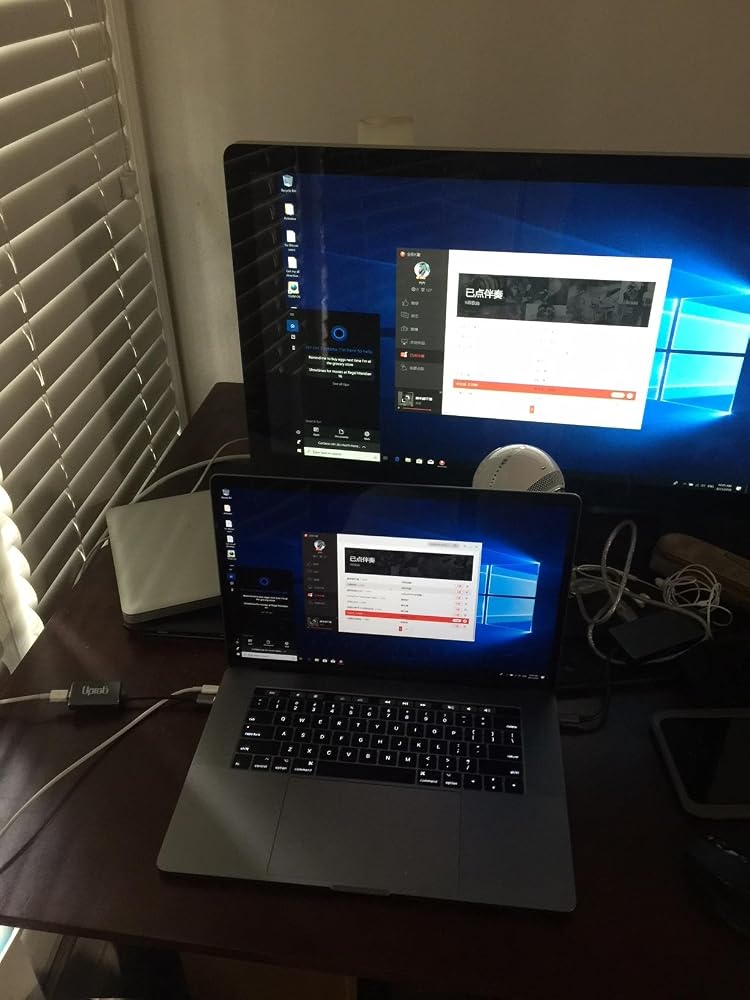
Faulty adapter, but a good resolution.
Toimii! It works!
I picked up two USB-C to Mini DisplayPort Adapter 4K@60Hz - Graphites to use my 2-27" legacy Apple Cinema Displays on my new to me 2019 Mac Pro. Shipped quickly. Well packaged. Worked from first plugging them in. I have had them a few weeks now. There is the occasional flicker or banding, but I think it may be a video card issue, not the adapters. I haven't done anything intensive yet that would eat up video card memory and RAM, but the behavior fits more with those two possibilities. I would recommend these adapters to anyone who needs to add their legacy monitors to a more current Mac without giving it a second thought. Thank you, Uptab for a reliable and inexpensive product!
Doesn‘t work.
Adapter broke after six weeks, with both Amazon and the manufacturers offering no help with a replacement. Avoid this product and Amazon.
It worked at first and pleased about it. Now, not working at all. Bought it last Aug 5 and used it for some time (coz I really seldom use it! ) for my Mac mini 2 connected to an old Apple-led cinema display. I on the computer yesterday, monitor no picture. Tried to on it again today, still the same! Shocked that it is not working at all now! Within 2+ months after I ordered it, it didn't even last longer.
Didn't work. Like, at all. Computer doesn't even see the device.
I bought this 11 months ago and it has completely stoped working. I have bought a different model and it works perfectly.
Doesn't work.
Does not work with 2017 MacBook.
I purchased for my new MacBook Pro [2016 retina with USB-C] and it did not allow 4k video on my Dell P2715Q [2015] 4k monitor. Research before you purchase if you want 4K output.
didnt work .. i have everything right and dosnt work
My display is older -- and it has the square display port symbol, so I thought this UpTab would work. Nope. I even tried using it with a newer MacDisplay (2018 I think) and nothing. Super disappointed in the product, and that I missed the return time period. UGH!
NOTE: DOES NOT SUPPORT THE CAMERA IN THE APPLE LED CINEMA DISPLAY!!!
I'm using this adapter to connect to an Apple Cinema Display LED (27-Inch) (model A1316). On startup the monitor is not detected. Sometimes tapping the fingerprint scanner to put the machine to sleep and closing and reopening the laptop lid gets the monitor to be recognized. More often, 1 or 2 reboots are required before it is detected. Also, sporadically, when waking the laptop from screensaver, the monitor resolution is magnified even though the System Settings indicate the default resolution is selected. Choosing a different resolution and changing back to default does not resolve. It's been a disappointing and frustrating experience so far..
Didn't work with my good old (11 years) Dell 3007WFP and the original Apple Mini DisplayPort to Dual-Link DVI Adapter even though advertised as if it should work with active dual link DVI, which worked just fine on my old 2014 MBP.Returned it.Time to retire the old monitor, got me an Acer widescreen 38" inch now, better fit for the new MBP anyway.
I tried to save a few bucks and buy this adapter instead of the Apple brand, and unfortunately the power passing through the adapter was insufficient to power my raid (which is also direct connected to the wall). Once I purchased the Apple version, it booted up no problem. I should have known to stick to Apple !
Didn't make it to 2 years. All of a sudden just stopped working today. I didn't use this dongle daily so 2 years might be generous? Until it stopped working it did it's job well.
Bild wird übertragen. Ton nicht. Keine Helligkeitssteuerung.
Display colors are dim, hue is off, no brightness control. Maybe something is wrong with my copy. MacBook Pro 2021 into 27” LED Cinema Display.
Successfully connects a modern USB-C MacBook Pro to the 30” Apple Cinema Display (2560×1600) if using the genuine Apple Mini DisplayPort to Dual-Link DVI adapter. Maintains full resolution and stable signal with no flicker or artifacts. Unlike many USB-C to Mini DisplayPort adapters, this one properly supports the legacy DisplayPort 1.1/1.2 timing required by the Apple Dual-Link adapter. NOTE: The StarTech USB-C to Mini DisplayPort adapter (model CDP2MDPEC), while similar in spec, did not work in this setup. External USB power (5V 2A or higher) must be supplied to the Dual-Link adapter for the system to function. Confirmed working with macOS Sequoia 15.5 on Apple Silicon.
I don't write reviews but thought I must for this product. It does work. I does allow me to hook up my old Apple Cinema Display to my new MacBook Pro. I will give it that. But the auxiliary outlet has never worked. Also, the display doesn't always turn on when it should. I need to reboot it by unplugging/plugging it back in, Frustratingly so.
Adapter is able to connect to Macbook Pro M1 Max to Apple cinema HD 30 from 2008, using the apple double link DVI to DisplayPort adapter.
The adapter works fine with my 5th-generation iPad Air and a 24" Apple LED Cinema Display. It turned the older display into a nice setup for easier editing of my travel videos.
This worked great for my setup and it display images crystal clear. This worked for my 2019 Macbook Air and Apple Monitor. I plugged in my monitor to this adapter and the USB-C end to my macbook and it worked great !
I have a 2023 MacBook Pro 14" M2 and a 27" LED Cinema display and everything works great BUT I cannot adjust the brightness. And yes, I have both this adapter plugged into the mini display port and the USB plugged in from the Cinema display's 3-wire cable. I've also set the preference to manually adjust the brightness on my laptop to manual and it works fine on the laptop but has no effect on the 27" display. It's not the worst problem but I would like to lower the brightness at times.
Liked the power + video capabilities but after 6mos it failed both power and video.
I got this to use an older Apple Cinema Display with an M1 Max MacBook Pro since apples adapters don’t allow this to work and this adapter 100% got the job done.
Livraison gratuite à partir de 50 $
Expédition le jour même pour la plupart des commandes