

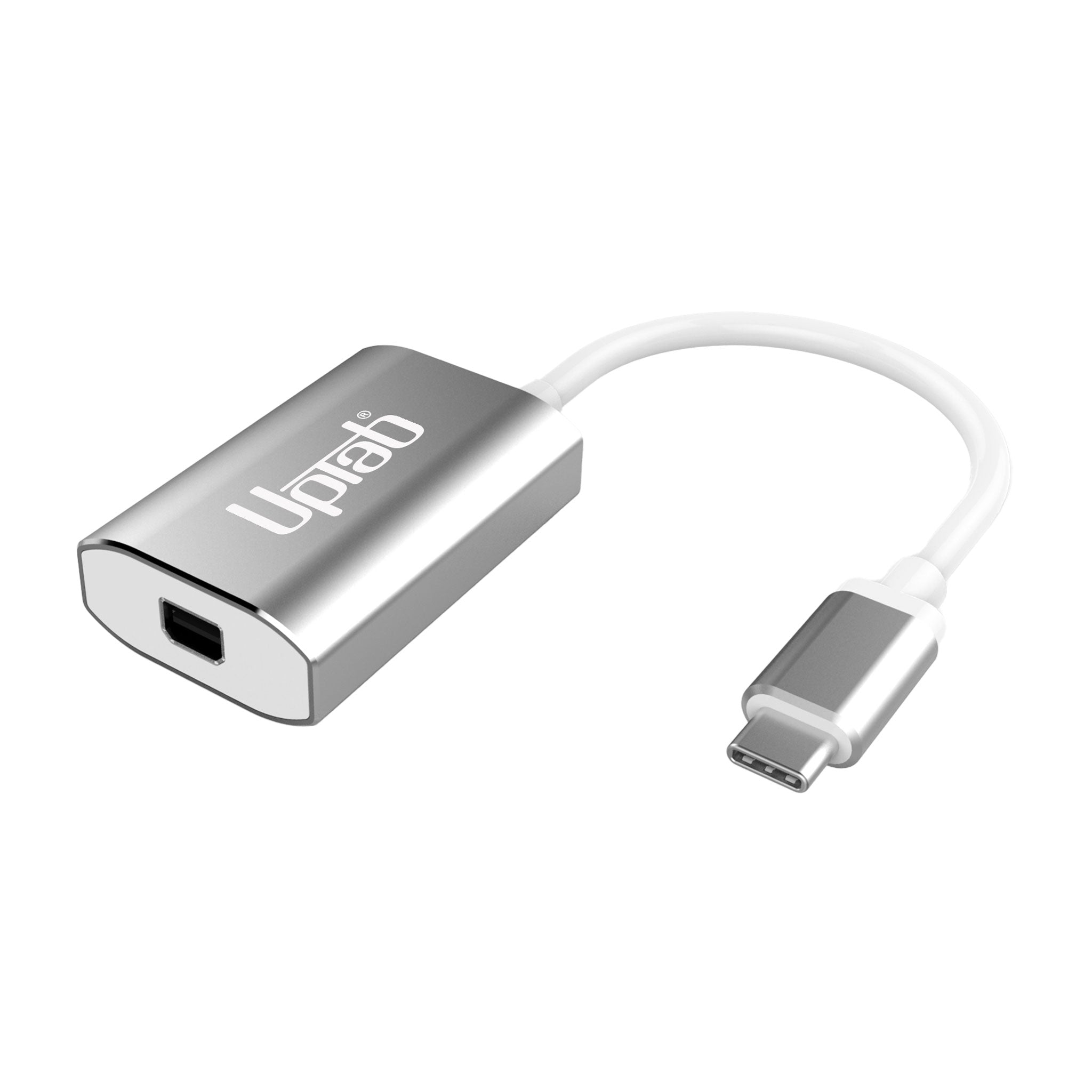
Adaptateur USB-C vers Mini DisplayPort 4K à 60 Hz - Argent
About this item
Se marie bien avec
EXPÉDITION LE JOUR MÊME commandez avant 11 h (HNE)
Livraison gratuite pour les commandes de plus de 50 $
Support technique
Retour sous 30 jours
Garantie d'un an
Adaptateur USB-C vers Mini DisplayPort 4K à 60 Hz - Argent
Détails du produit
Exploitez tout le potentiel de votre écran avec l' adaptateur UPTab USB-C vers Mini DisplayPort 4K à 60 Hz . Conçu pour les professionnels, les créateurs et les utilisateurs quotidiens, cet adaptateur compact est le seul adaptateur Mini DisplayPort du marché doté d'un port d'alimentation USB-C . Vous pouvez ainsi recharger votre ordinateur portable tout en utilisant l'adaptateur, libérant ainsi vos autres ports USB-C pour vos disques durs, périphériques ou accessoires.
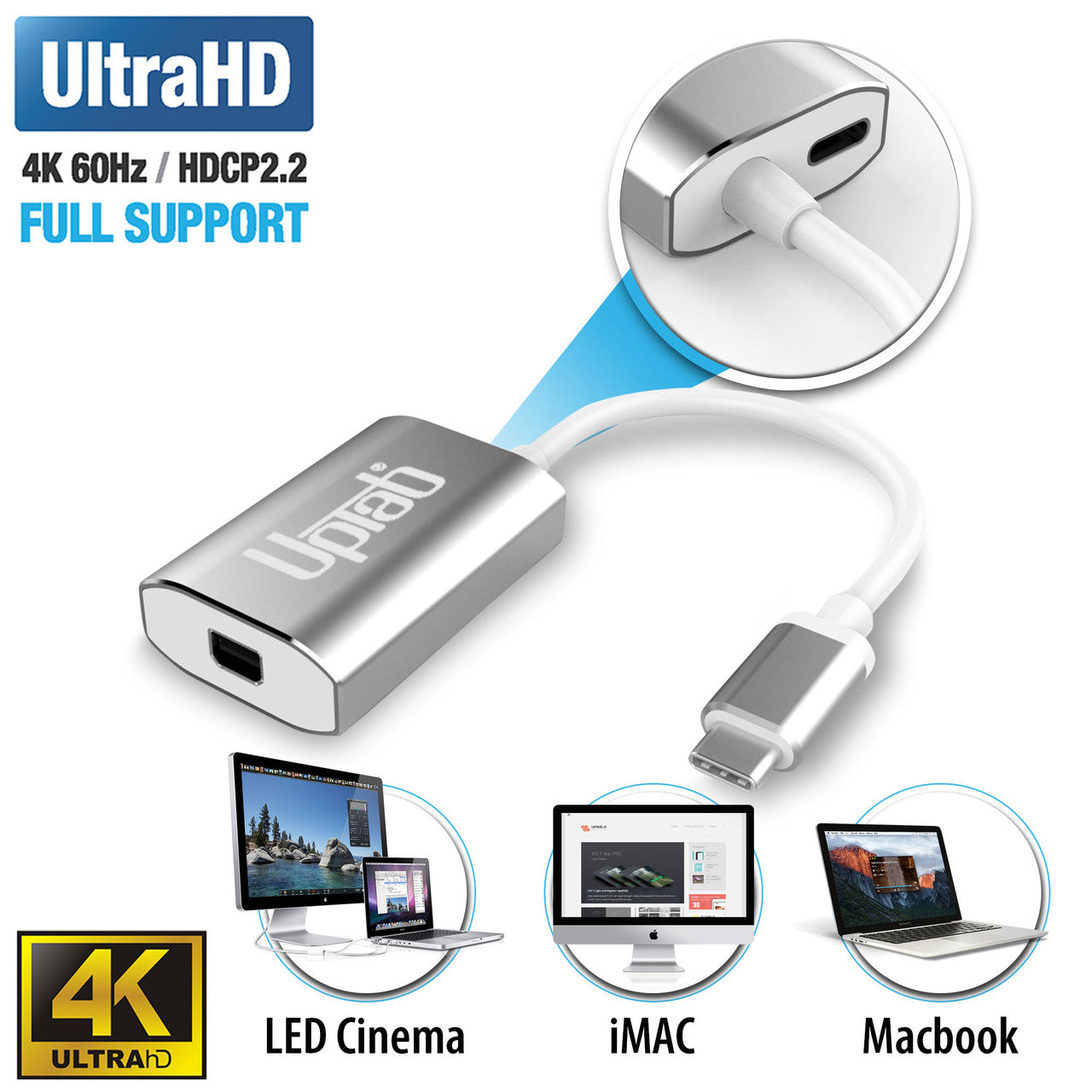
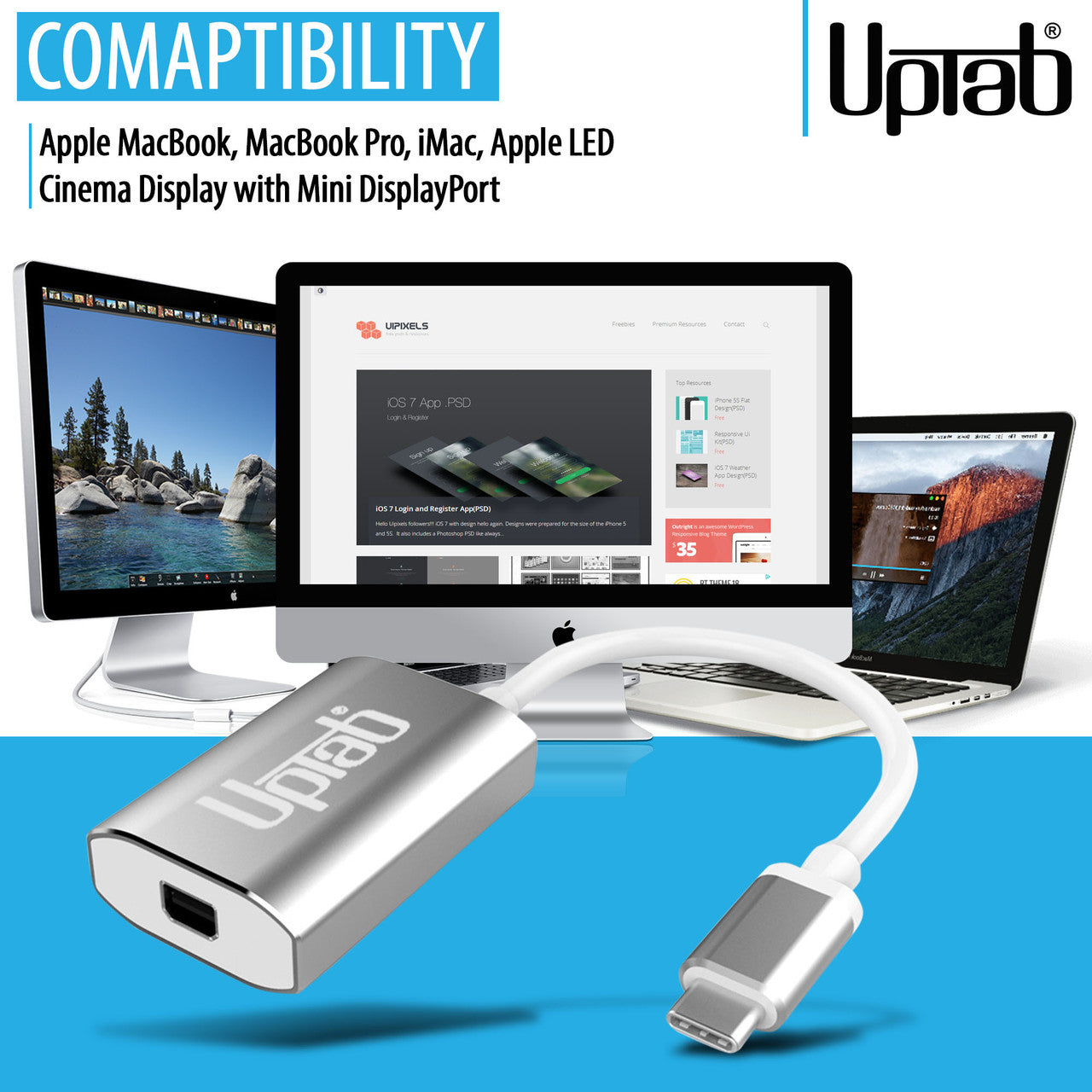
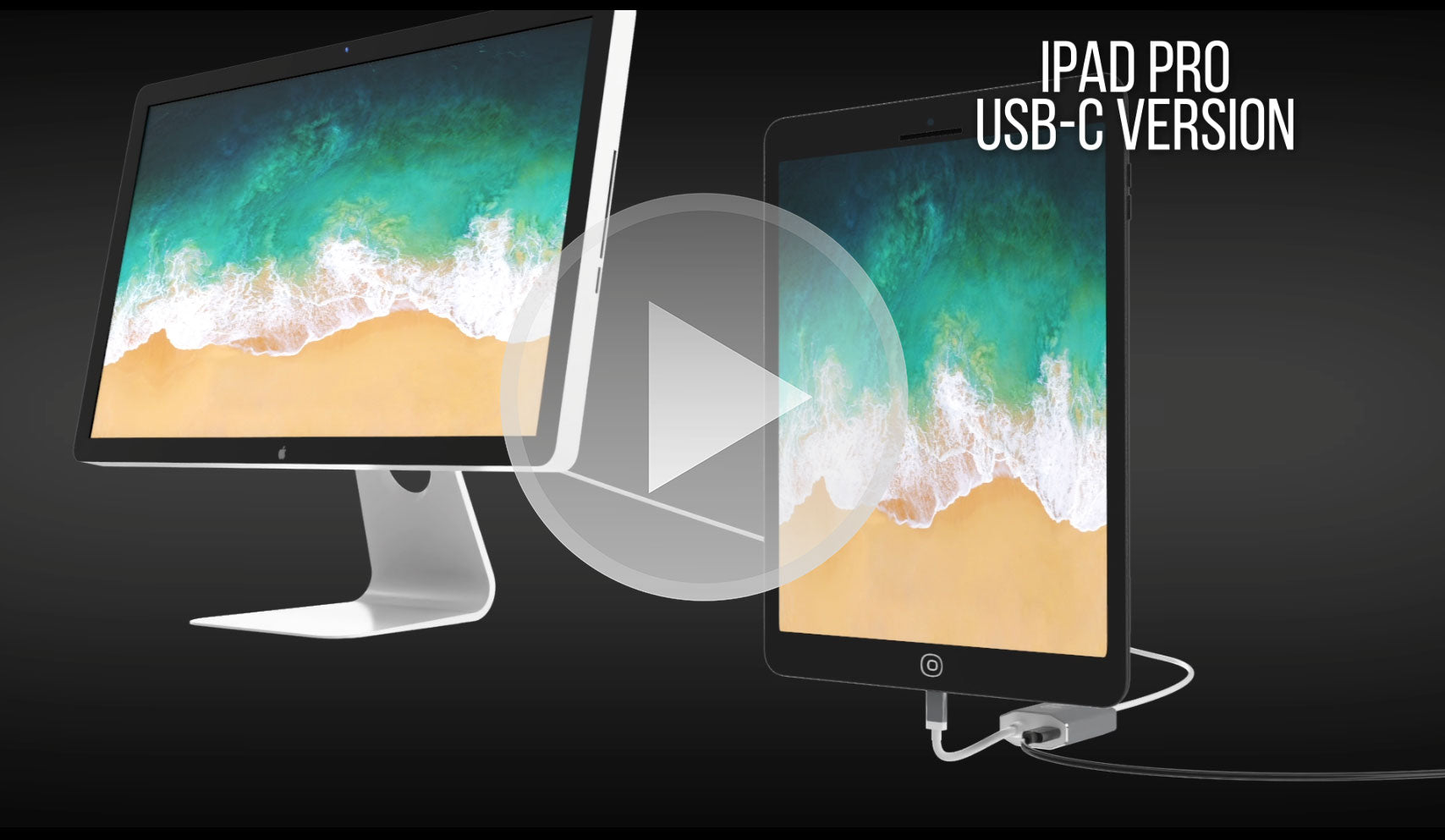
Contrairement aux adaptateurs standard, la précision d'UPTab garantit une résolution Ultra HD 4K fluide à 60 Hz avec audio 8 canaux, une latence nulle et des images d'une clarté exceptionnelle. Logé dans une coque en aluminium robuste pour une dissipation thermique et une fiabilité optimales, il constitue la solution idéale pour connecter votre MacBook, iPad Pro, Chromebook ou PC aux anciens moniteurs Mini DisplayPort, y compris le classique Apple Cinema Display.
-
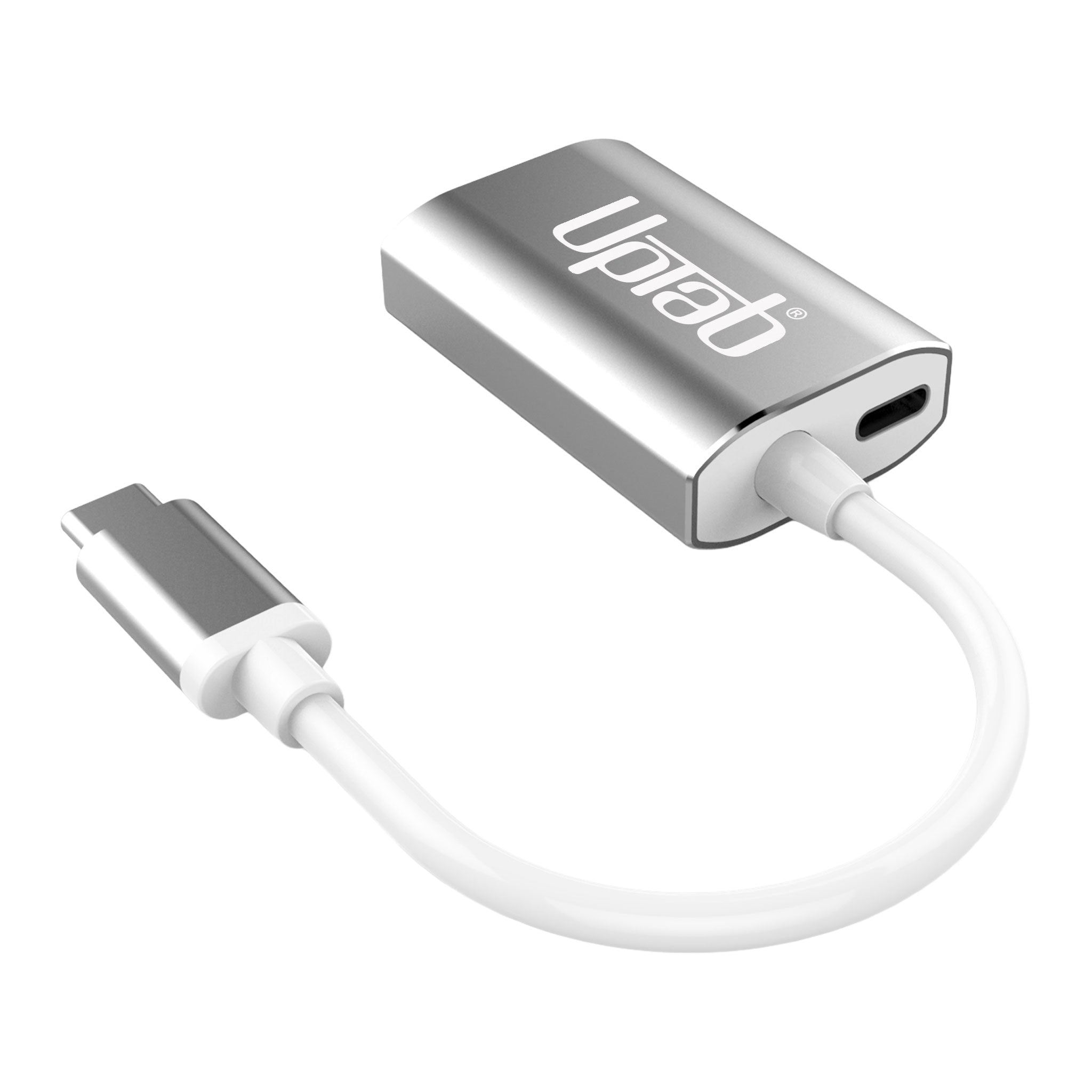
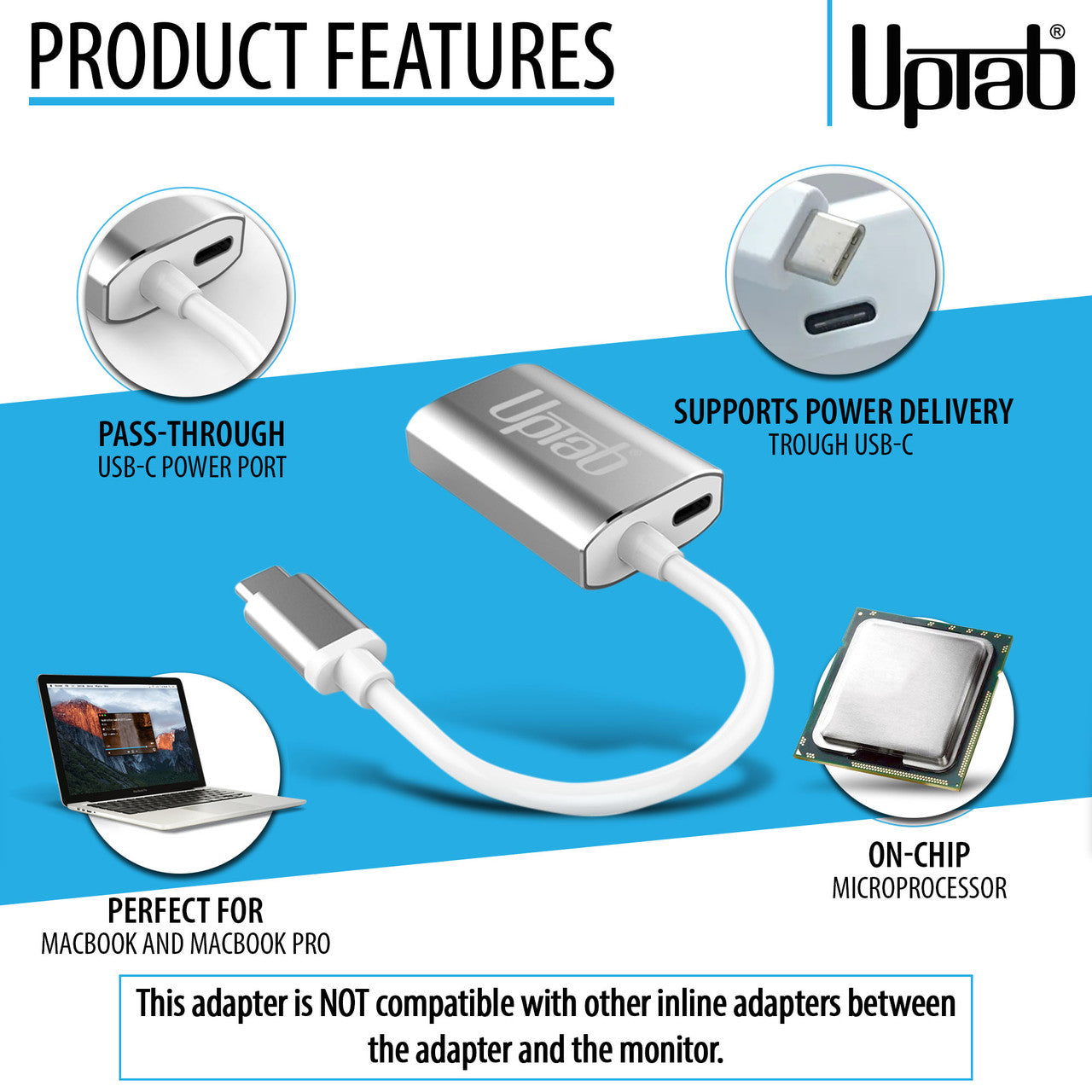
Chargez et connectez simultanément – La conception exclusive de transmission d'alimentation USB-C vous permet de charger votre ordinateur portable tout en pilotant un écran Mini DisplayPort.
-
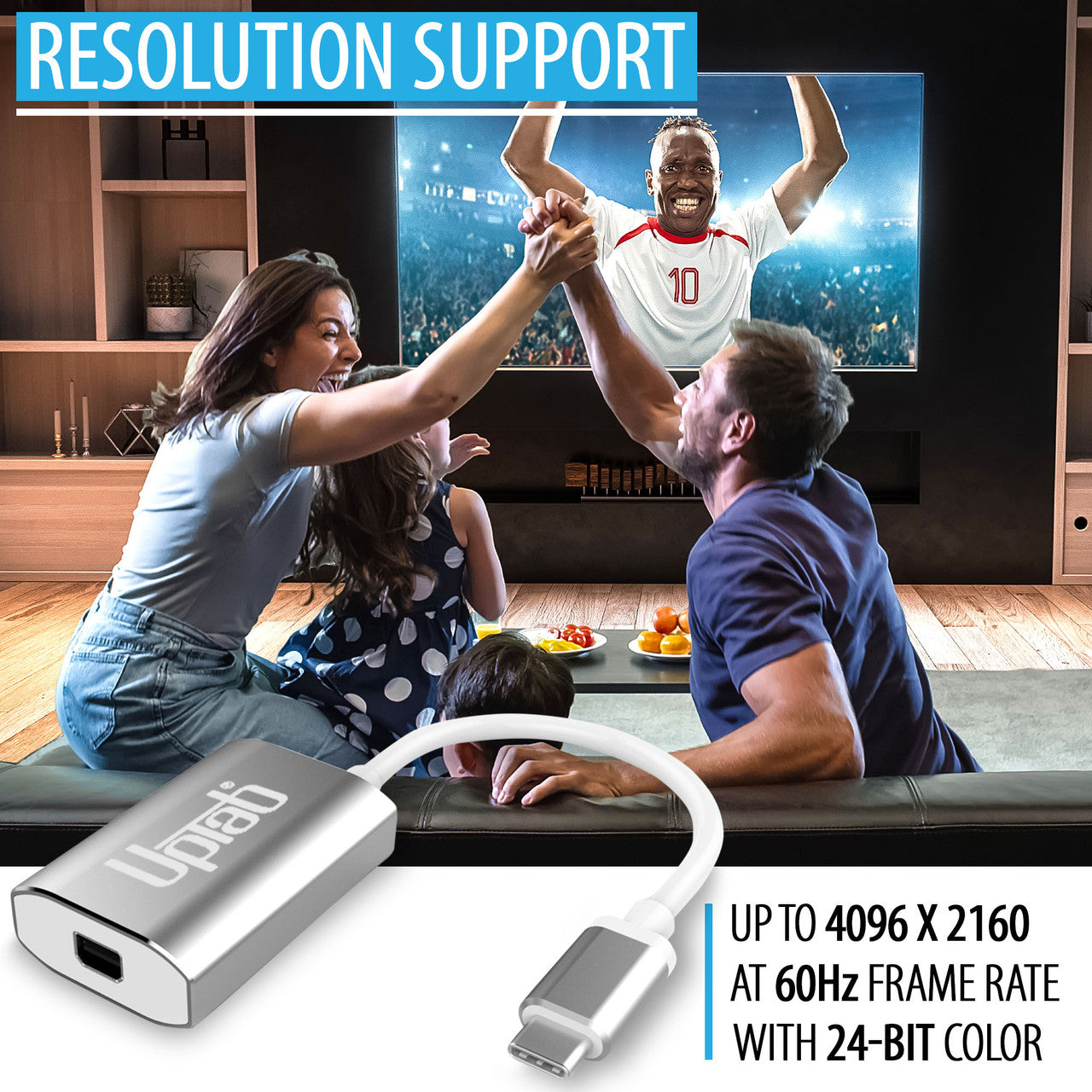
Des visuels époustouflants – Prend en charge l'Ultra HD 4K à 60 Hz pour une lecture vidéo fluide, des jeux et un montage professionnel.
-
Compatibilité étendue des appareils – Fonctionne parfaitement avec Apple MacBook Pro/Air, iPad Pro, iMac, Mac Mini, Chromebooks, Lenovo, HP et plus encore.
-
Ingénierie prête pour l'avenir – Conçu avec la conformité DP 1.4 Alt-Mode, la prise en charge HDCP 1.4/2.2 et la réduction EMI avancée.
-
Construction haut de gamme – Coque en aluminium durable pour la dissipation de la chaleur et une fiabilité durable.
-
Portable et adapté aux voyages – Conception légère et compacte, parfaite pour les professionnels et les étudiants mobiles.
Convertit uniquement le signal USB-C (Type-C) en Mini DisplayPort. Cet adaptateur n'est pas bidirectionnel et n'est PAS compatible avec Intel Thunderbolt 2.
Points forts:
- Conception petite et compacte
- Couleur argent élégante
- Auto-alimenté - aucune alimentation externe requise
- Se connecte au Mini DisplayPort
- Coque en aluminium - excellente dissipation de la chaleur
- Transmission d'énergie pour la charge
- Prend en charge l'Ultra HD 4K à une résolution de 60 Hz
- Compatible avec Apple MacBook, Google Chromebook Pixel et plus
- Comprend un microprocesseur sur puce avec ROM SPI interne
- Prend en charge les formats de protection de contenu HDCP 1.4 et HDCP 2.2
- Fonction répéteur HDCP 1.4 et HDCP 2.2 avec clés intégrées
- Prend en charge le brouillage TMDS pour la réduction des interférences EMI/RFI
- Prend en charge SCDC (Status and Control Data Channel)
- Prise en charge audio jusqu'à 8 canaux LPCM
Appareils compatibles :
- Apple MacBook Pro M1 et versions ultérieures, y compris les nouveaux M4 Pro et M4 Max 14/16"
- Apple MacBook Air M3 et versions ultérieures
- Apple iPad Pro avec USB-C et versions ultérieures
- Apple iMac 2017 et versions ultérieures
- Apple Mac Mini M1 et versions ultérieures
- Apple Mac Pro 2019 et versions ultérieures
- Smartphones et tablettes Android avec USB-C
- Google Pixel
- Chromebooks Google avec USB-C
- Ordinateurs portables Lenovo avec USB-C
- Ordinateurs portables HP avec USB-C
- Tout ordinateur avec Thunderbolt 3 et USB 4.0
Smartphones et tablettes prenant en charge la sortie vidéo : liste complète
Pour toute question, n'hésitez pas à nous contacter. Nous vous répondrons dans les plus brefs délais, sous 24 heures en semaine.
-
Informations d'expédition
Nous traitons et expédions la plupart des commandes le jour même. Les délais de livraison varient selon le mode de livraison sélectionné lors du paiement. Veuillez vérifier l'exactitude de votre adresse de livraison pour éviter tout retard.
-
Assistance clientèle
Notre équipe est là pour vous aider ! Pour toute question ou assistance, contactez-nous par e-mail ou via notre formulaire de contact. Nous vous répondrons dans les plus brefs délais.
-
FAQ
Quand ma commande sera-t-elle expédiée ?
La plupart des commandes sont traitées et expédiées le jour même. Le délai de livraison dépend de l'option de livraison sélectionnée lors du paiement.
Quelle est votre politique de retour ?
Les articles peuvent être retournés dans les 30 jours dans leur emballage d'origine avec tous les accessoires inclus. -
Contactez-nous
Vous avez des questions ou besoin d'aide ? Nous sommes là pour vous.
Service client disponible du lundi au vendredi, de 9h à 17h (EST)
Courriel : cs@uptab.com
Téléphone : 1 (877) 333-1505
Ou utilisez notre formulaire de contact , nous vous répondrons rapidement.
FAQ
Questions fréquentes – Adaptateur USB-C vers Mini DisplayPort
J'ai connecté l'adaptateur mais aucune image sur mon moniteur.
- Il existe plusieurs raisons différentes pour lesquelles la vidéo ne s'affiche pas
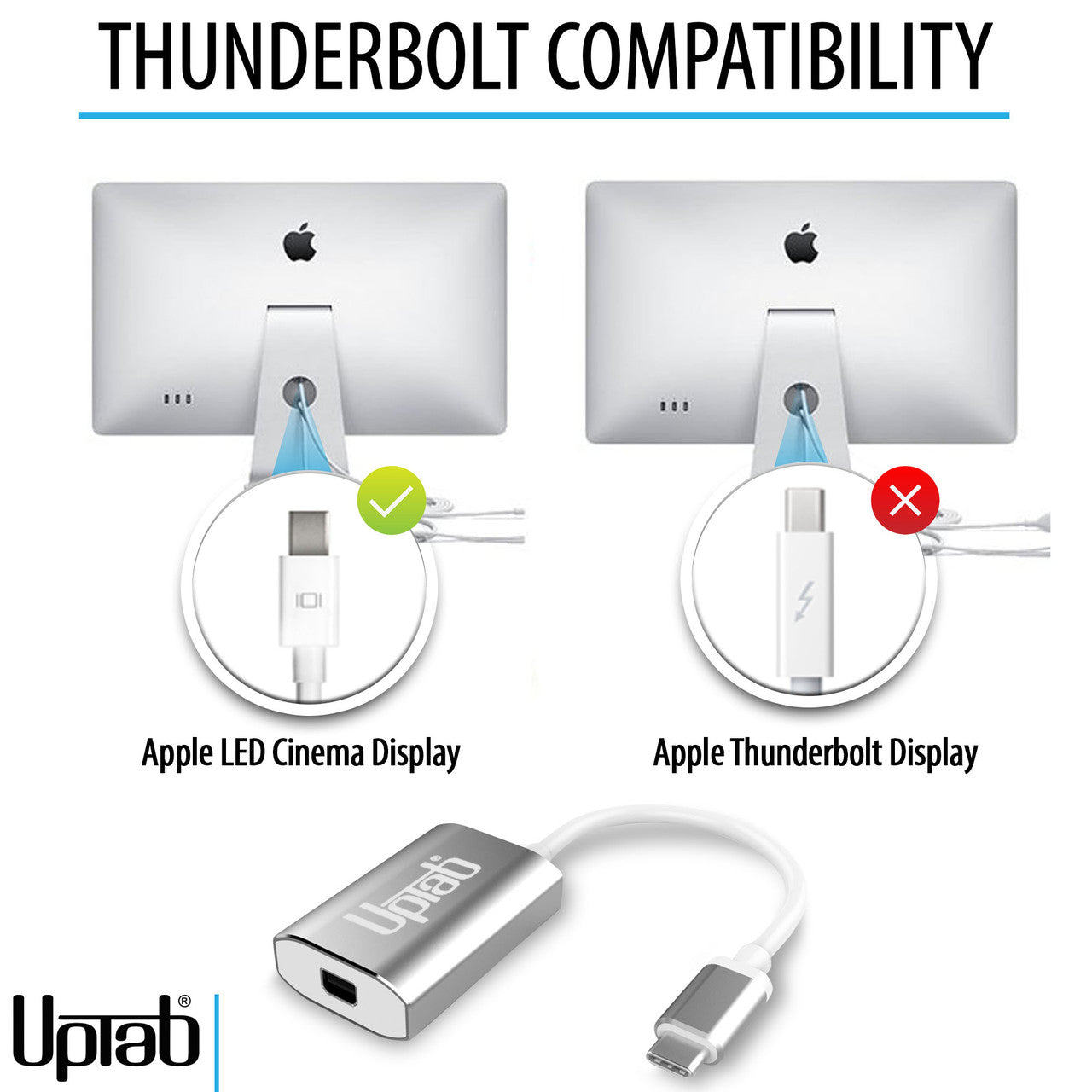
- Votre moniteur est la version Thunderbolt de l'Apple Cinema Display. Vous pouvez vérifier si j'ai trouvé la petite icône sur le câble blanc qui sort de votre moniteur. Si l'icône Thunderbolt apparaît en petit, notre adaptateur ne fonctionnera pas. Si l'icône affiche un petit carré avec deux lignes latérales, l'adaptateur fonctionnera correctement, car votre moniteur est la version Mini DisplayPort de l'Apple Cinema Display.
Assurez-vous que votre moniteur Apple est connecté à l’alimentation et opérationnel.
Pourquoi ne puis-je pas contrôler la luminosité, l'audio et la caméra iSight sur mon Apple Cinema Display ?
- Vous devez connecter le câble USB-A de votre Apple Cinema Display à votre ordinateur portable pour pouvoir contrôler la luminosité, l'audio et la caméra iSight.
Je n'obtiens que de la 4K à 30 Hz avec l'adaptateur UPTab. Comment obtenir de la 4K à 60 Hz ?
- Plusieurs raisons peuvent expliquer pourquoi un écran 4K serait limité à 30 Hz avec notre adaptateur. Nous vous recommandons de vérifier d'abord :
- Le port de sortie USB C doit prendre en charge la norme DP1.4 ALT pour obtenir 4K à 60 Hz ou DP1.2 pour 4K à 30 Hz.
- Spécifications système pour garantir que le processeur graphique interne peut prendre en charge 4K à 60 Hz et que le port de sortie du système/GPU peut prendre en charge 4K à 60 Hz.
Cet adaptateur est-il compatible avec le MacBook Pro, le MacBook Air, l'iPad Pro et d'autres appareils USB-C ?
Oui, il fonctionne avec les appareils USB-C et Thunderbolt 3/4 tels que MacBook Pro, MacBook Air, iPad Pro, Mac Mini, iMac et de nombreux ordinateurs portables Windows prenant en charge la sortie vidéo via USB-C.
Dois-je installer des pilotes ou des logiciels pour que cet adaptateur fonctionne ?
Aucun pilote n'est requis. Cet adaptateur est prêt à l'emploi ; une fois connecté, votre écran devrait être reconnu automatiquement.
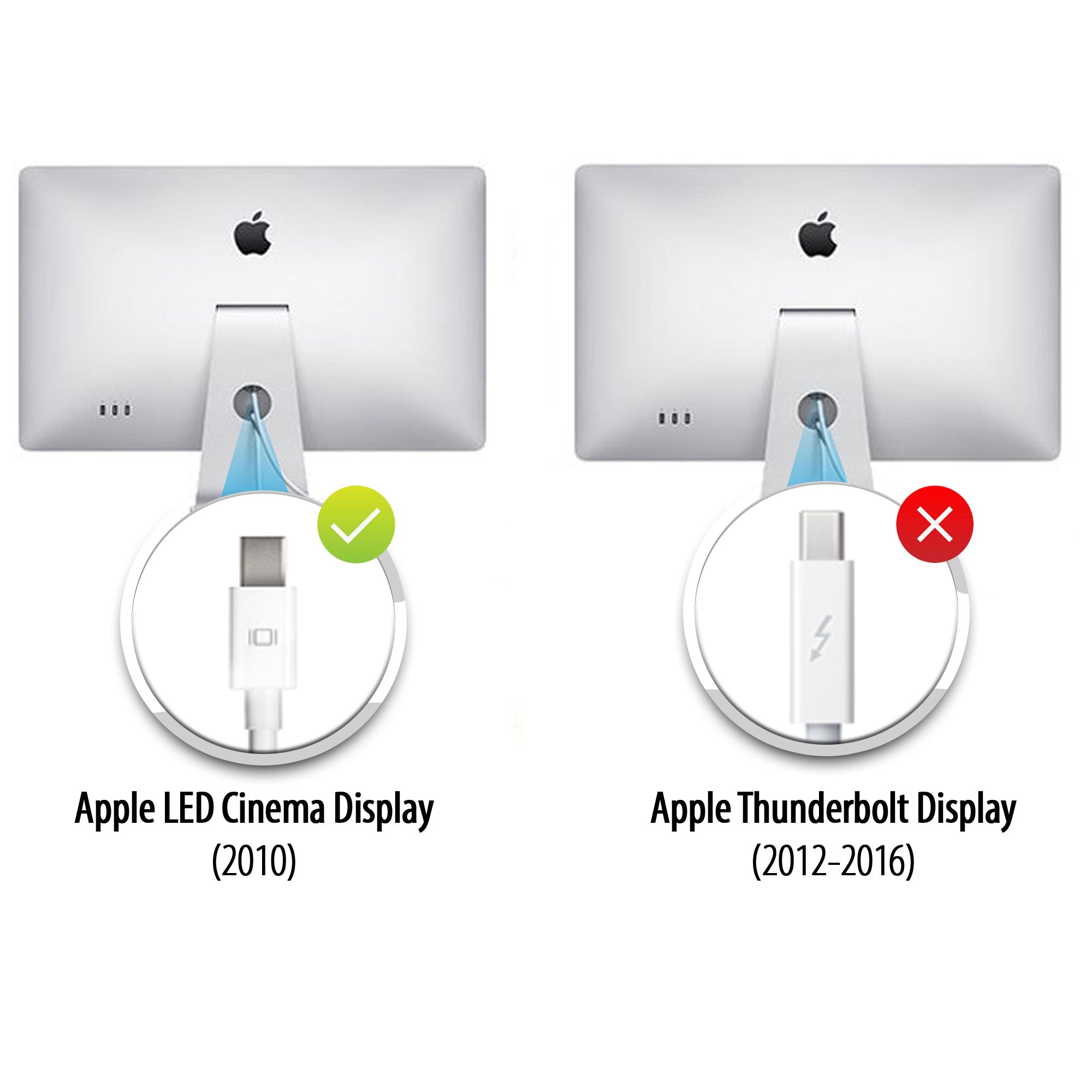
Écrans de cinéma
Apple a fabriqué deux écrans Cinema Display très similaires, mais vous pouvez les distinguer grâce au logo du connecteur sur le câble blanc :
- Apple Thunderbolt Cinema Display – Le connecteur affiche un symbole d’éclair (⚡).
- Apple LED Cinema Display (Mini DisplayPort) – Le connecteur affiche le logo Mini DisplayPort (un carré avec deux lignes verticales de chaque côté).
Vérifier ce petit logo sur le câble est le moyen le plus simple de distinguer les deux modèles.
Doesn’t work

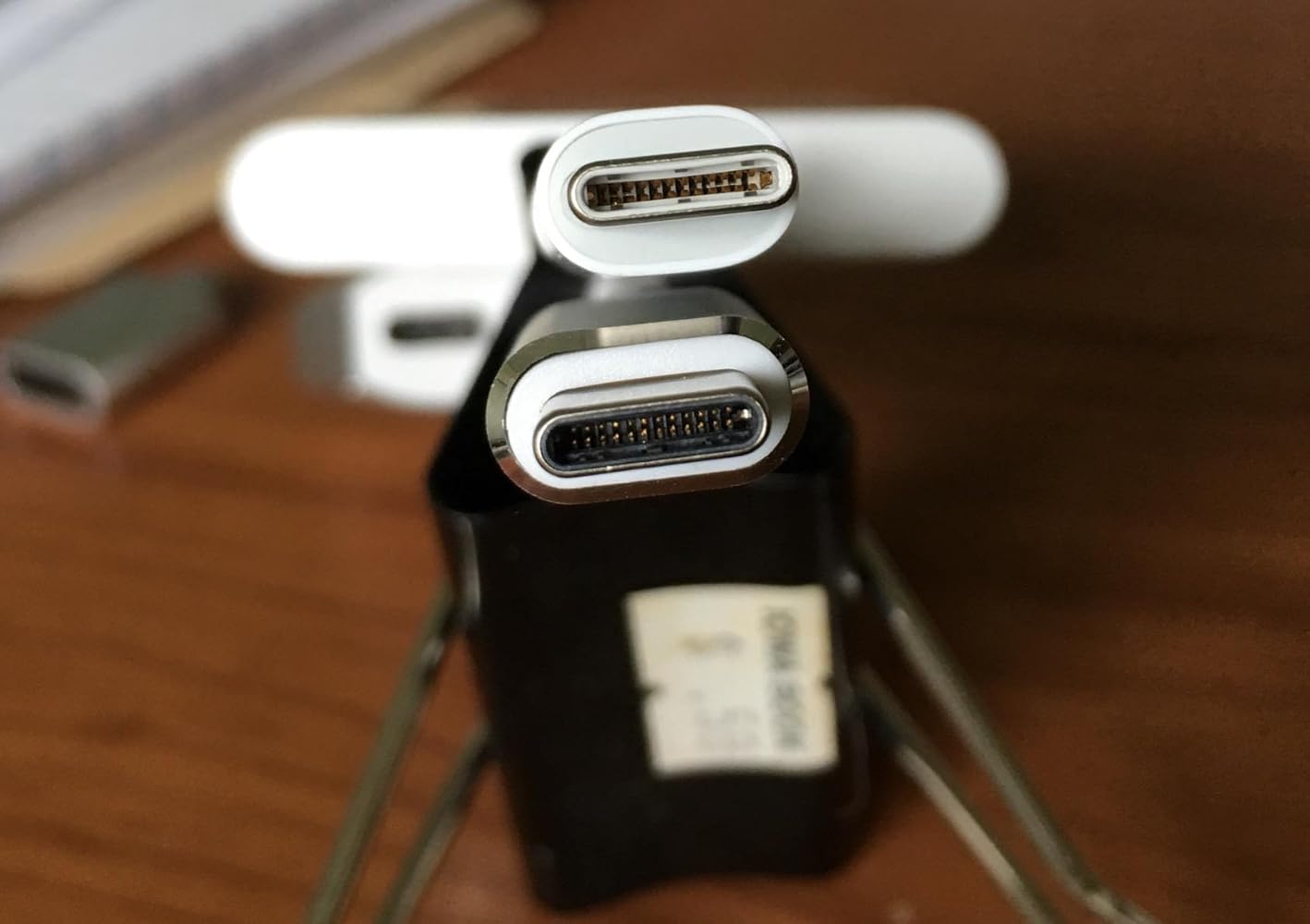
The adapter is larger than the other usb-c adapter from Apple, see the above picture,the upper one is from Apple. What a joke! Can not get a decent quality adapter! One usb-c port of my mcbook pro was ruined due to this. Do not buy.
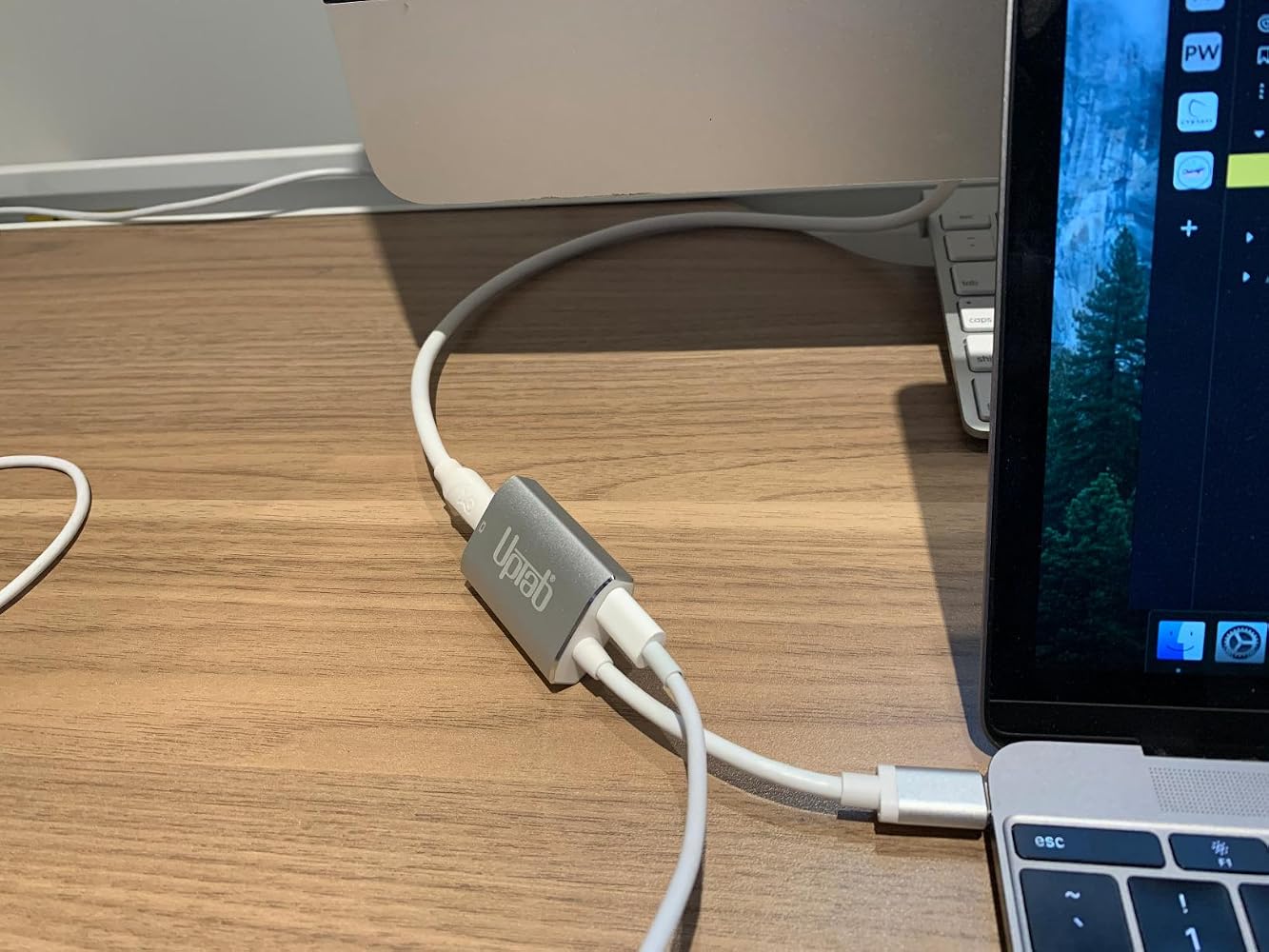
If you are using this adapter out a Mac Mini to your old Apple Cinema Display (mine is from 2010)….I’ll save you some frustration… Internet searching… and UpTab help email when this gizmo DOESN’T WORK. The UpTab adapter is NOT an all-in-one adapter. It ONLY transfers IMAGE out your Mac Mini M2 to your Cinema Display: NOT AUDIO…. Or at least not enough to really hear. You will need to ALSO plug in the USB connector from your Cinema Display INTO the Mac Mini USB port as pictured in these photos. THEN…. you will have full audio Mac Mini to Cinema Display. I did not realize that this UpTab adapter was just basically a video only adapter when it comes to my Apple Cinema Display. Once I found this out, everything worked perfectly.


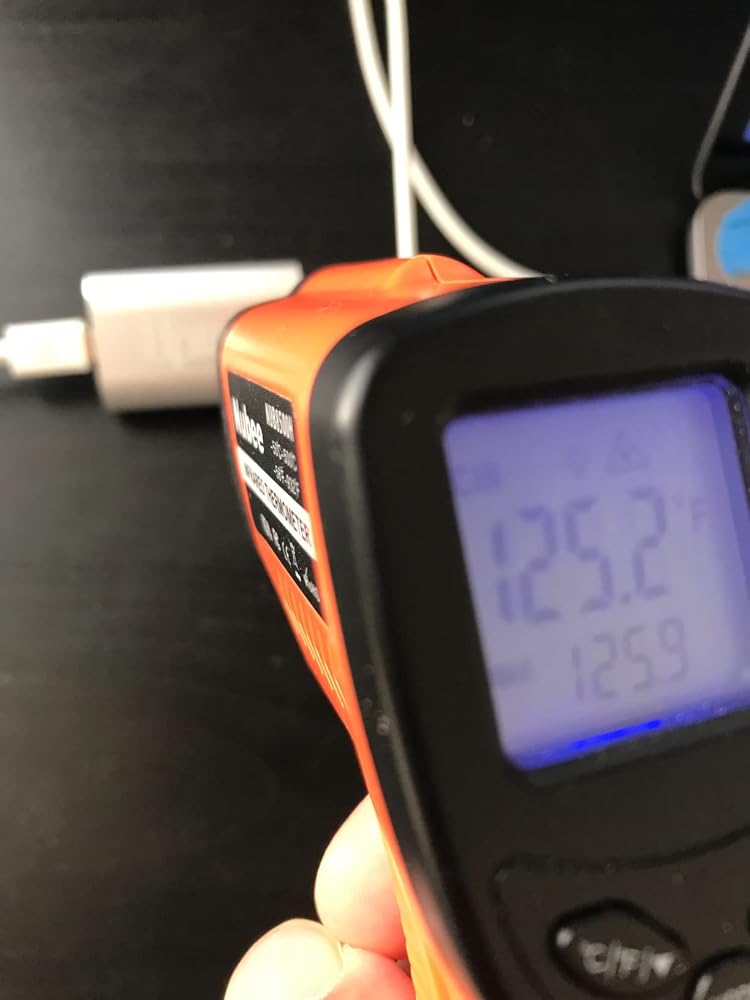
It's super hot on the adaptor's surface (125 'F). Perhaps add a fan or peltier to cool down the heat.

Help! There is not an option to adjust the brightness on my cinema display in the system preferences menu.

Works perfect with M1 Max 16" to Apple LED Cinema Displays with Mini Display PortI'm running two of them via the left two Thunderbolt/usb-c ports and there are no visible issues with the LED Cinema Displays. There is no brightness control that I can find though.


Got this to connect my 2016 Macbook 12" retina to a 2009 27" iMac as a secondary display, in TDM (target display mode.) Pugged it up with a mini displayport cable, pressed command + F2, and voila. I gained basically 4x more screen real estate. As young people say, it's amaze balls. 5/7 would buy again.
My MacBook Pro gave up the ghost and I had an old Apple Cinema Display in store ..... so I took the decision to get a new MacMini and see if it would all come togetherI had read many reviews of adaptors that “might or might not” connect the two .... and an article that highly recommended this particular connector although it cost a small amount moreI am very pleased that I did .... it has worked without a hitch ... and was well worth the extra trouble of getting it in from the US when I live in the UK
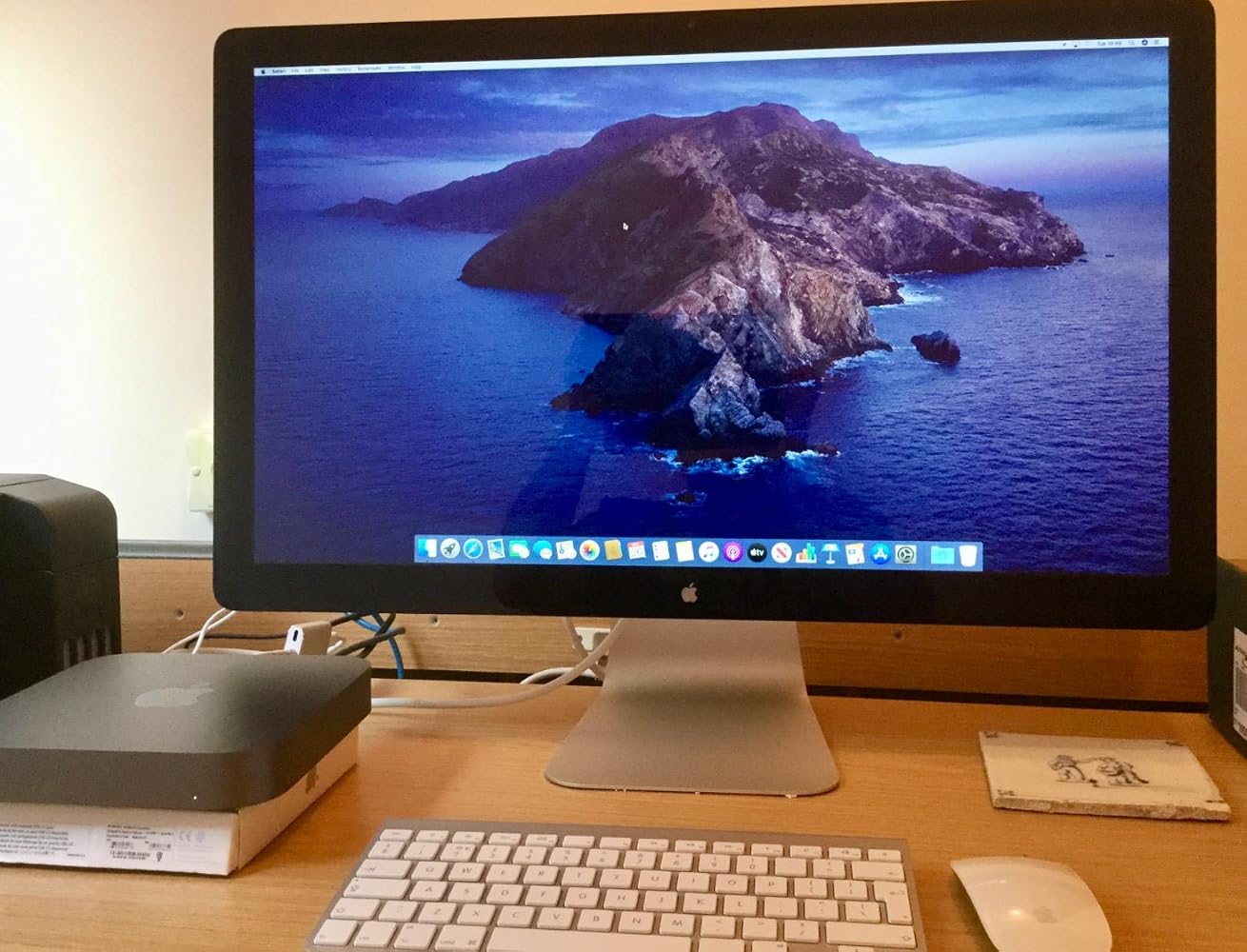
Used this to connect my 2010 Apple Cinema Display to my MacBook Pro 2017. It works and shows great. You have to keep your MacBook power cord plugged in and you will need a USB Adapter to get sound from the Cinema Display. I can now use my Cinema Display as a large monitor, or 2 separate screens. Note, this is not for the 27” thunderbolt displays. That specific model requires a Thunderbolt adapter (with the lightning symbol on it). This product= Perfect fit, and fast shipping.
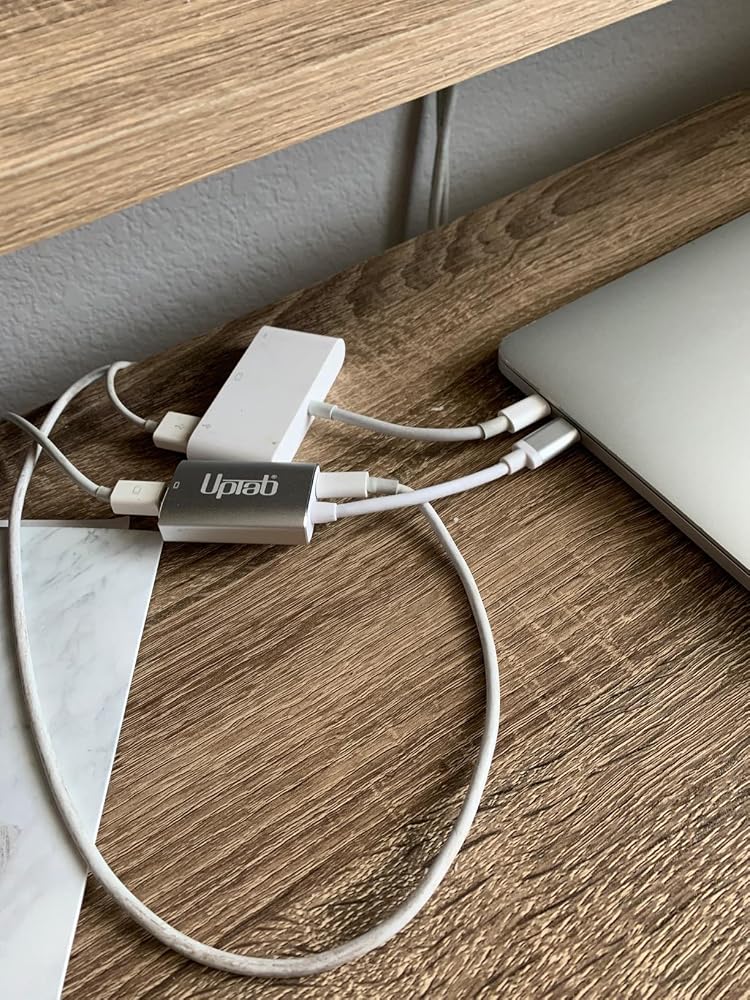
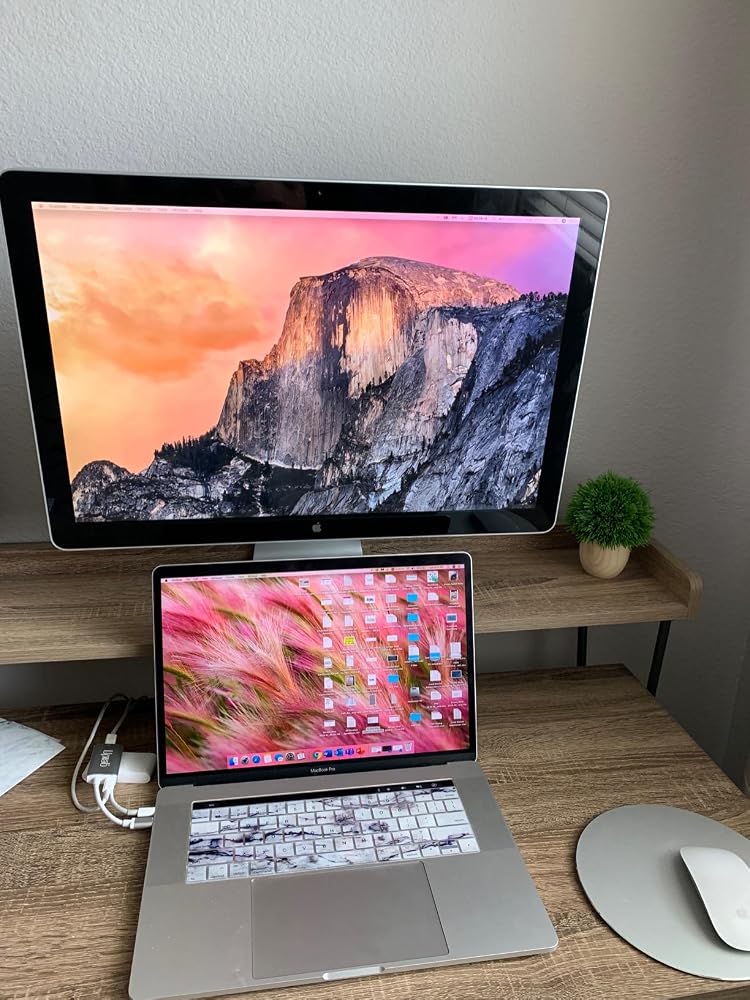
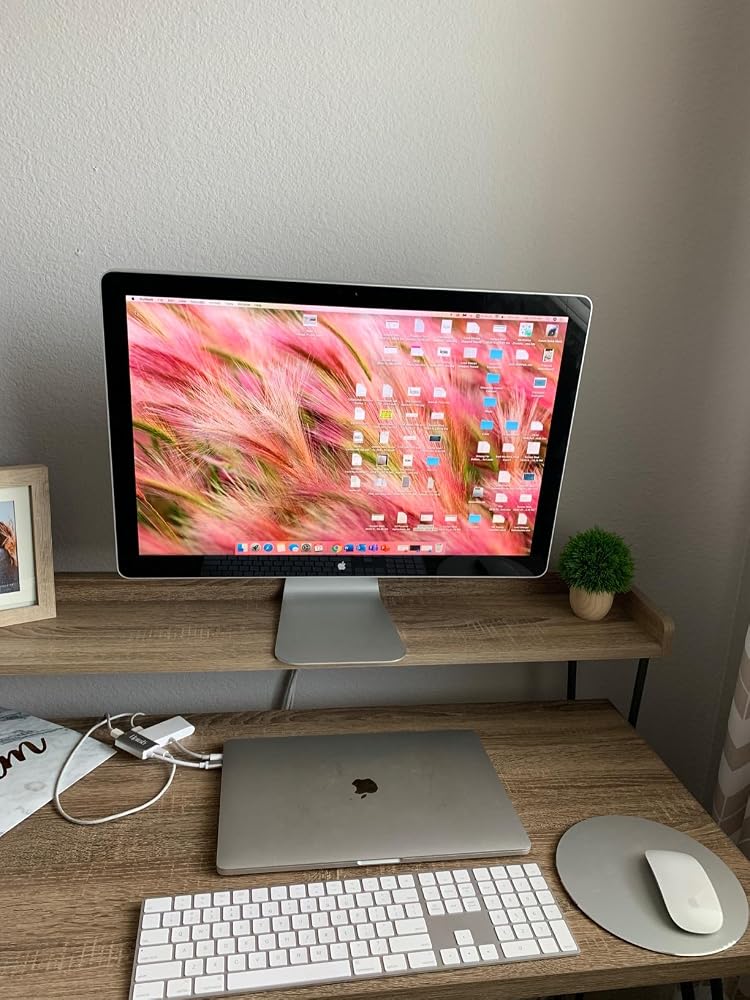
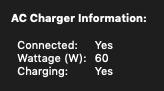
Minus 1 star for not listing the pass-through power wattage rating in the product specs/description.That said, 60 watts is charging my 2019 Macbook pro (which uses an 87W charger) when not under heavy strain. However, I'm fearful this lower wattage could be detrimental to the battery's overall lifespan.
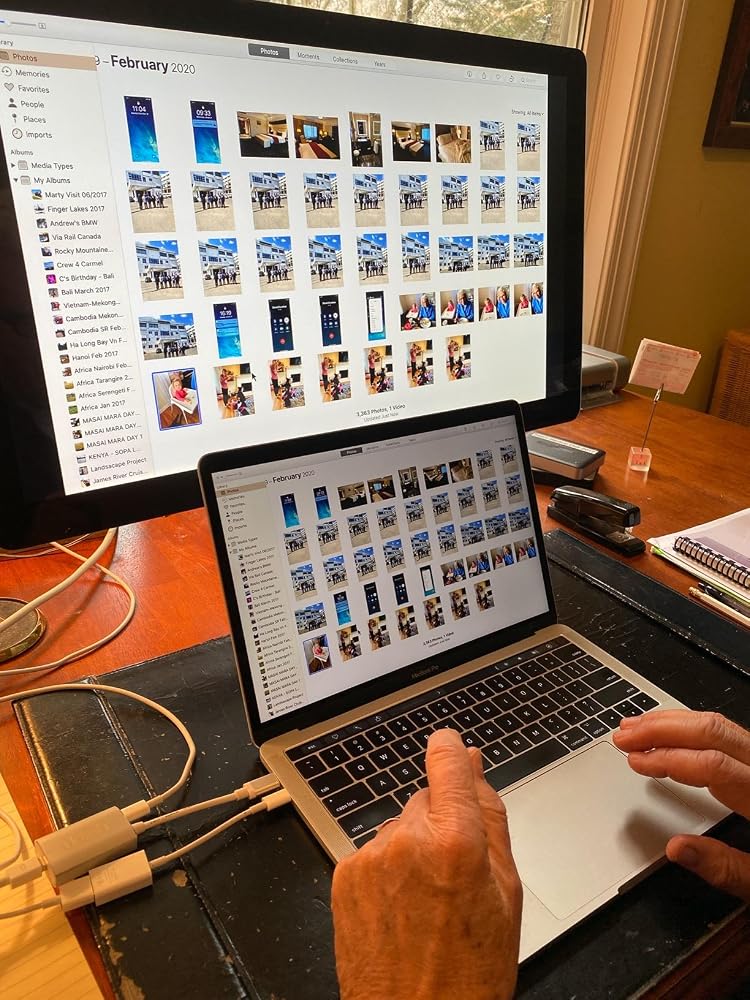
I am thrilled with this device! I thought our Apple LED Cinema Display was going to be unusable with a new MacBook with USB-C ports. We plugged the Cinema Display into the UPTab device, along with the USB-C power cord. Then, we used an Apple dongle to connect the USB cord from the Cinema Display to a USB-C port on the MacBook. Amazing! The laptop is charging. The screen works. All 3 USB ports on the back of the display work! Now, we just need to power up the keyboard and mouse and close the laptop! Thank you UPTab!!! I'll be ordering one more since we have another LED Cinema Display for a second laptop.
Very smooth experience from browsing and find product to finally getting the product shipment.
it was exactly what i needed :)
Great product! Good delivery.
It worked to run my old Apple Cine display from Macbook Air M3.
Funktioniert mit einem iMac 18,1 und einem Cinemadisplay perfekt
Very nice USB-C to Mini DisplayPort Adapter. It allowed me to use my Apple Cinema Display with my M1 Macbook Air. And with the addition of a power port I can charge my laptop at the same time without losing another port on the laptop.
It extended the usefulness of my Cinema Display
Seems to work perfectly to connect my old 30 in 2006 Apple Cinema Display via a mini display adapter to a USB-C port in my new Mac Mini. So happy to keep it going!
plug and play, allowed me to use apple 30" cinema display monitors with Apple studio
Works perfect
I bought this hoping it would let my co-worker use his old school headphones with audio jack on his new MacBook Pro with touchbar. Didn't work despite the ports being correct. Disappointed because trying to solve this has been quite a struggle.
Absolute garbage. Doesn’t work with my MacBook Pro. Doesn’t work with my 2018 iPad Pro. Total. Waste. Of. Money.Would return if I could but I ordered it months ago and only discovered it’s uselessness today.
Compré este adaptador para poder conectar mi mac book pro con la pantalla Cinema Display de Apple, sin embargo no fue posible
It did not work on a new MacBook Pro in driving an older Apple Cinema Display, and was returned.
Bought this to connect a MacBook Pro (15-Inch, 2017) to a Dell U2713HM monitor. The connection is very sensitive and unreliable. For example, I have to position the dongle in such a way to avoid a blank monitor.
I had basically the same experience as with a similar adaptor I bought, and I left a thorough review here that also applies to this adaptor (minus the updates as I haven't returned this one yet): https://www.amazon.com/gp/customer-reviews/R1SBG8XB5E0BYH/ref=cm_cr_arp_d_rvw_ttl?ie=UTF8&ASIN=B01N2ORP84
Livraison gratuite à partir de 50 $
Expédition le jour même pour la plupart des commandes